Background and scene replacement
Restage a SKU in new settings, seasons, and markets without a reshoot. Product consistency while changing the set, lighting, and angle.
Customize a frontier model for your brand. Reduce rework and production costs at catalog scale.
Restage a SKU without a reshoot.
Try-on that feels natural.
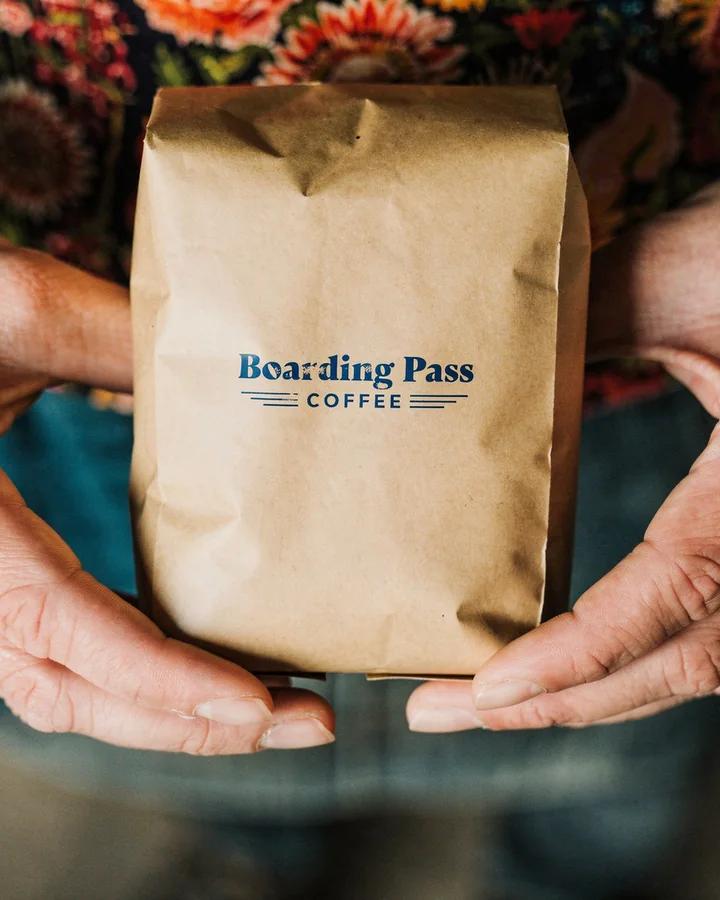
 Input
Consistent branding.
No studio required.
Based on results from enterprise customer deployments of FLUX
Our forward-deployed engineers work with you from first SKUs to production.
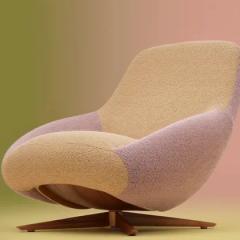
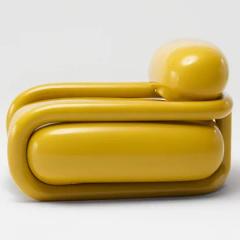
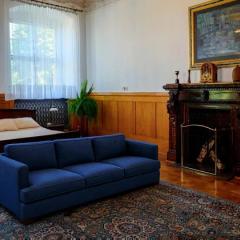
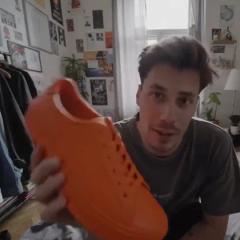
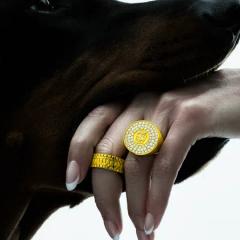
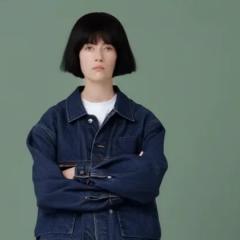
Send us the products and shots your pipeline is struggling with. Then align with us on QA criteria.
 Input
Our engineers build the workflow: reference photos, prompts and a LoRA trained on your catalog.
Each round reports approval rate, cost per approved asset and latency on the same sample.
Run on the API, get a dedicated endpoint or self-host the weights, and move up as volume grows.
Core use cases currently deployed at the largest retailers in the world.
Restage a SKU in new settings, seasons, and markets without a reshoot. Product consistency while changing the set, lighting, and angle.
Fix defects, reflections, swap a prop, or relight a hero shot. FLUX lets you draw a bounding box around what should change, while keeping the rest of the image the same.
Show every color, finish and fabric of a SKU from one approved photo, instead of shooting each variant.
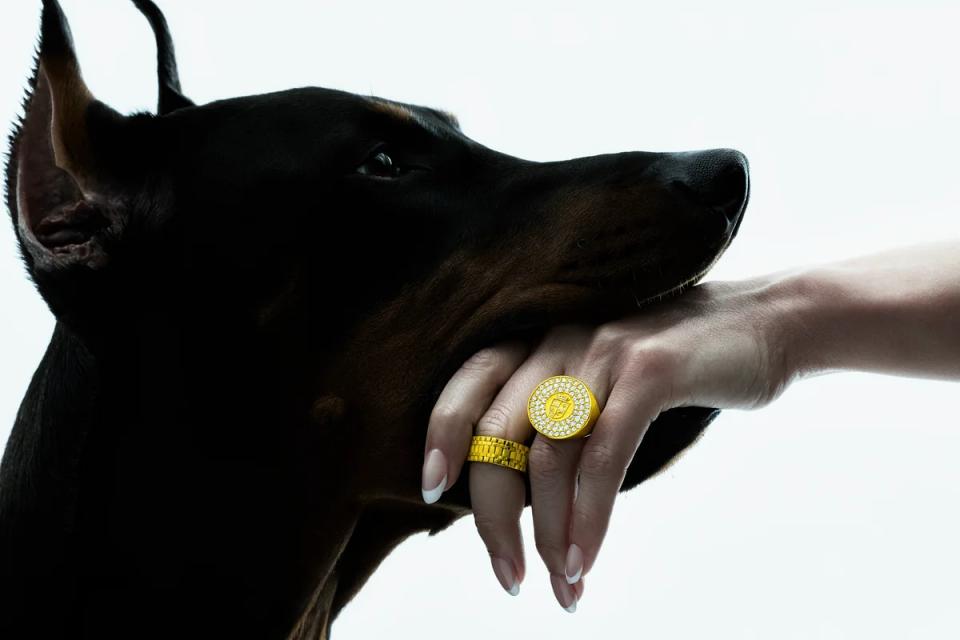
Extend an approved image to every placement or aspect ratio using references, precise editing, and outpainting.
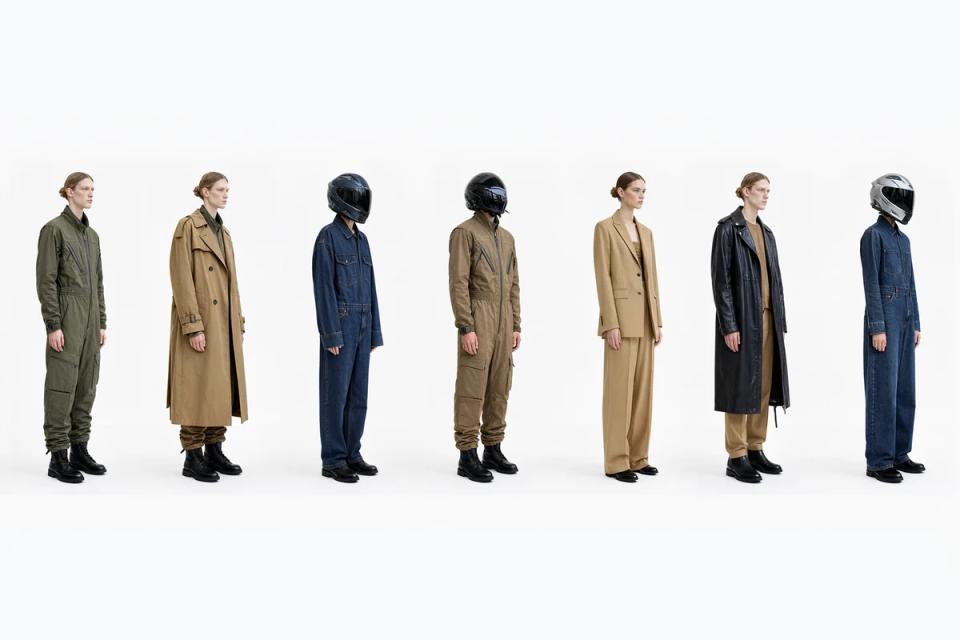
Go from flat lay or packshot to on-model shots. Let shoppers try on a full outfit naturally and accurately.
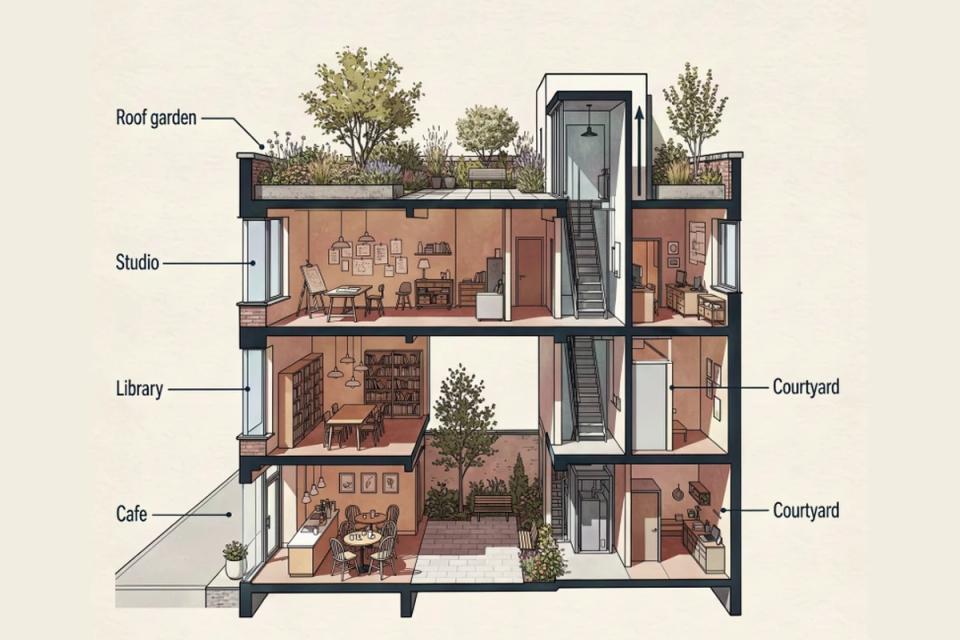
Turn furniture, vehicle and product renders into photoreal shots in any room or on any road, starting from the geometry you already designed.
Have a workflow that isn’t listed? Talk to our team
Give FLUX 3 Image up to 10 product references and a bounding box for each. It builds the scene around them, in the exact layout you want. Comes in up to native 4K.
See FLUX 3 Image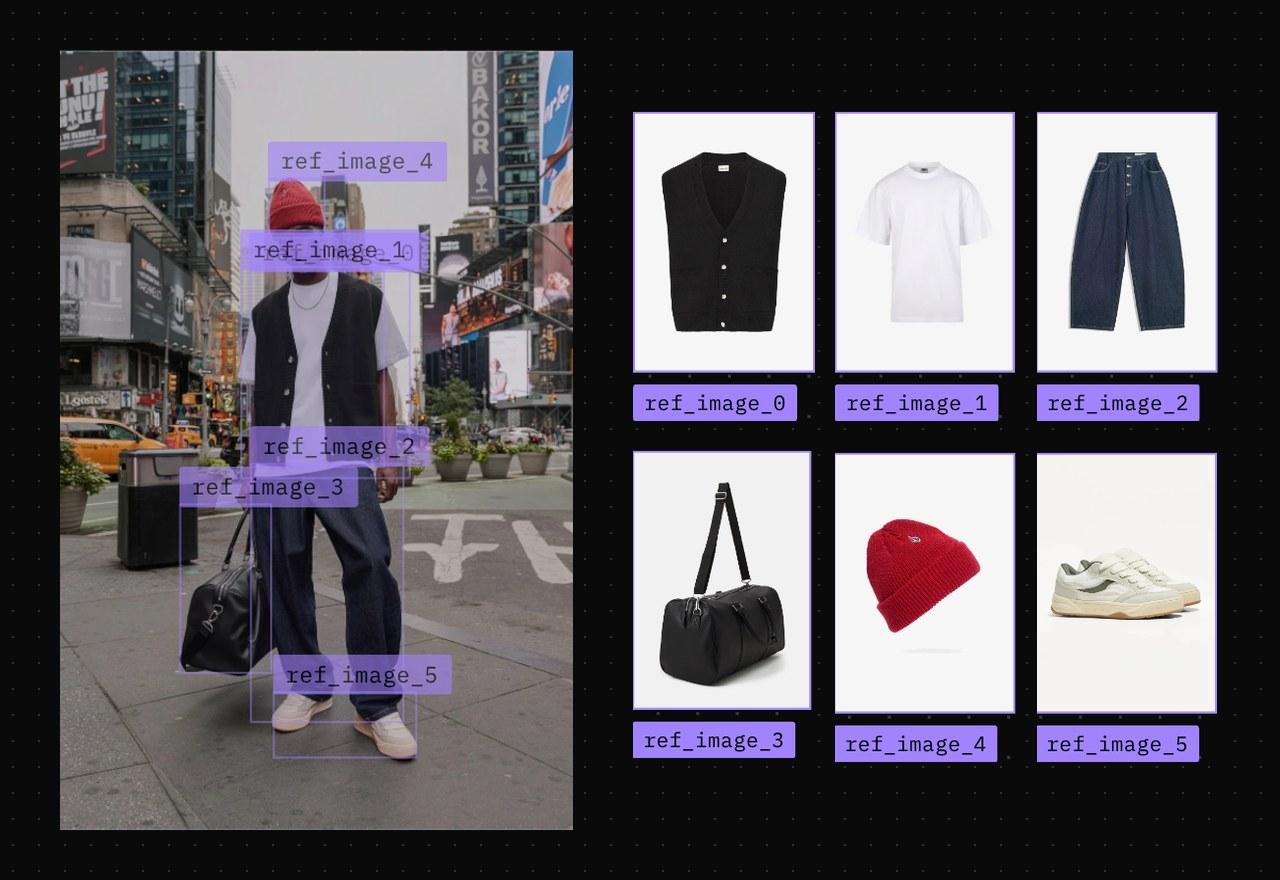
We’ll work with you and measure against your own QA criteria.
Start on the API or use your own model as volume grows.
Generate and edit with FLUX 3 Image, FLUX VTO and FLUX Outpainting. No infrastructure to run.
A small, fast model built for precise editing. Fine-tune it with LoRA on your products and run it on your own GPUs.
We fine-tune on your products and serve the model on a dedicated endpoint. You never run a GPU.
License any FLUX model, fine-tune it on your catalog and run it on your infrastructure for a fixed fee.
FLUX is built to keep the product fixed while everything around it changes. FLUX 3 Image takes up to 10 reference images and edits only inside the boxes you draw, so the rest of the image stays as it was. Fine print and small logos are the hardest part of any product image, so test on your own SKUs against your QA criteria before you scale. Our engineers can run that evaluation with you.
Start from a clean product photo. FLUX 3 Image places it in new scenes, FLUX VTO dresses a model in the garment, and FLUX Outpainting extends the result to every aspect ratio. All three run on the BFL API.
Yes. FLUX VTO dresses any person in a garment from a packshot or an on-model reference, one piece or a full outfit. It is built for low latency, so it works in interactive fitting rooms as well as catalog pipelines.
Yes. FLUX 3 Image Klein is an open-weights model you can fine-tune with LoRA on your own product photos. Commercial weights for the larger models come with mid-training checkpoints and our forward-deployed engineers, and the fine-tuning platform with its training code is available as an add-on. If you would rather not train yourself, we fine-tune on your data and serve the model on a dedicated endpoint.
Yes. Commercial weights let you run any FLUX model on your own infrastructure, so your product data never leaves it, for a fixed fee however many images you make. Running FLUX 3 Image Klein in a product also needs a commercial license.
By cost per approved asset, not price per image. An image that fails QA still costs the generation, the review and the retouch or reshoot that replaces it. Compare models on the share of outputs that pass your QA on the same sample of SKUs, then on cost, latency and the effort to run them.
Yes. FLUX Outpainting extends an image in any direction and fills the new space to match the scene, without a prompt. One approved image can cover every aspect ratio a channel needs.
Yes. Many retail teams run several models in one pipeline. FLUX fits as the step that keeps the product exact: scene changes, local edits and try-on, called through the API or served from self-hosted weights.
BFL is SOC 2 Type II and ISO 27001 certified, and GDPR-compliant data processing is standard. Enterprise customers can run on dedicated instances with zero data retention and network isolation, and self-hosted weights keep your data on your own infrastructure.
Contact sales with your workflow and a sample of SKUs, including the ones your current pipeline gets wrong. Our forward-deployed engineers scope the test and agree the acceptance criteria with you up front. You can also start with evaluation access to the weights, or a hosted pilot fine-tuned on your data.
Tell us about your catalog, your channels and where images fail QA today.