




The most capable open weights image model
5.6B parameters, runs on a single consumer GPU, and draws on FLUX 3’s shared learning across images, video, and audio.
Undistilled version for fine-tuning and research, a distilled version for fast generation, and API access with prompt enhancement, pixel-perfect editing, and native 4K.
Run it anywhere
Your hardware, your cloud, your pipeline.
One model, every task
Generation, editing and multi-reference in a single set of weights.
Build on it
Fine-tune it, distill it, wire it into ComfyUI or your own stack.
Compose images from scratch or make precise edits
Use bounding boxes to define a layout or make targeted edits.
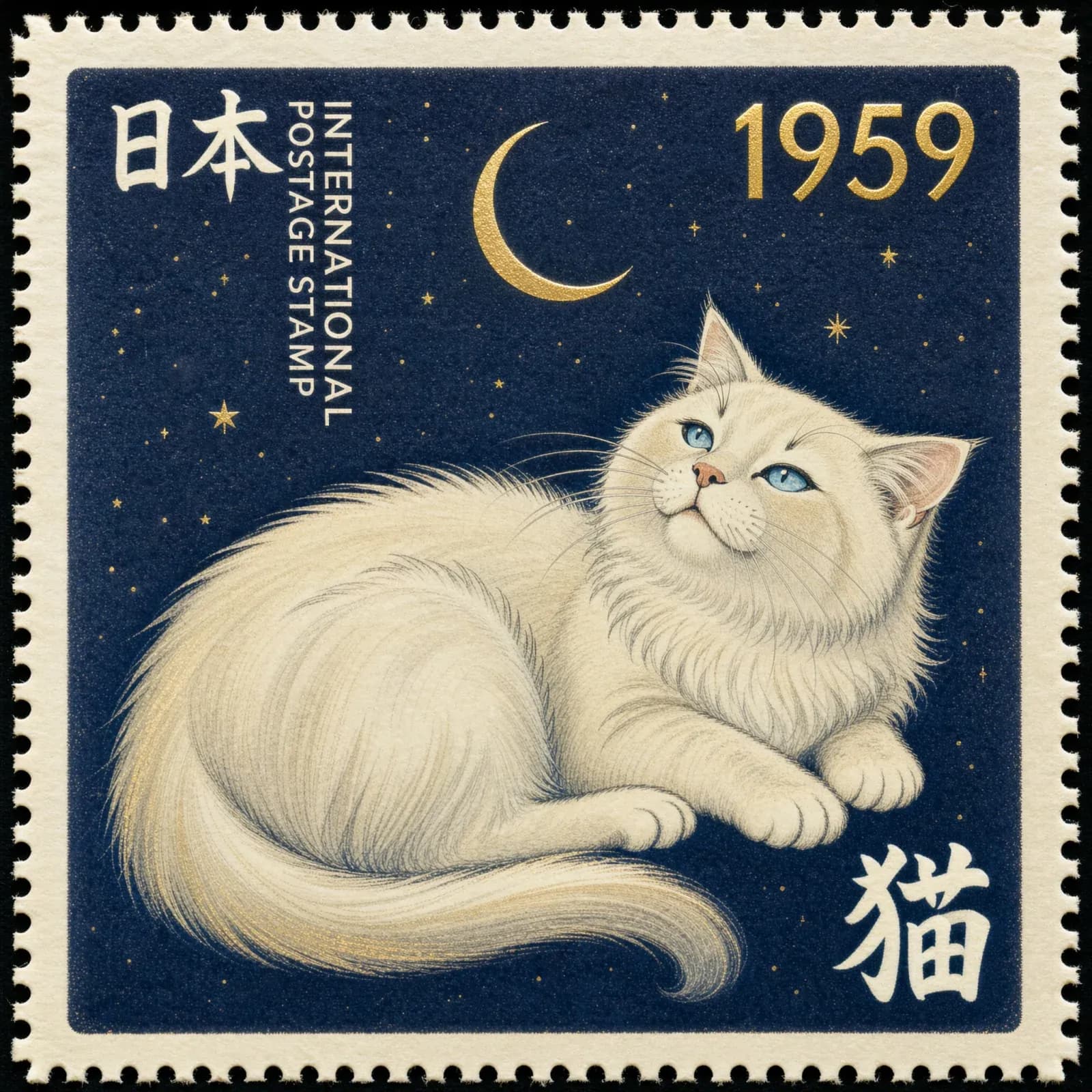
- Text_1[80, 98, 392, 322]
Cream type in the top left: a large brush-stroke “日本”, with “INTERNATIONAL POSTAGE STAMP” running top to bottom beside it.
- Text_2[98, 673, 184, 895]
The year “1959” in a bold gold face.
- moon[111, 431, 272, 578]
A thin gold crescent moon in a sky scattered with small gold stars.
- cat[282, 108, 930, 898]
A fluffy white cat with blue eyes lying across the stamp, looking up at the moon, its long tail sweeping along the bottom.
- Text_3[778, 764, 928, 911]
A large cream kanji “猫”.
What it makes
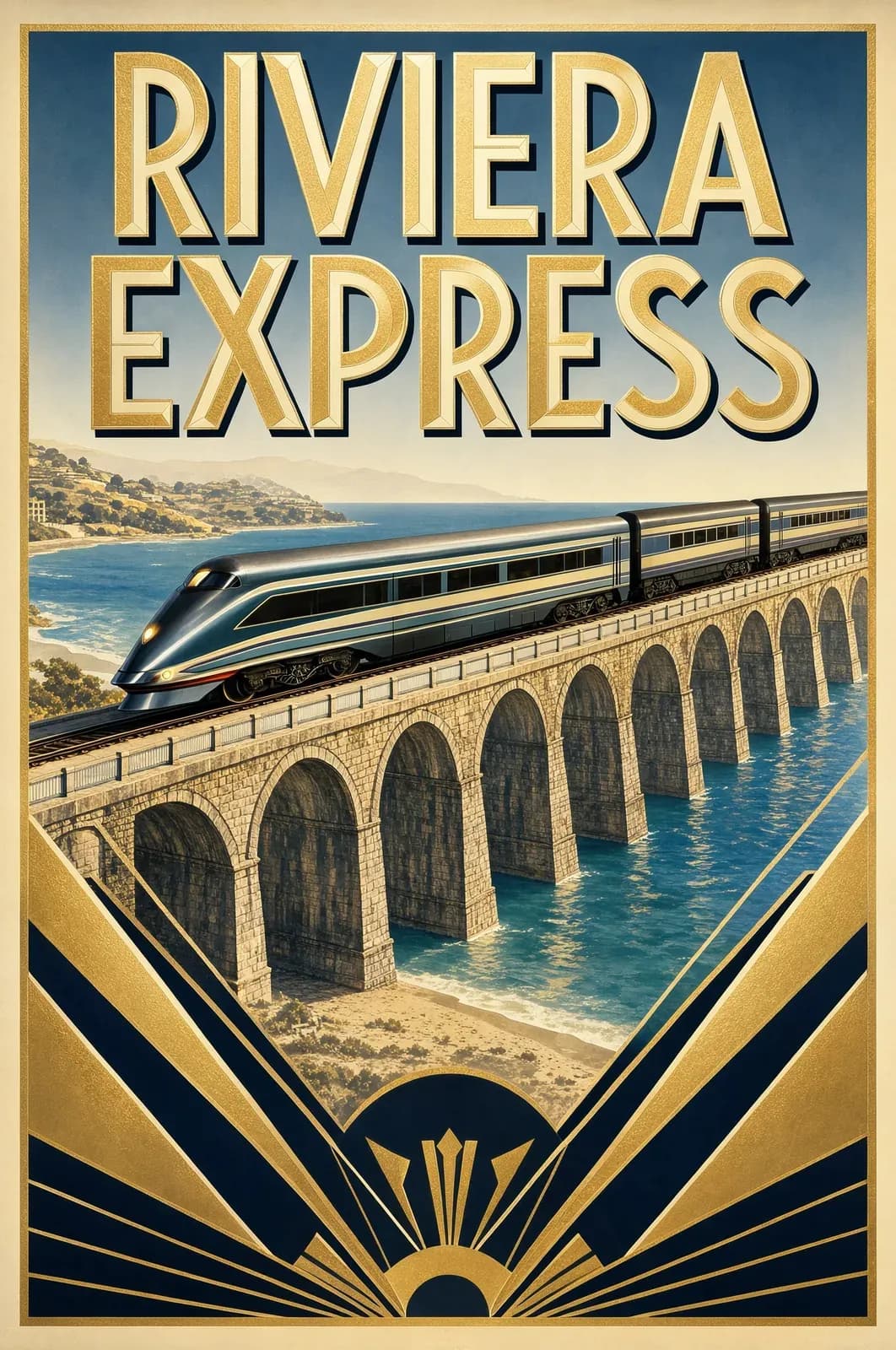
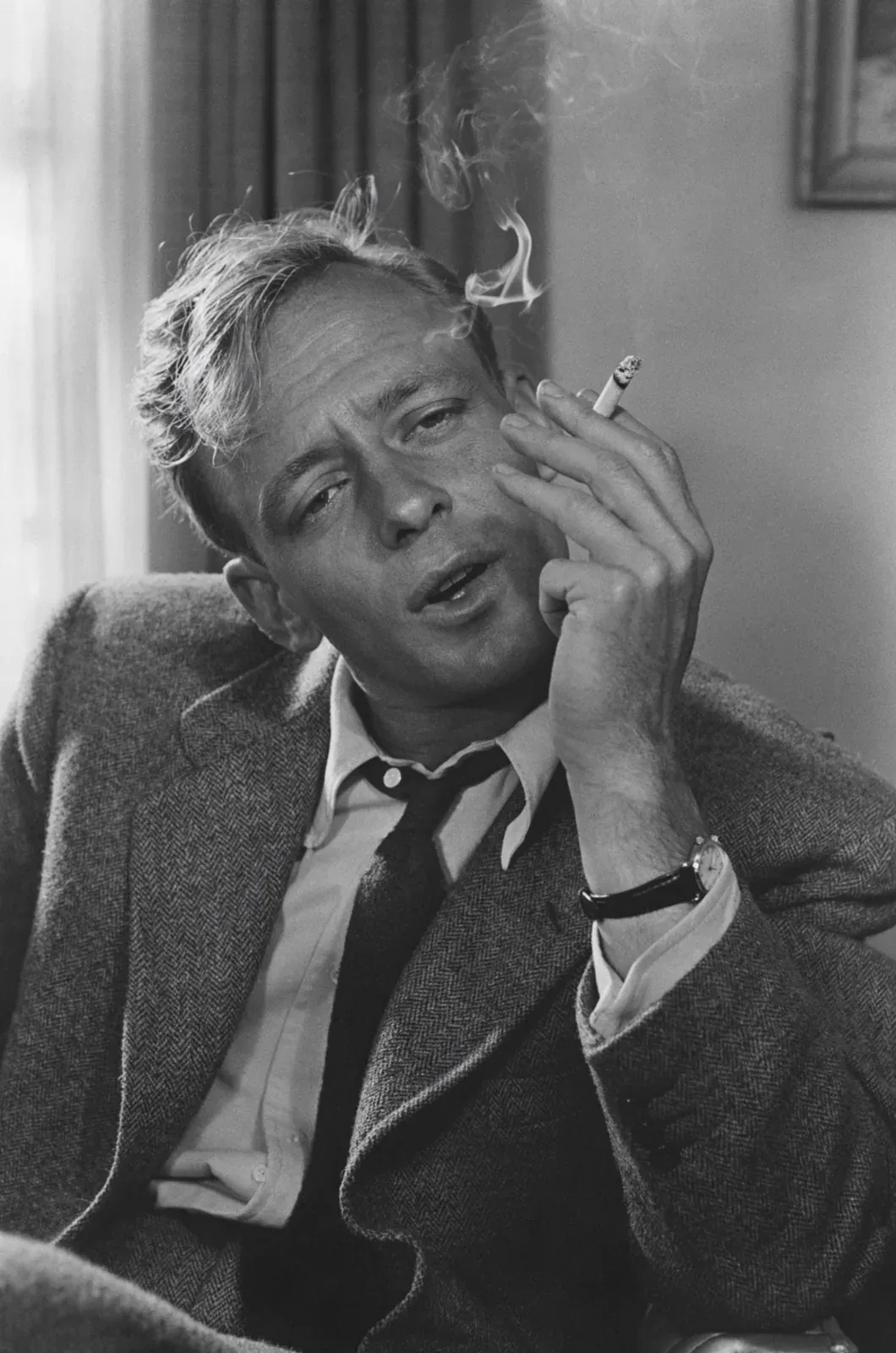
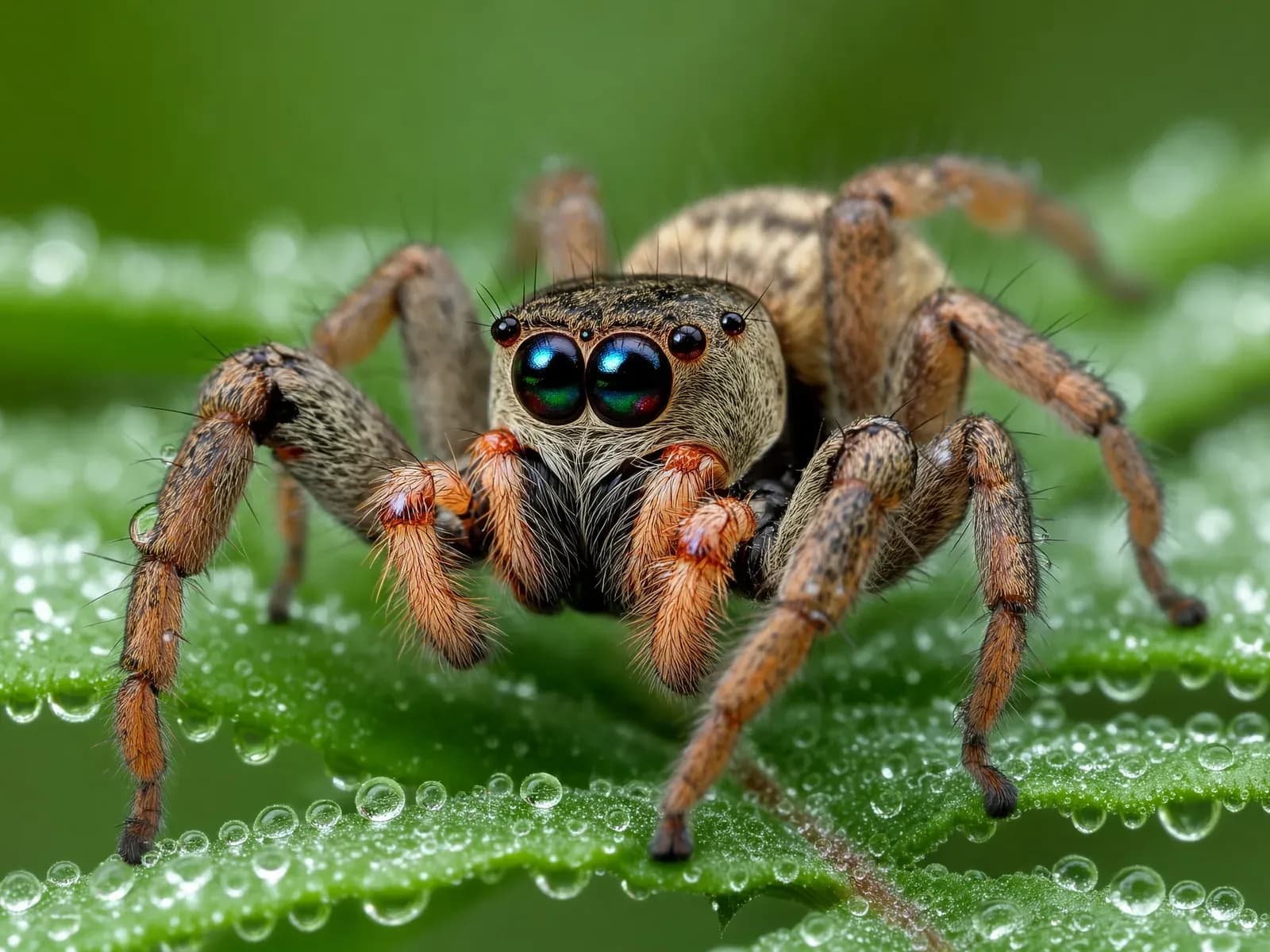
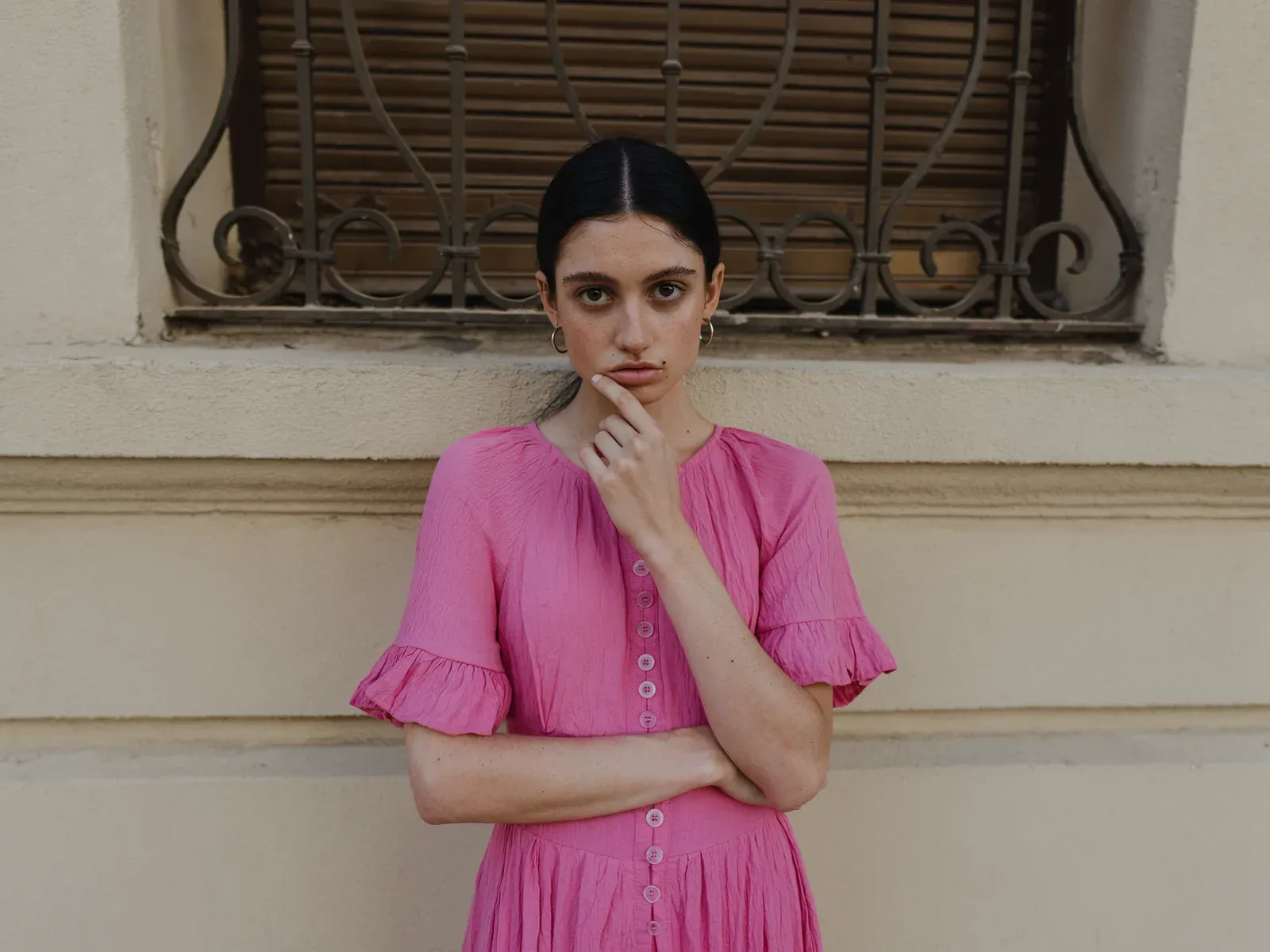
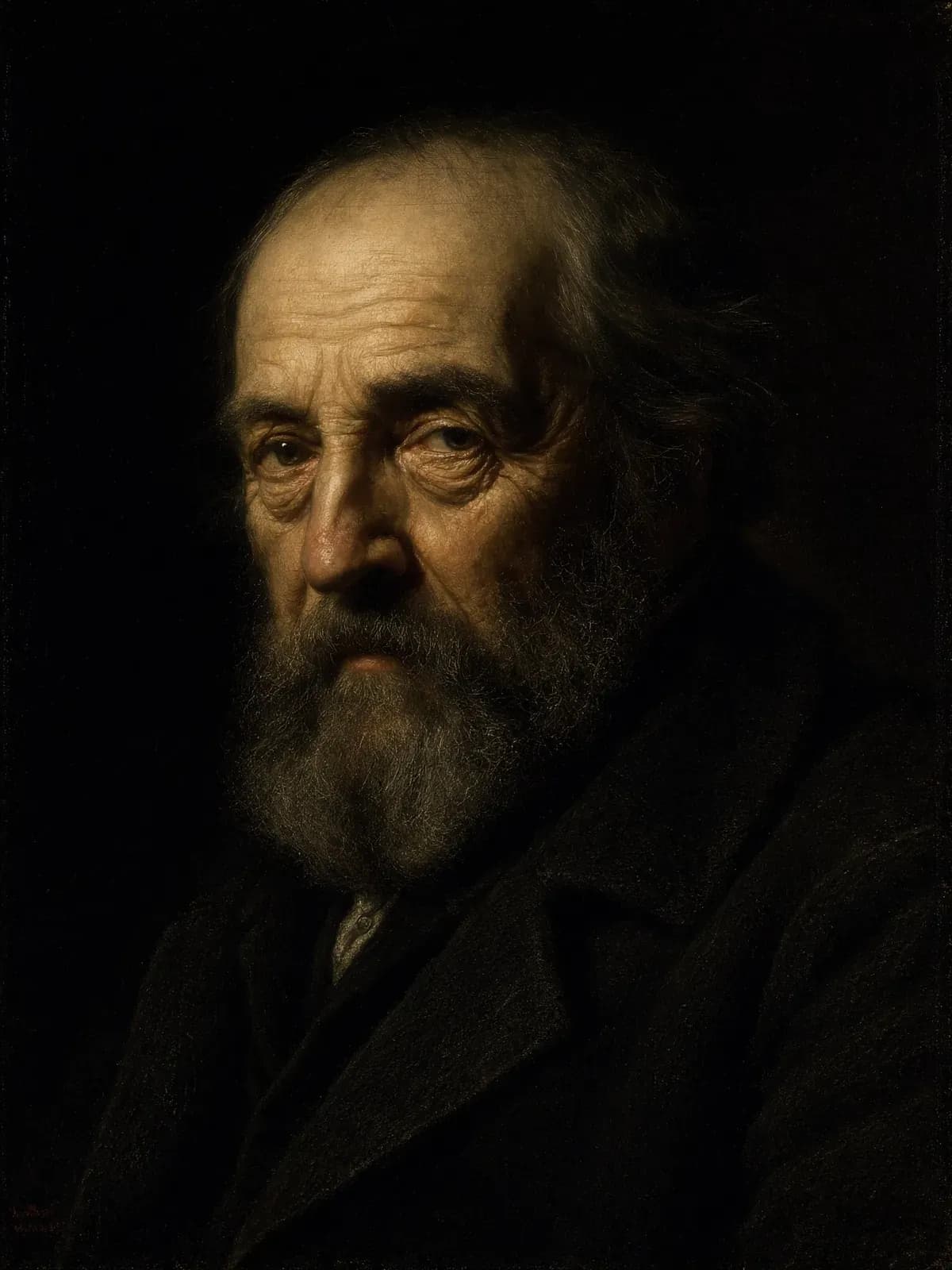
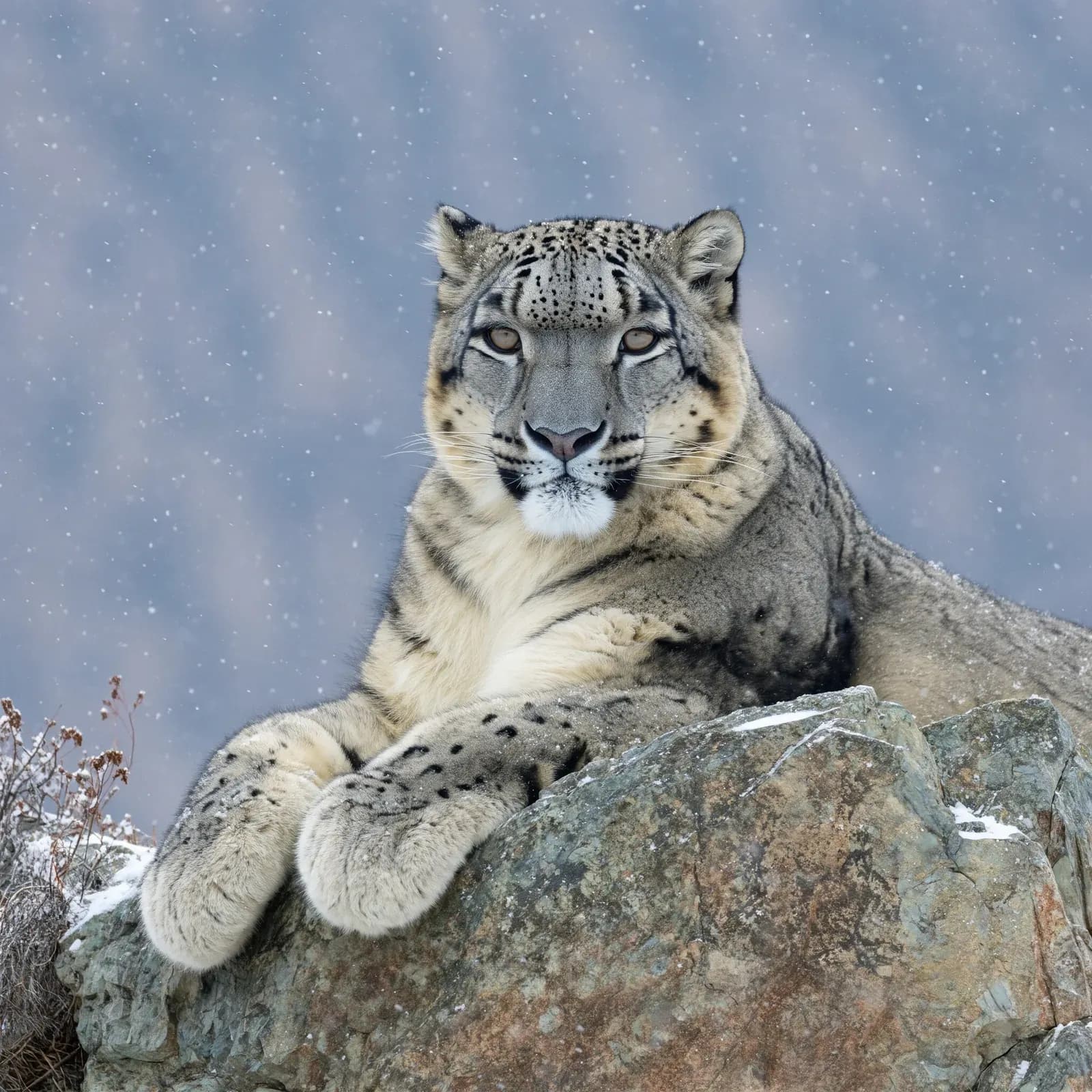
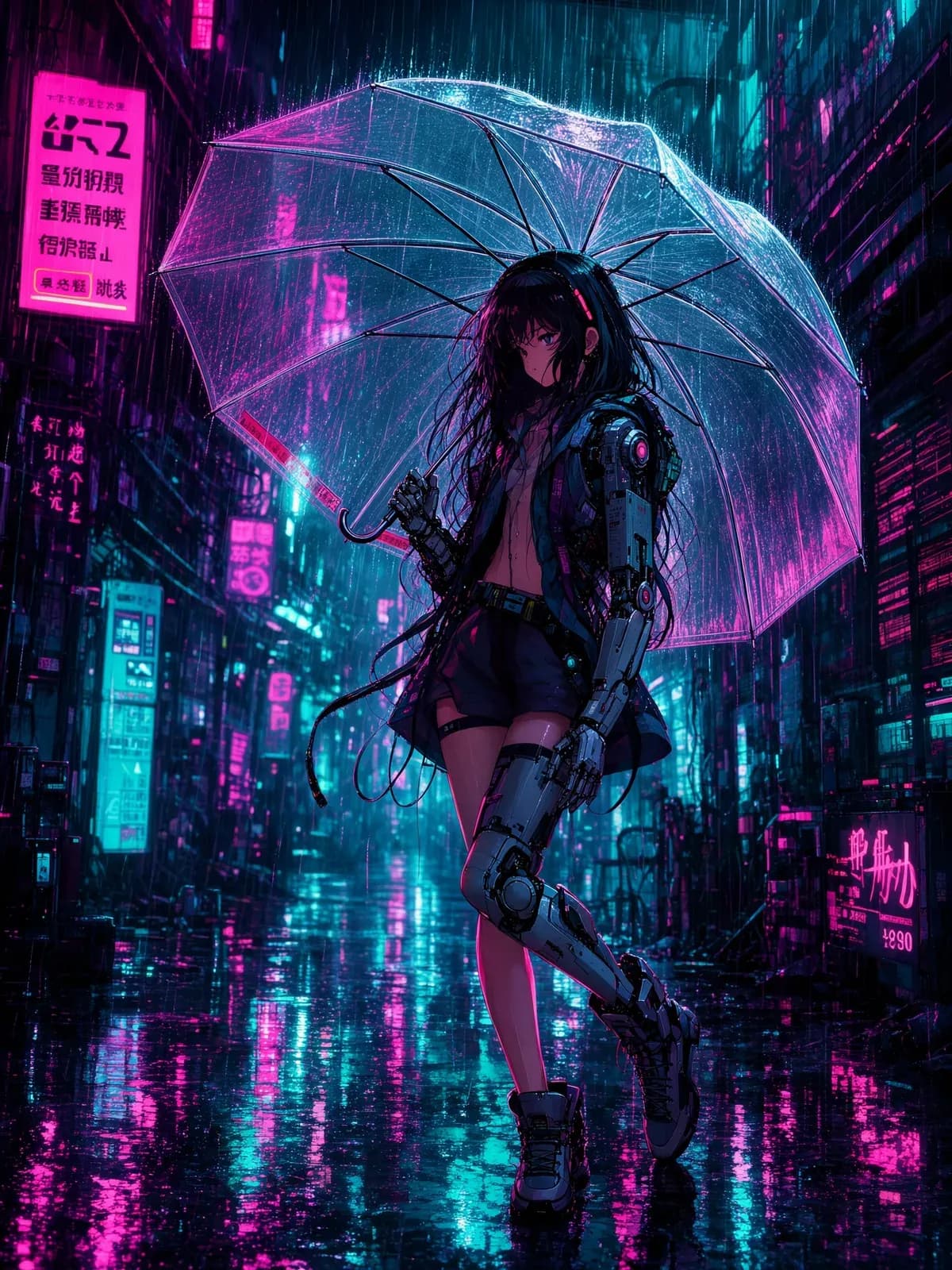
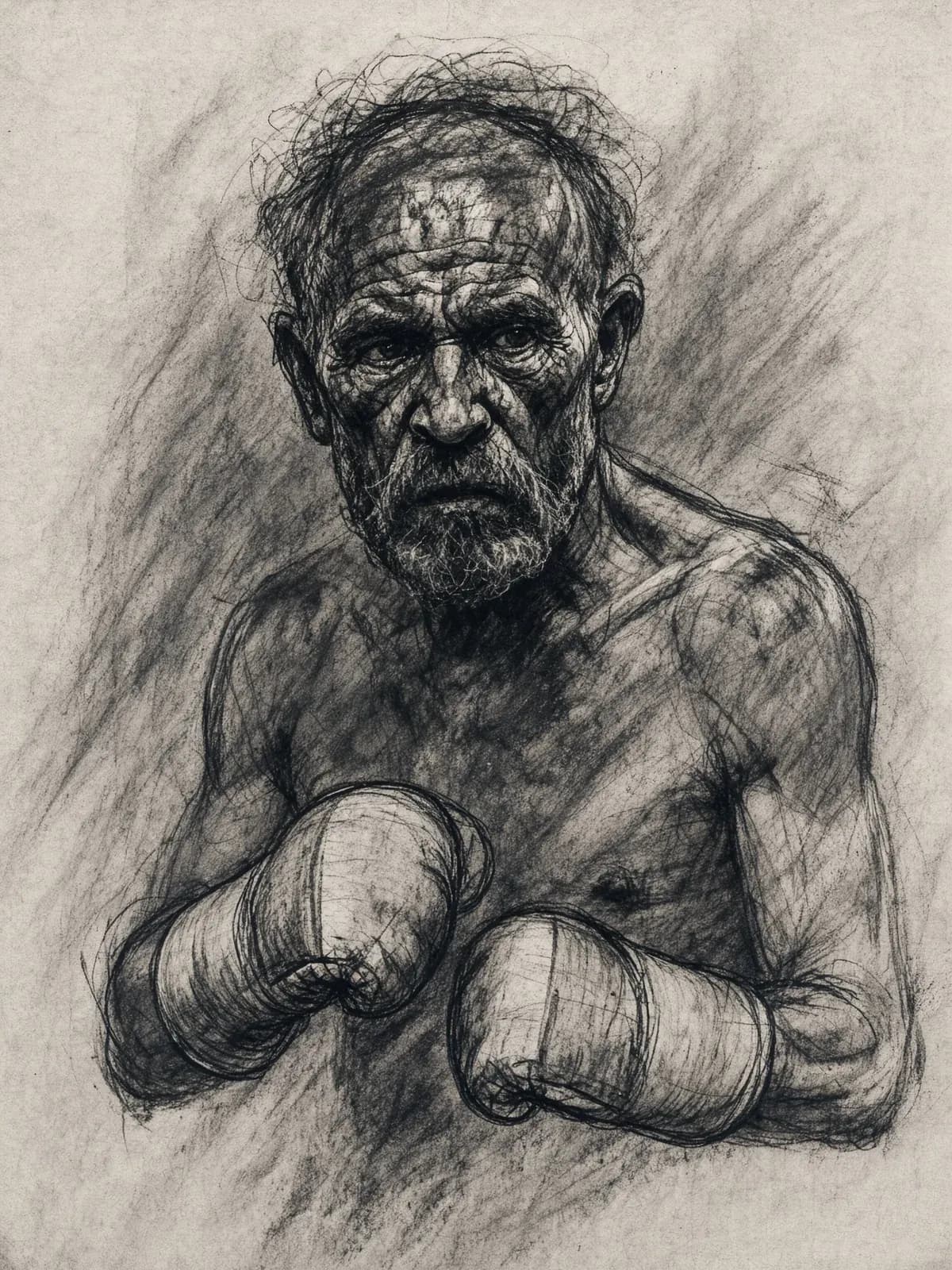
Photography
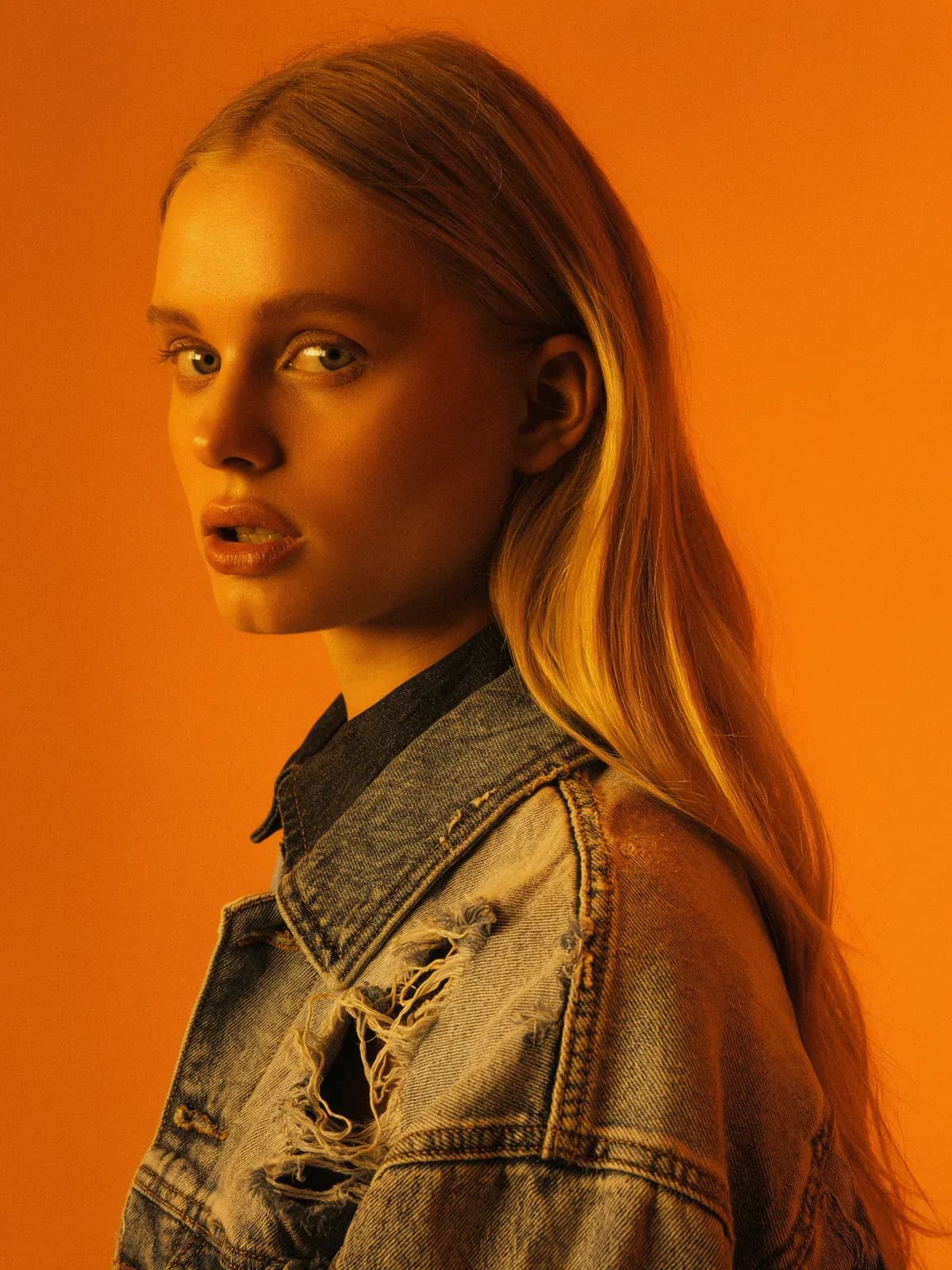
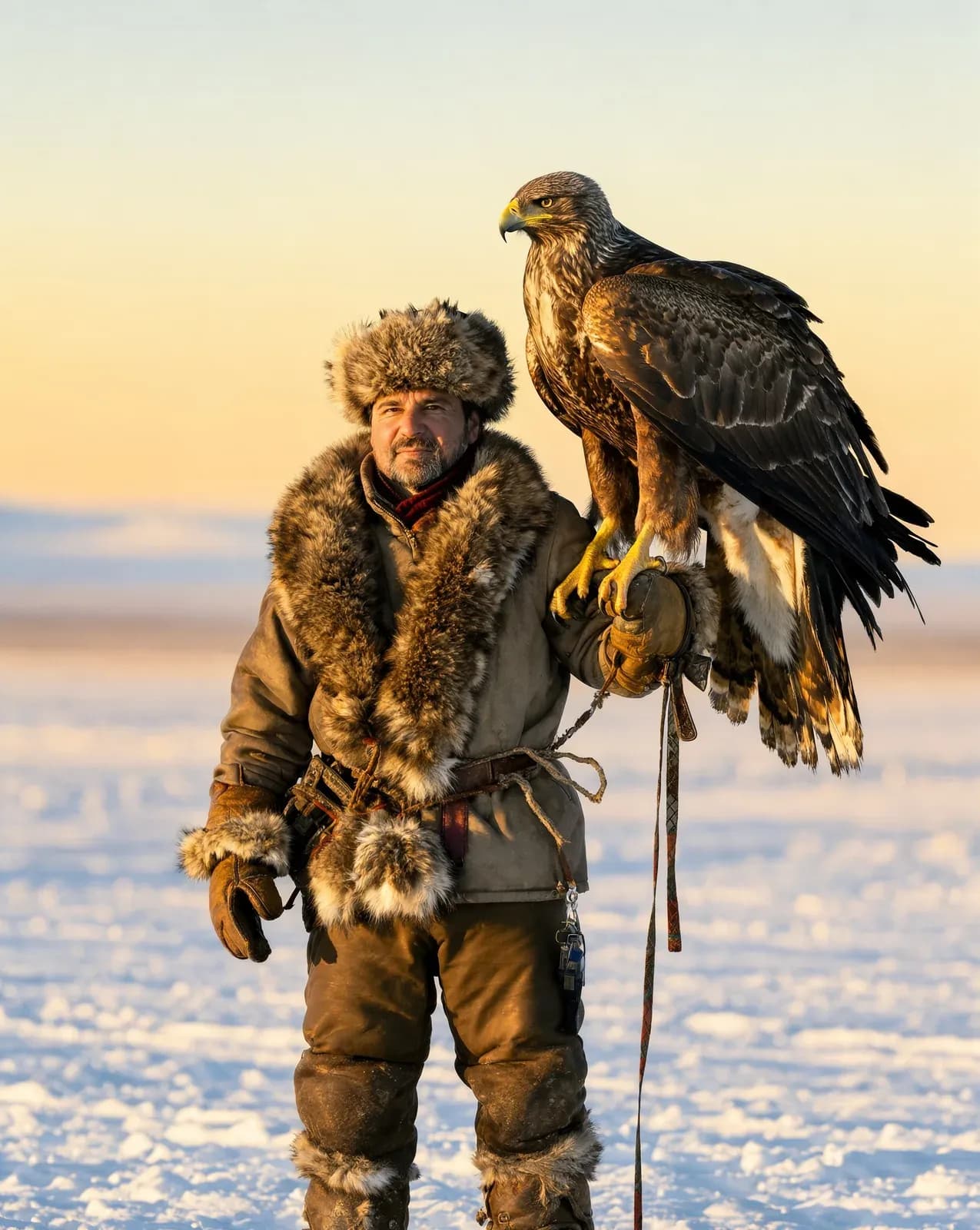
Detailed skin, fabric, weather, and light.
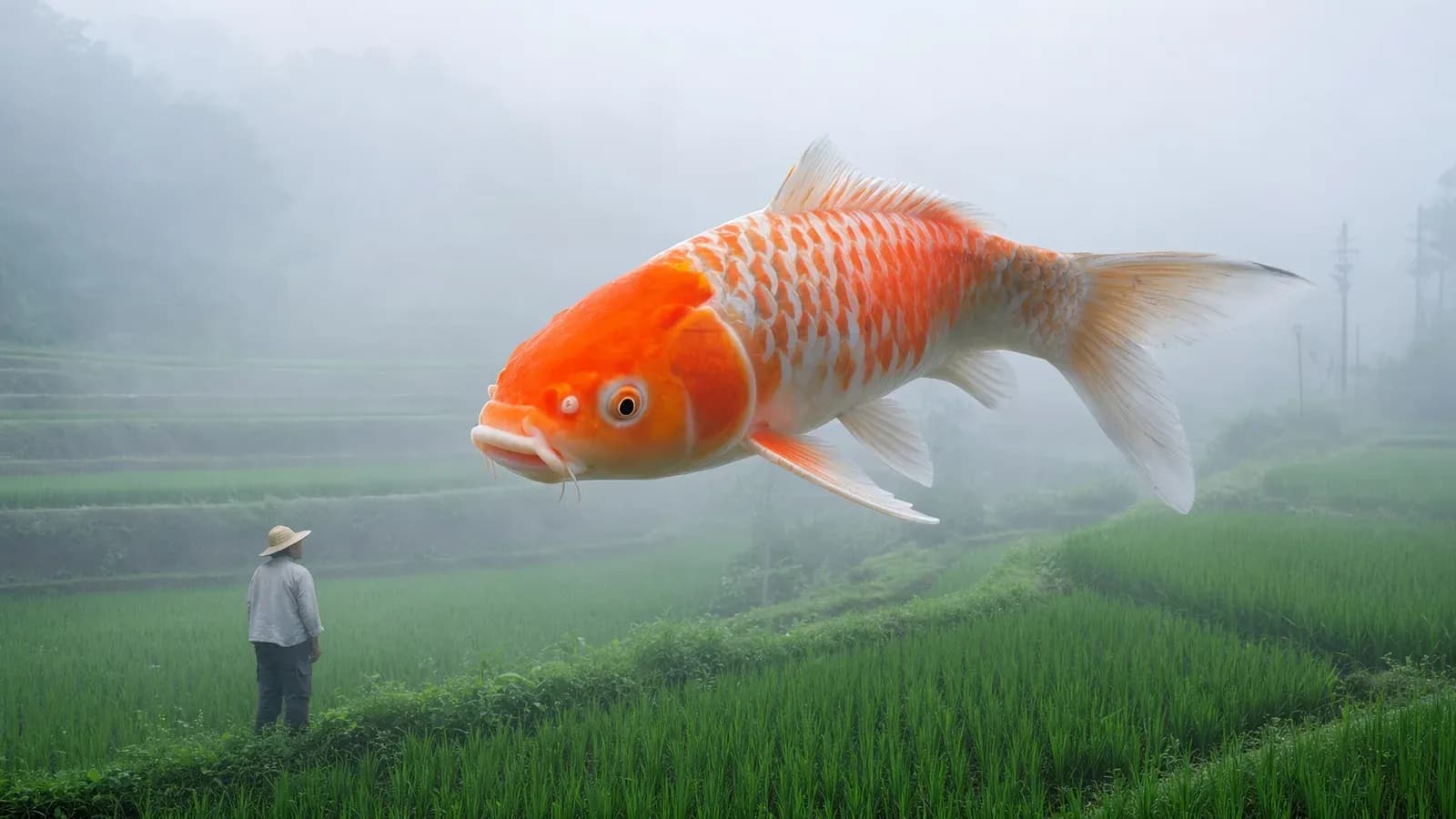


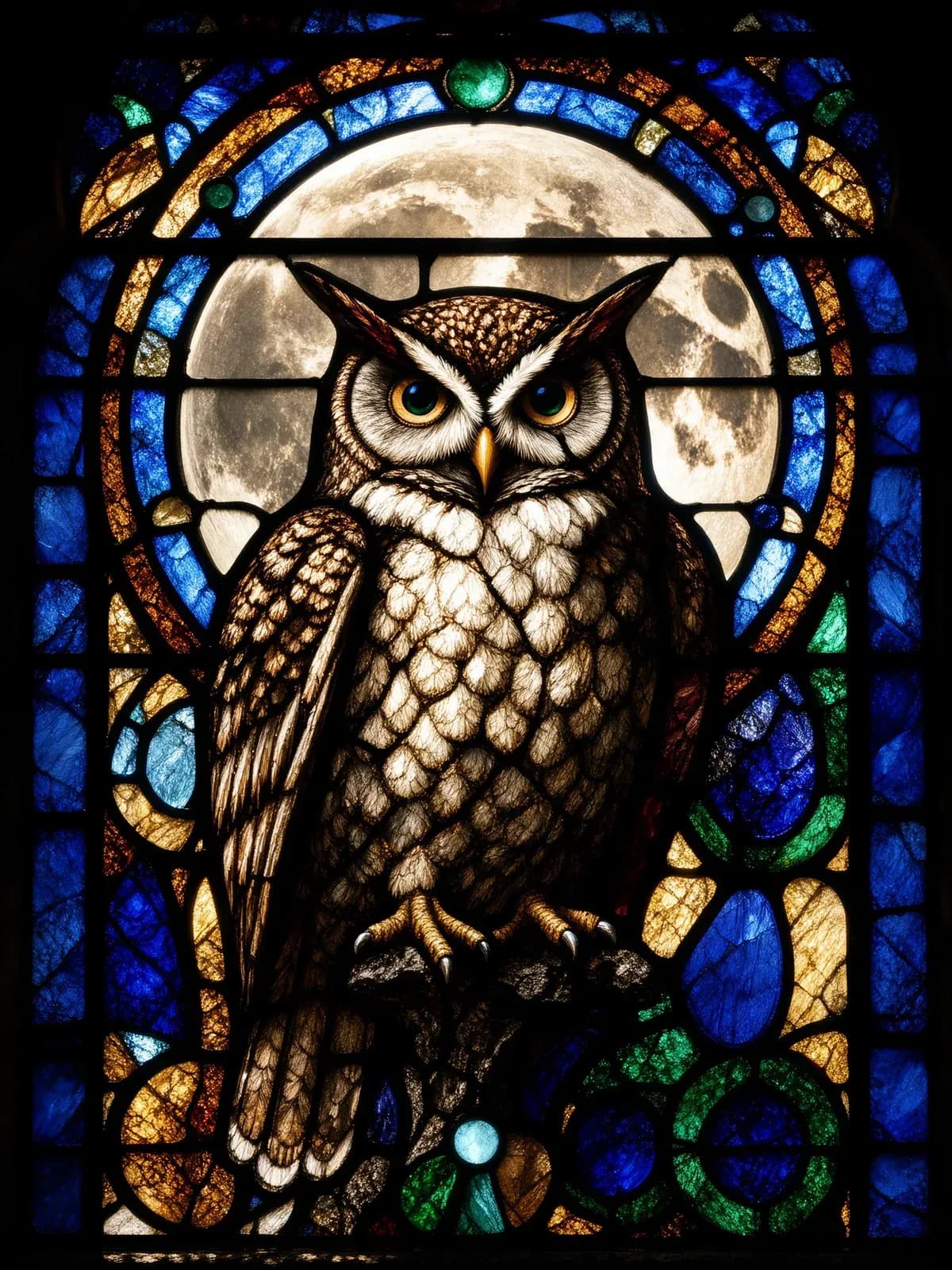
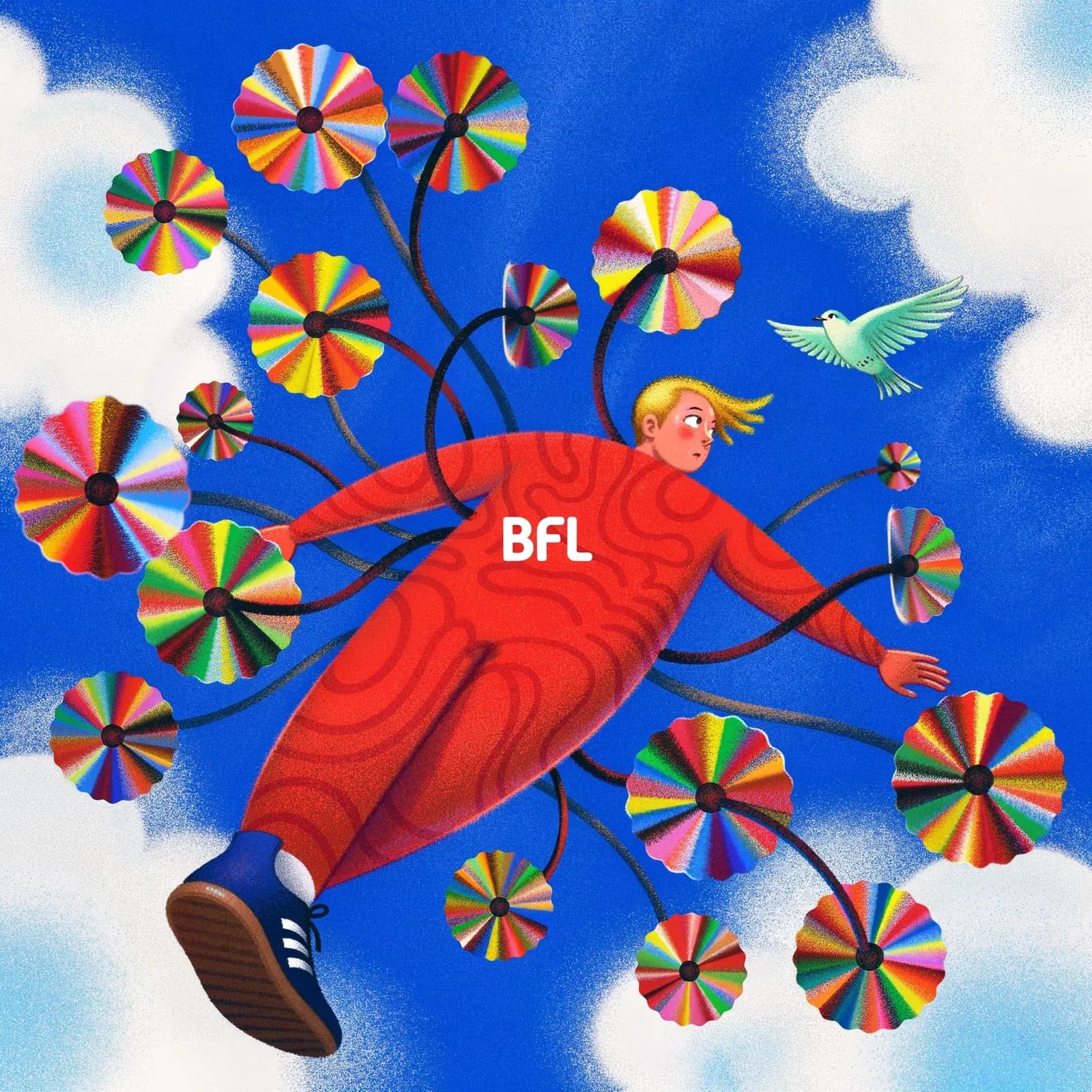
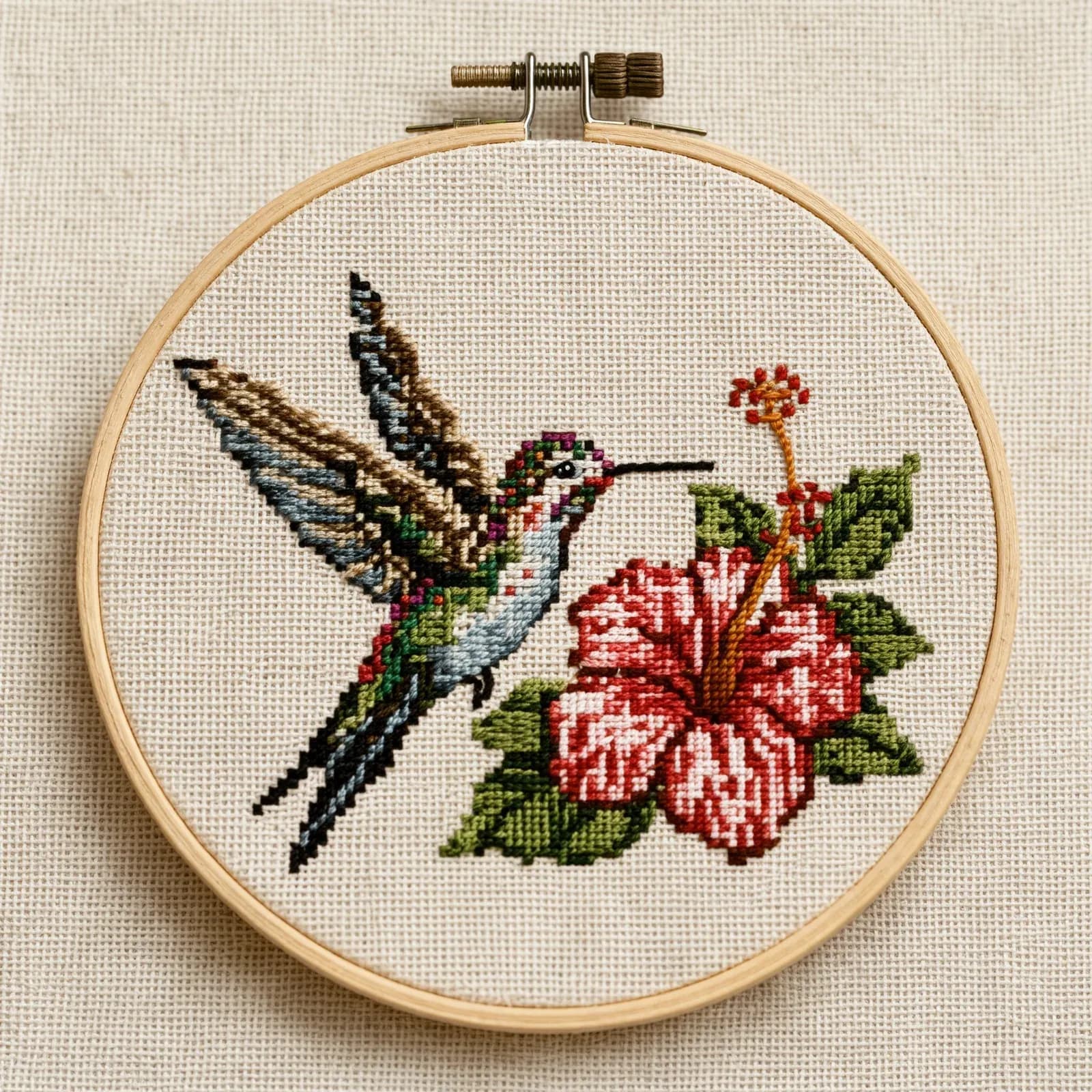
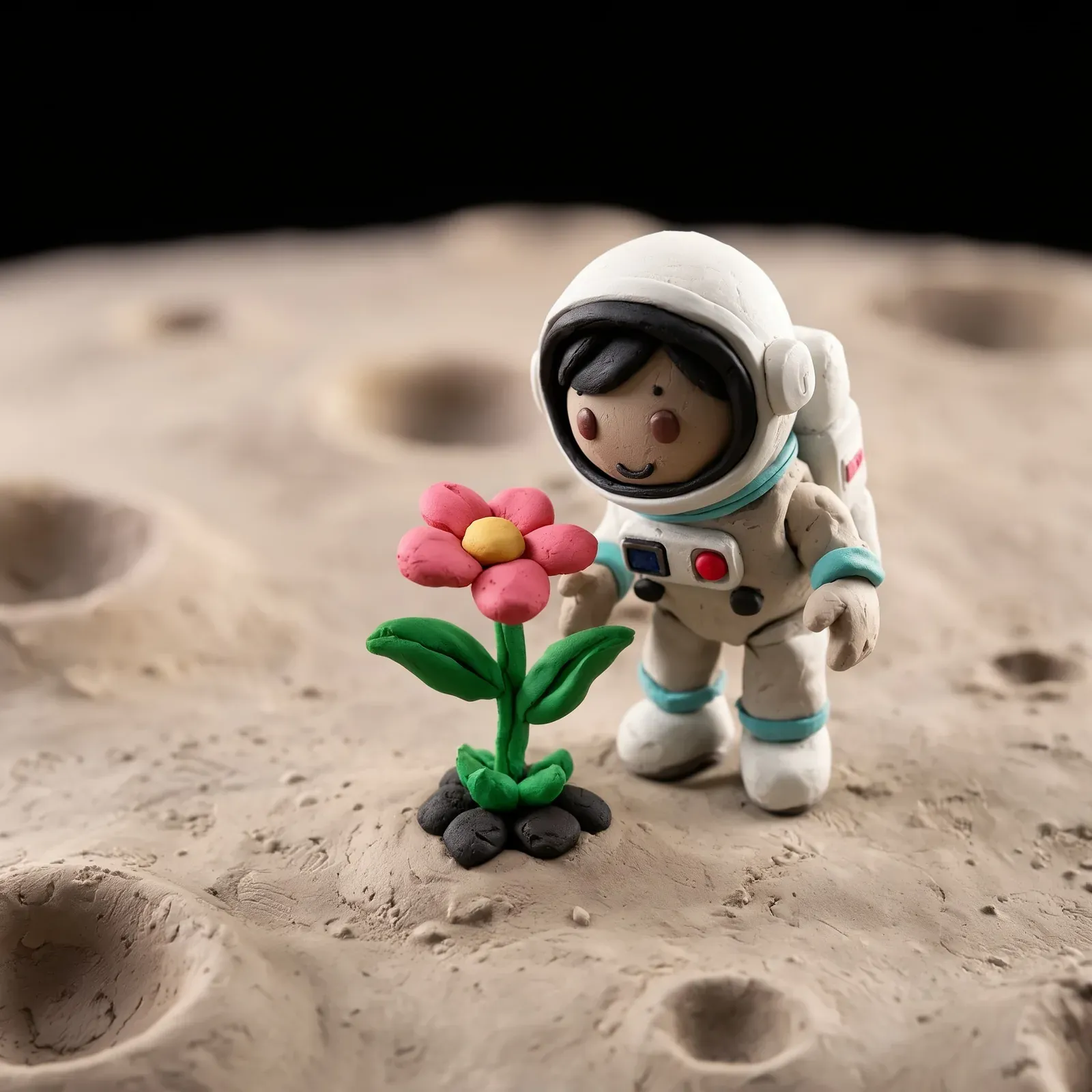
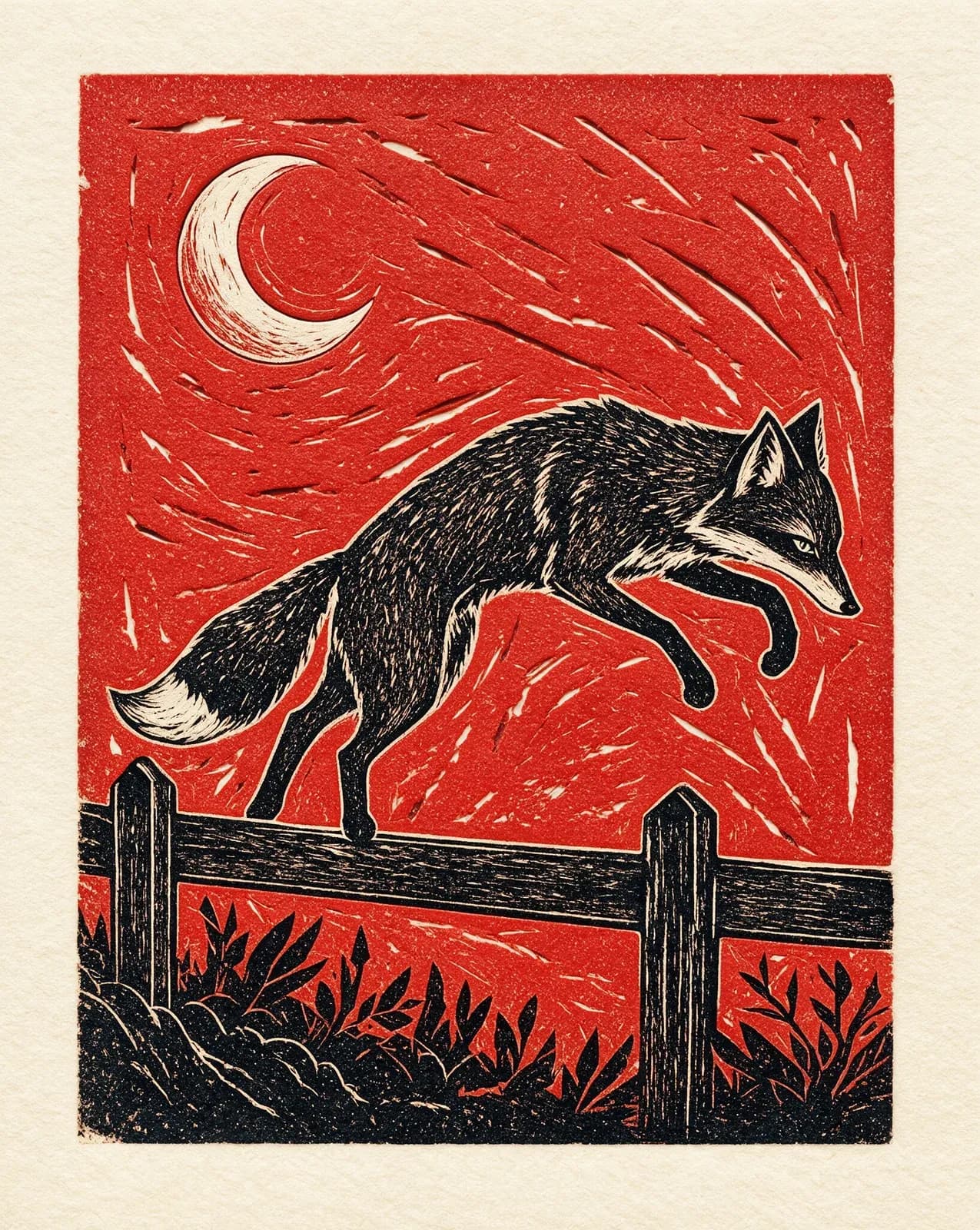
Illustration
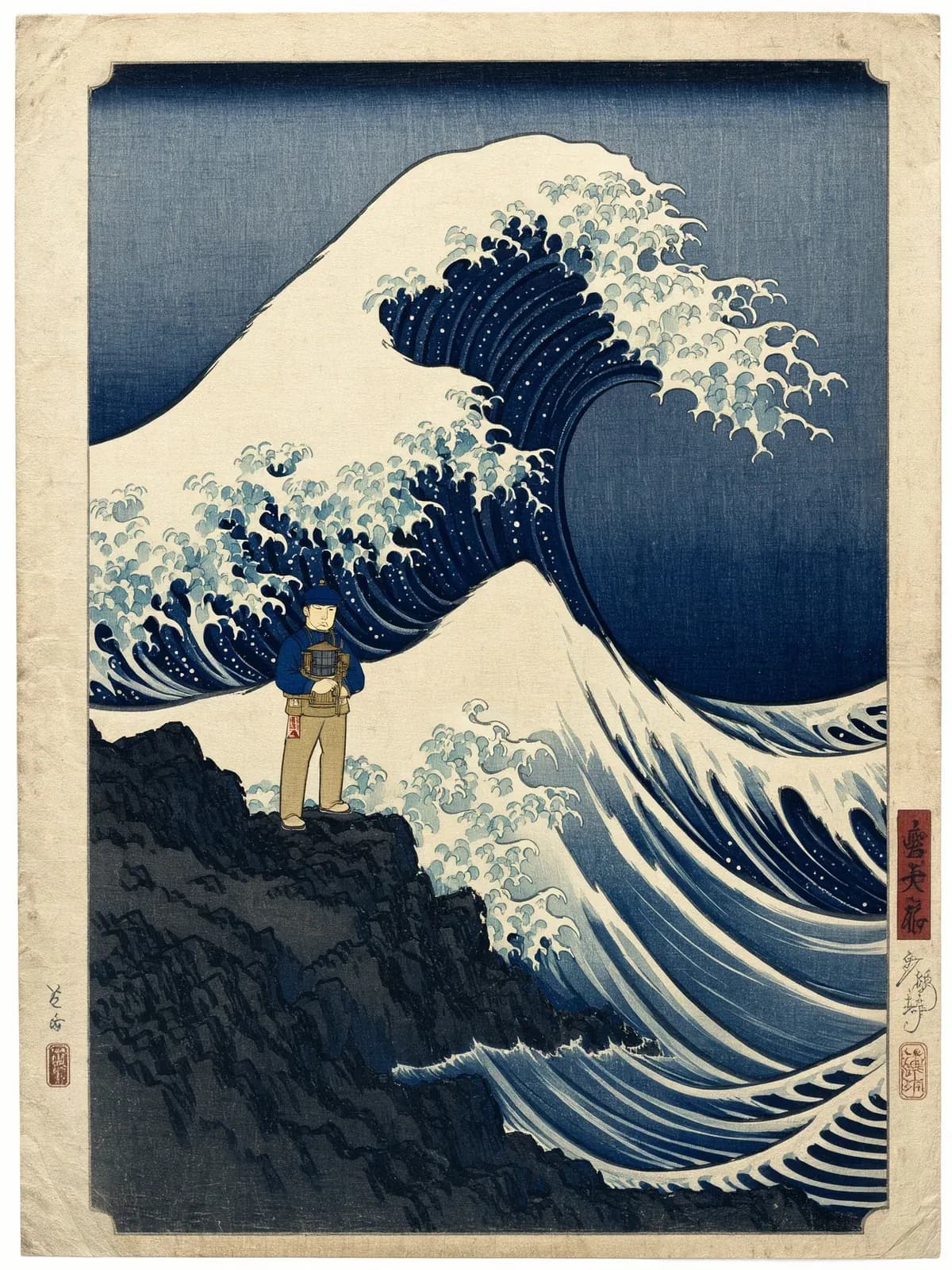
Design your style across woodblock, mosaic, clay, pixels, anime, and more.
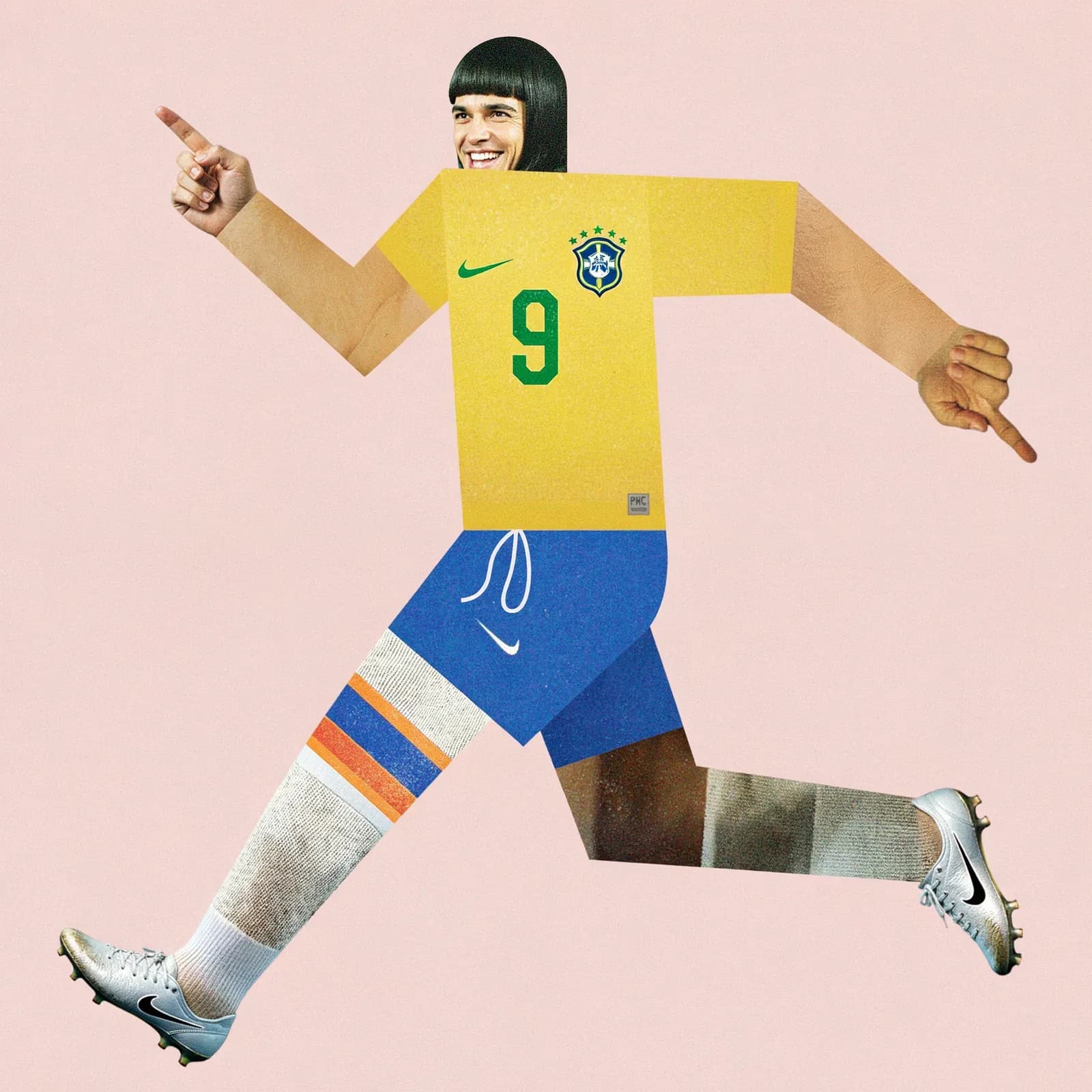

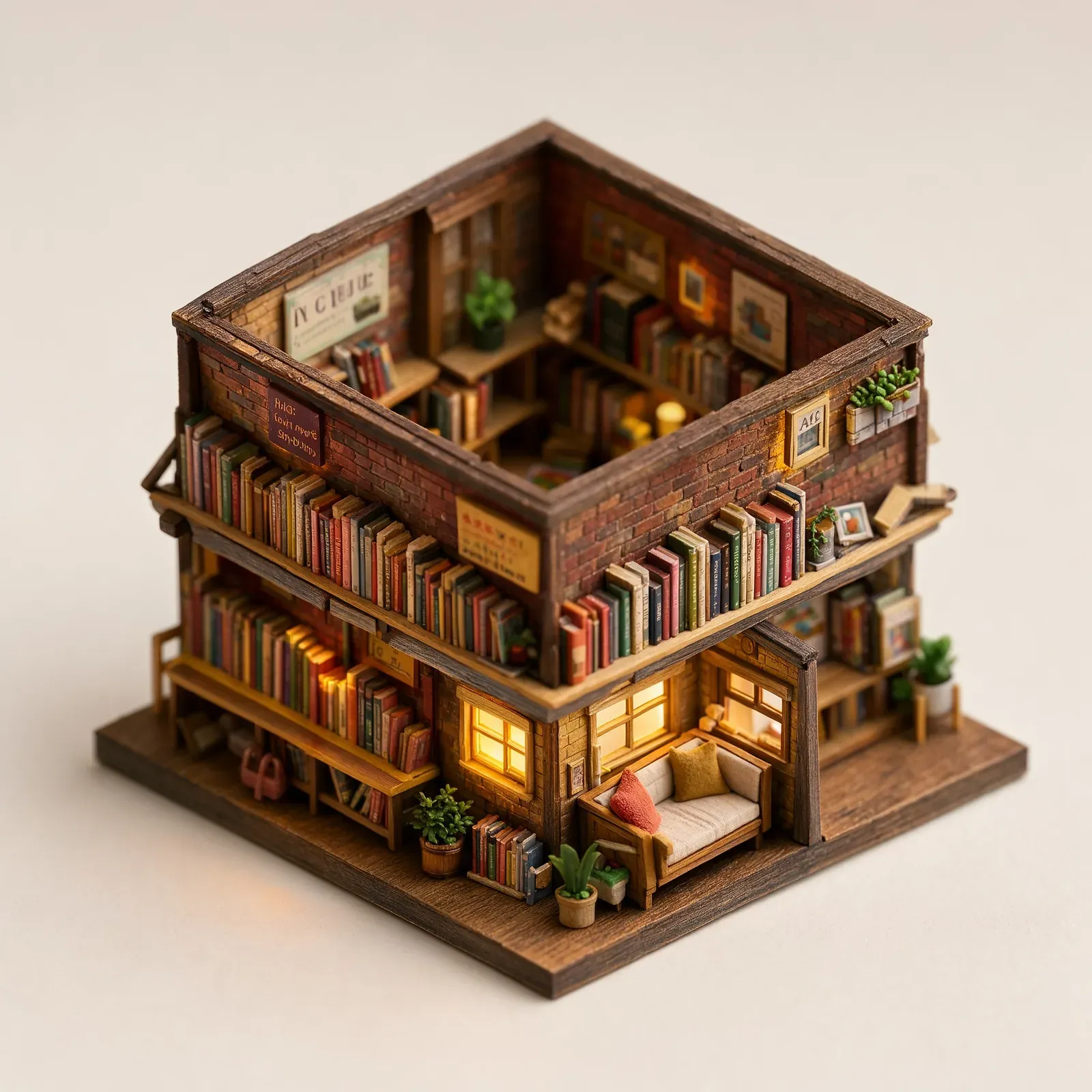
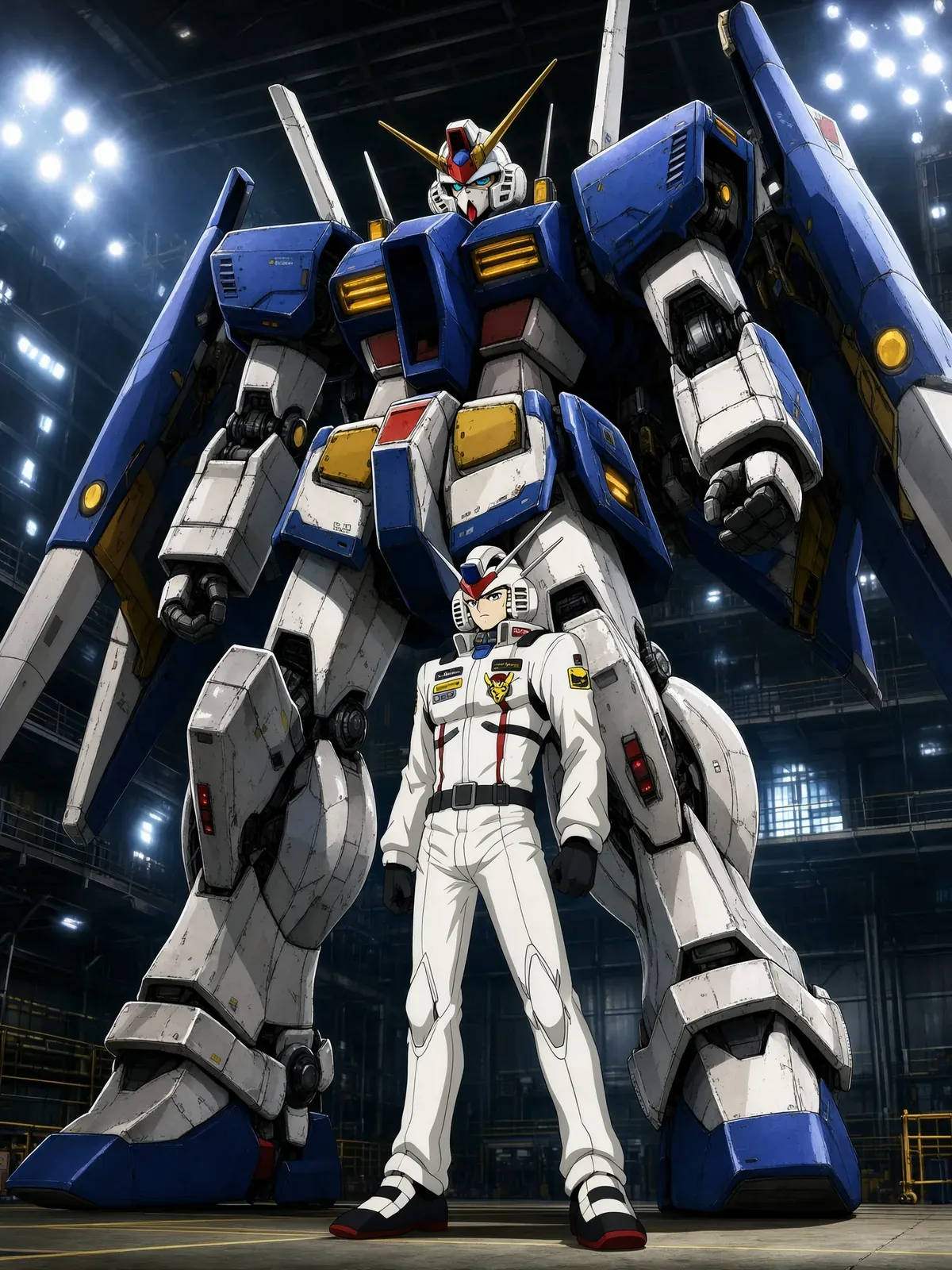

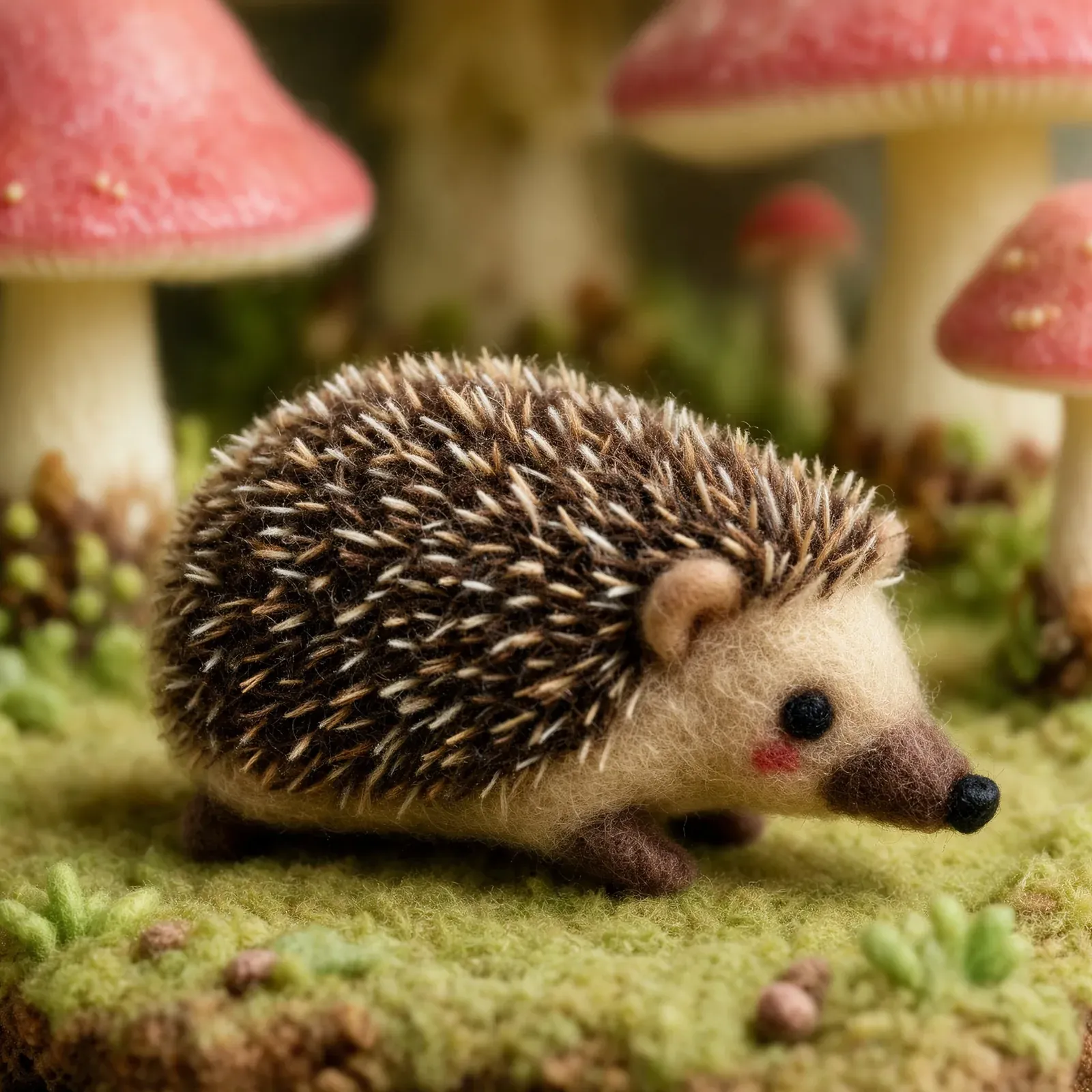
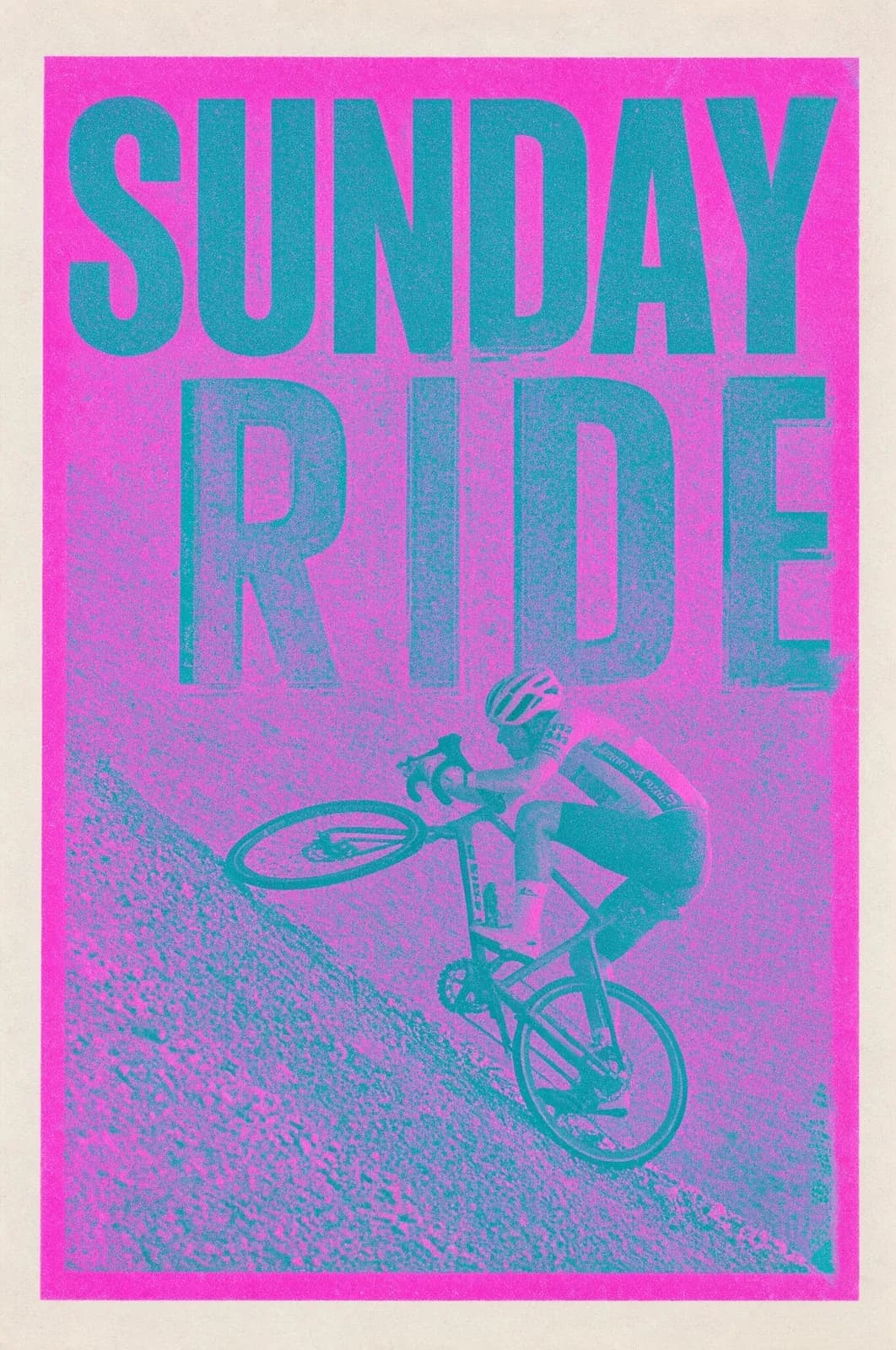
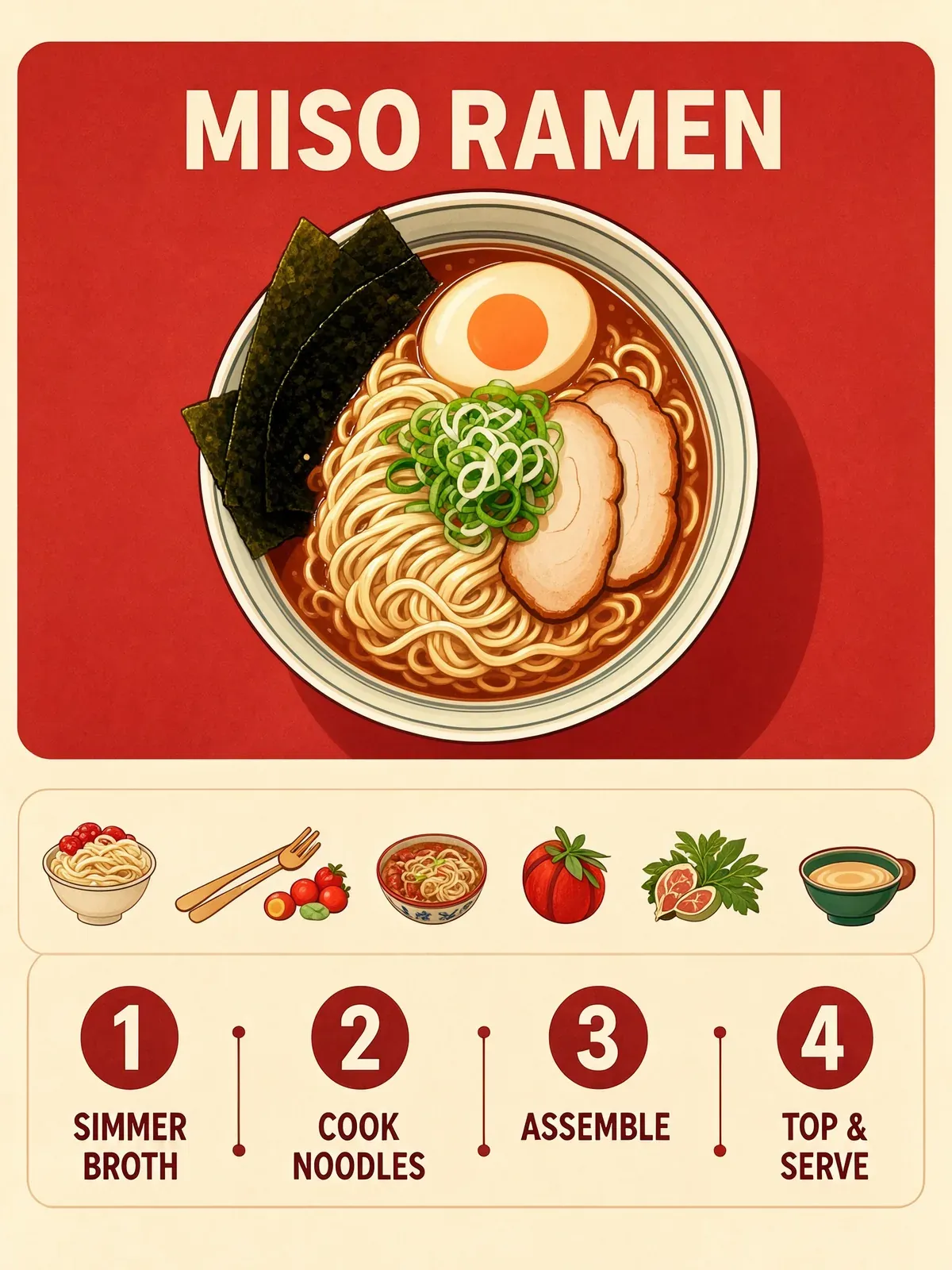
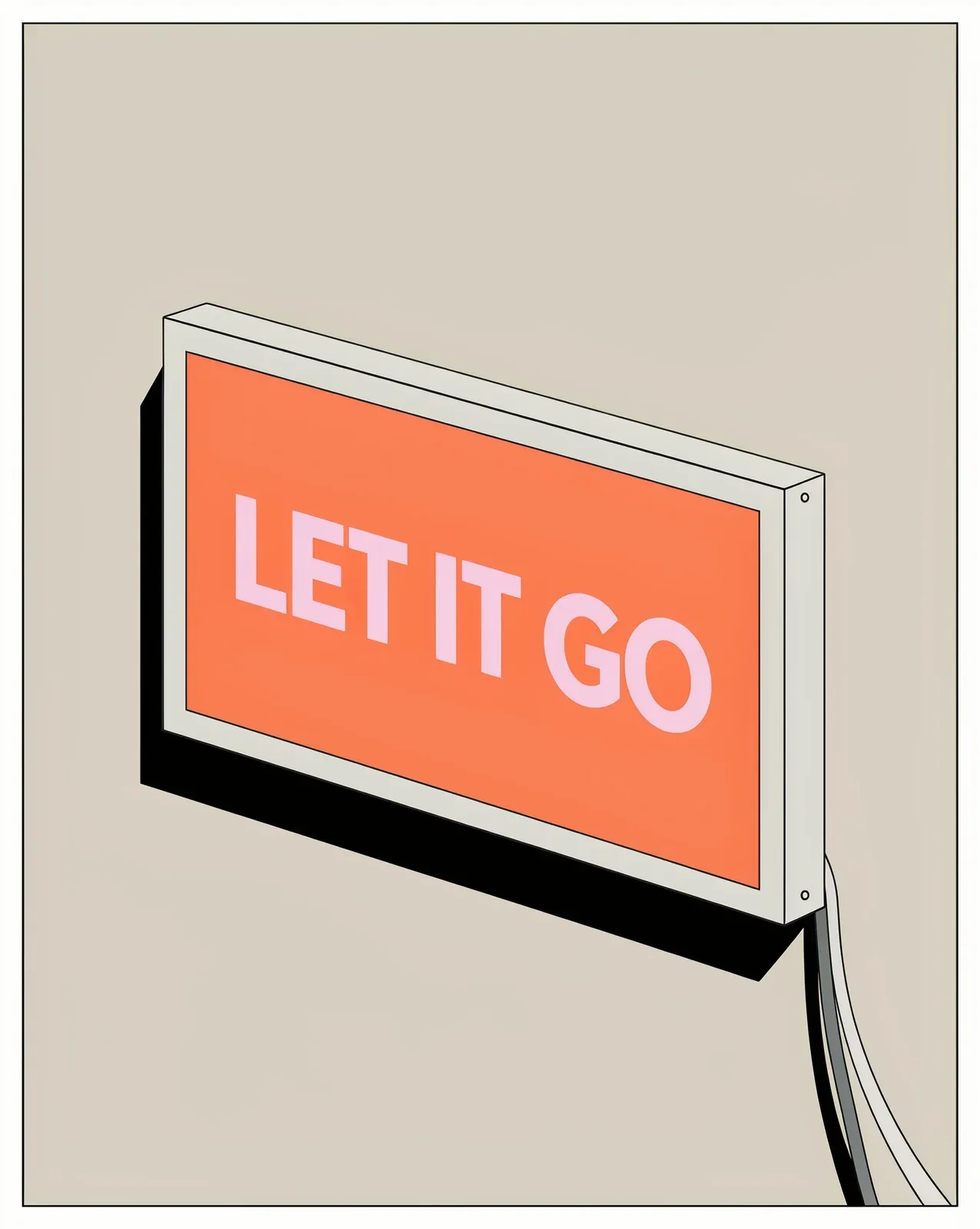
Type and design
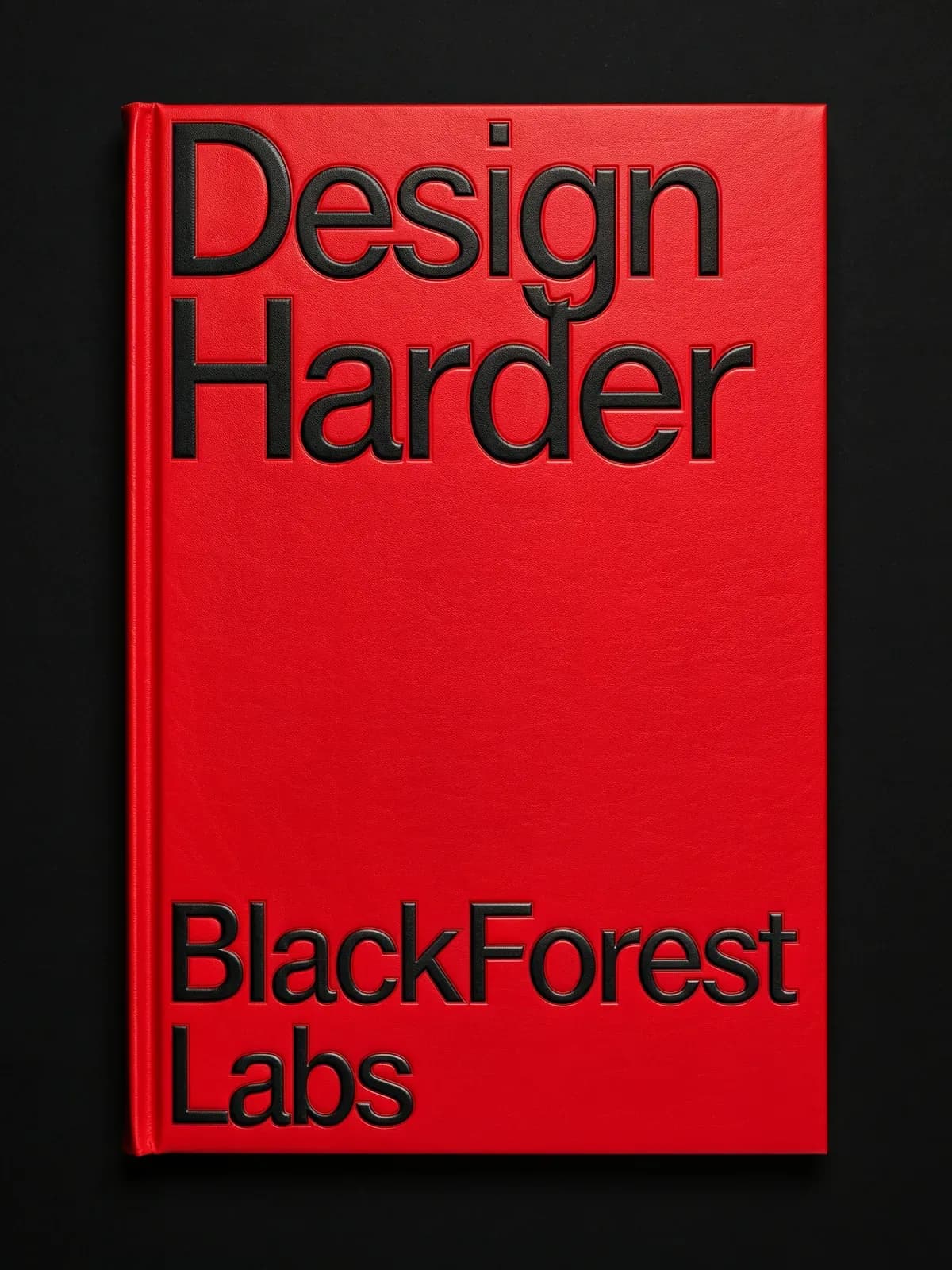
Rapidly explore graphic design ideas.
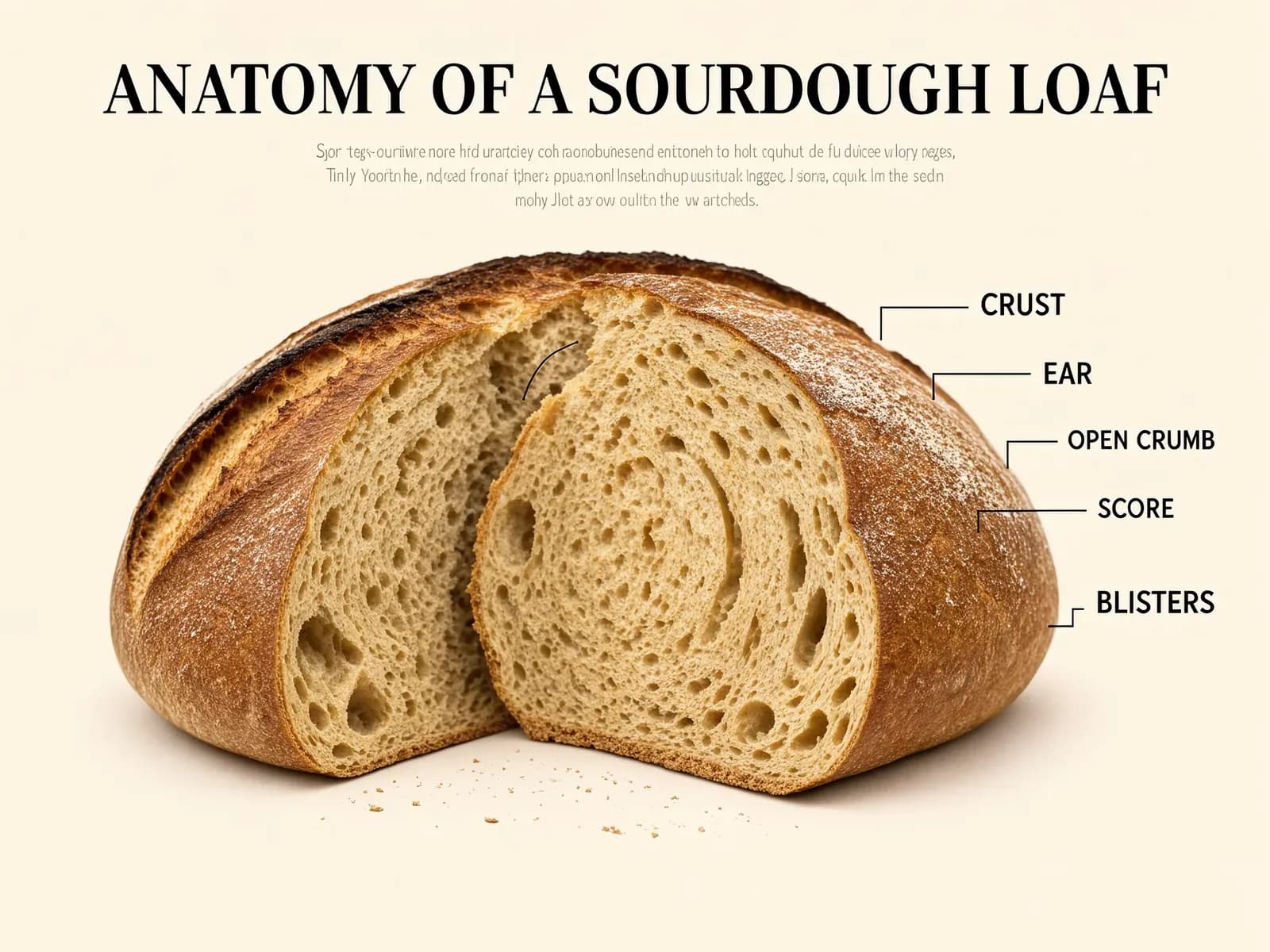
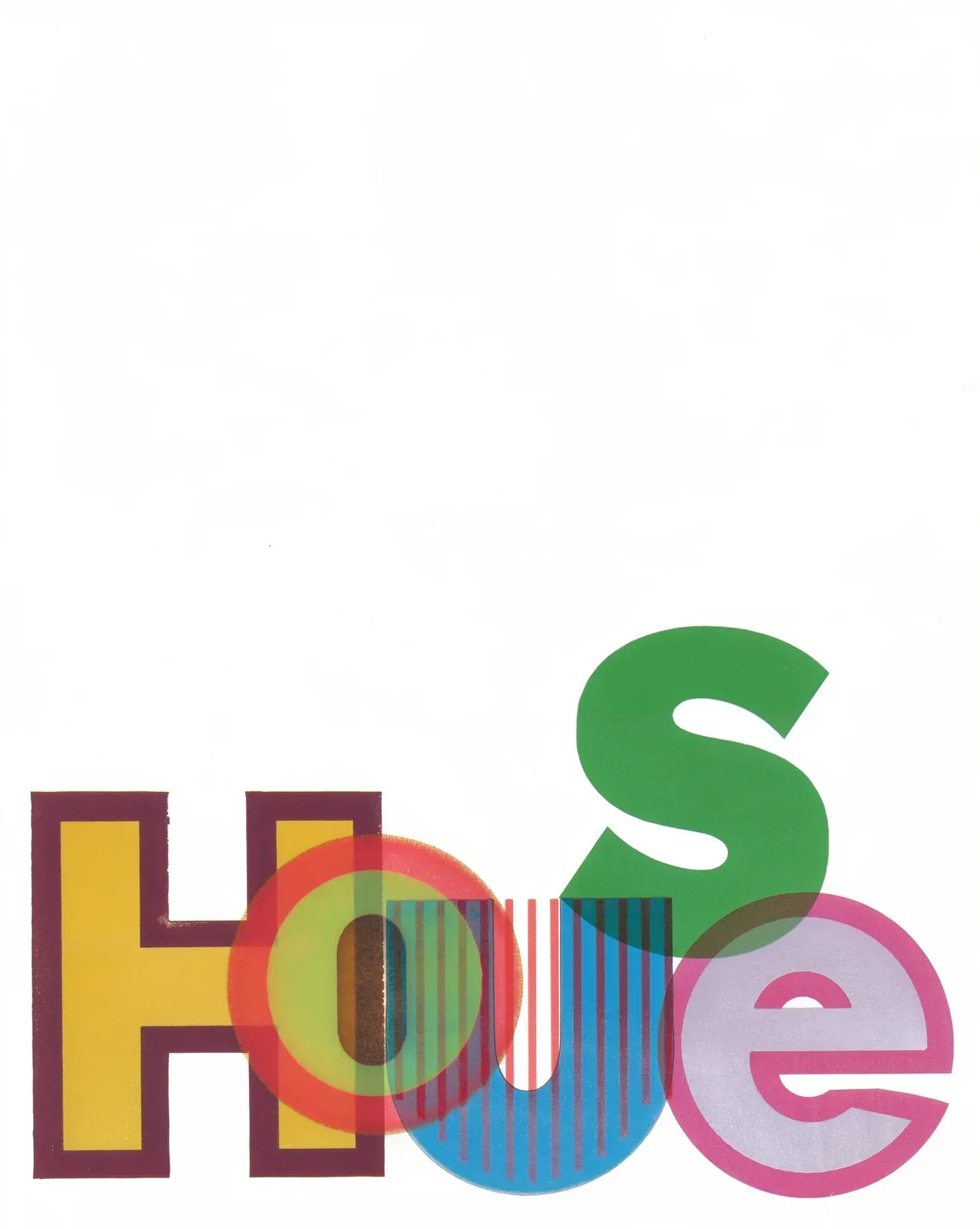
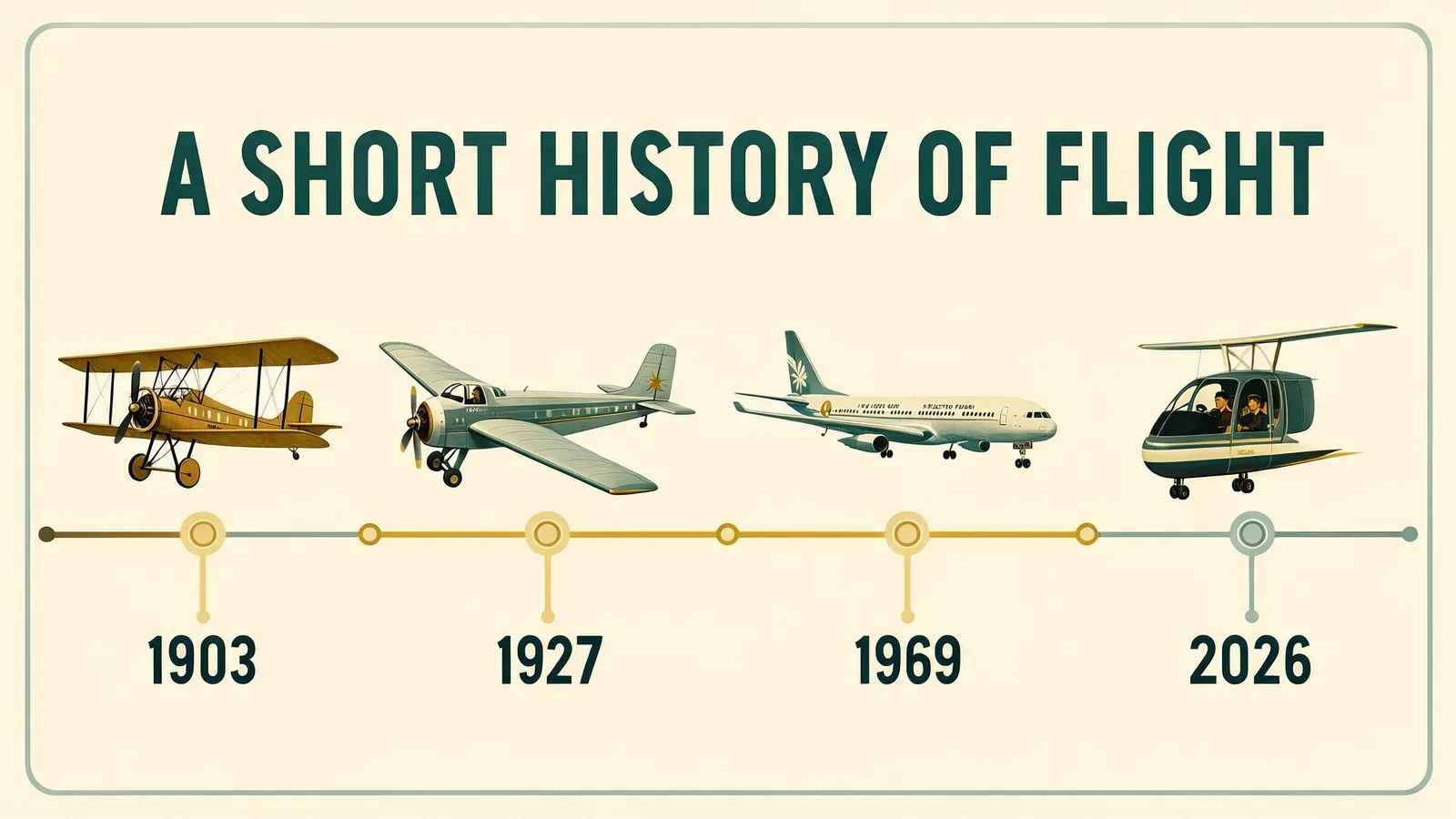
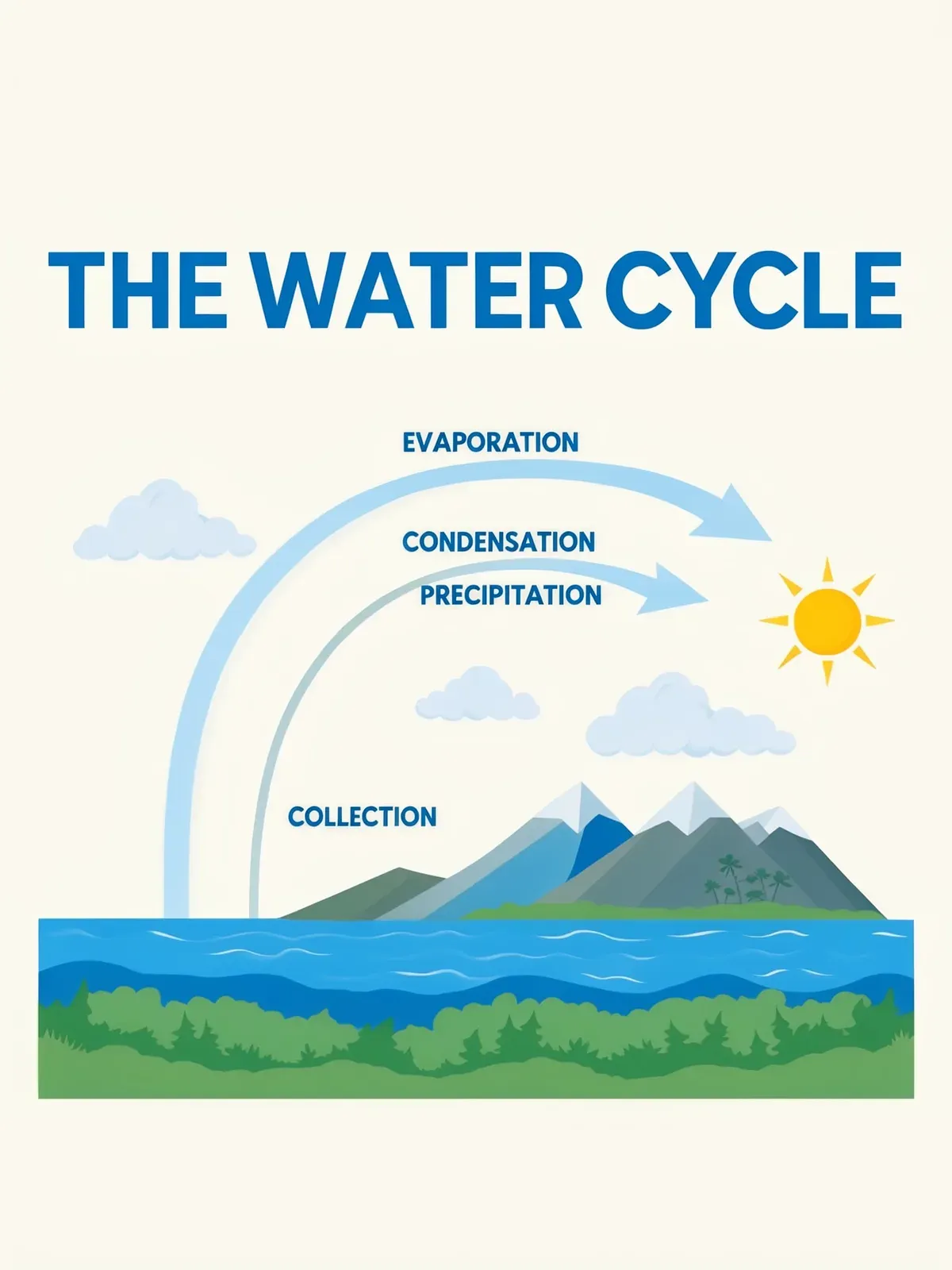
Make multiple edits at once without changing anything else
Edit any part of an image while preserving the original.
 InputEdit
Turn this summer street into winter after light snowfall.  InputEdit
Freeze the waterfall into blue-white ice and long icicles.  InputEdit
Tie a small red bandana around the dog's neck.  InputEdit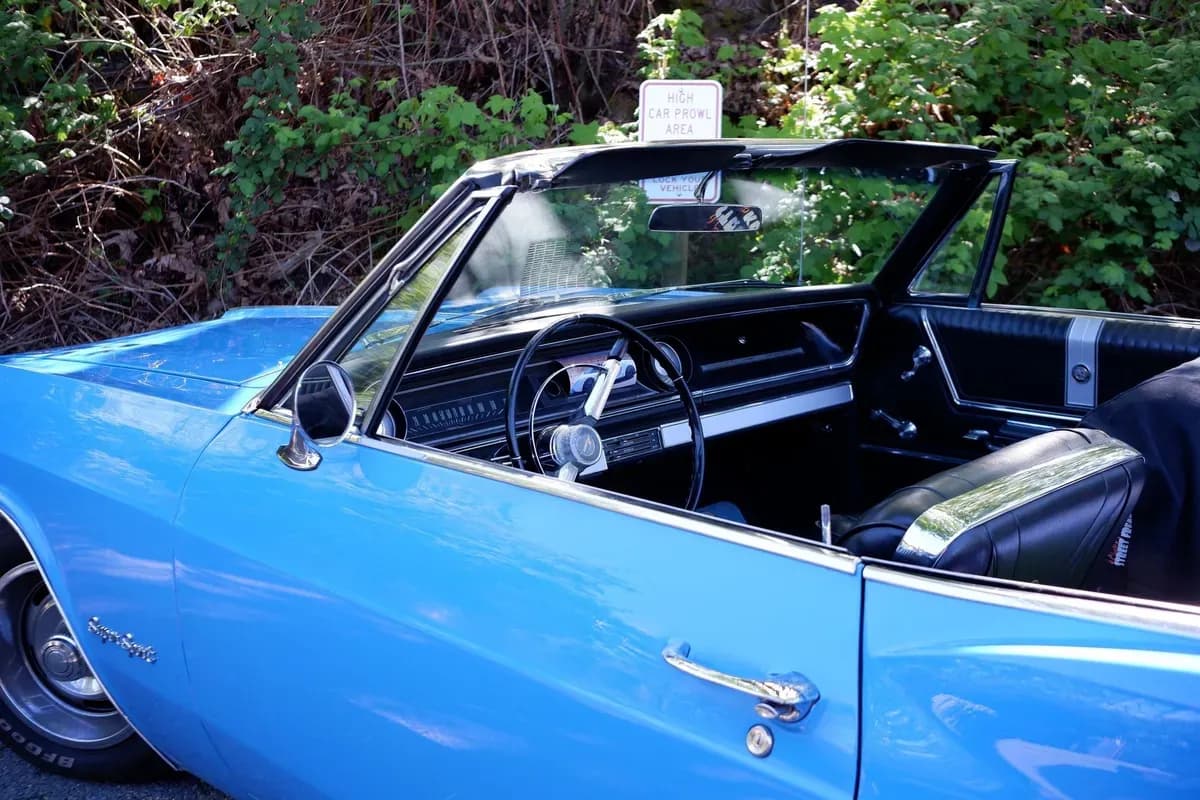
Put the convertible on an empty desert road under a clear sky.  InputEdit
Add a small caravan of three camels along the dune ridge.  InputEdit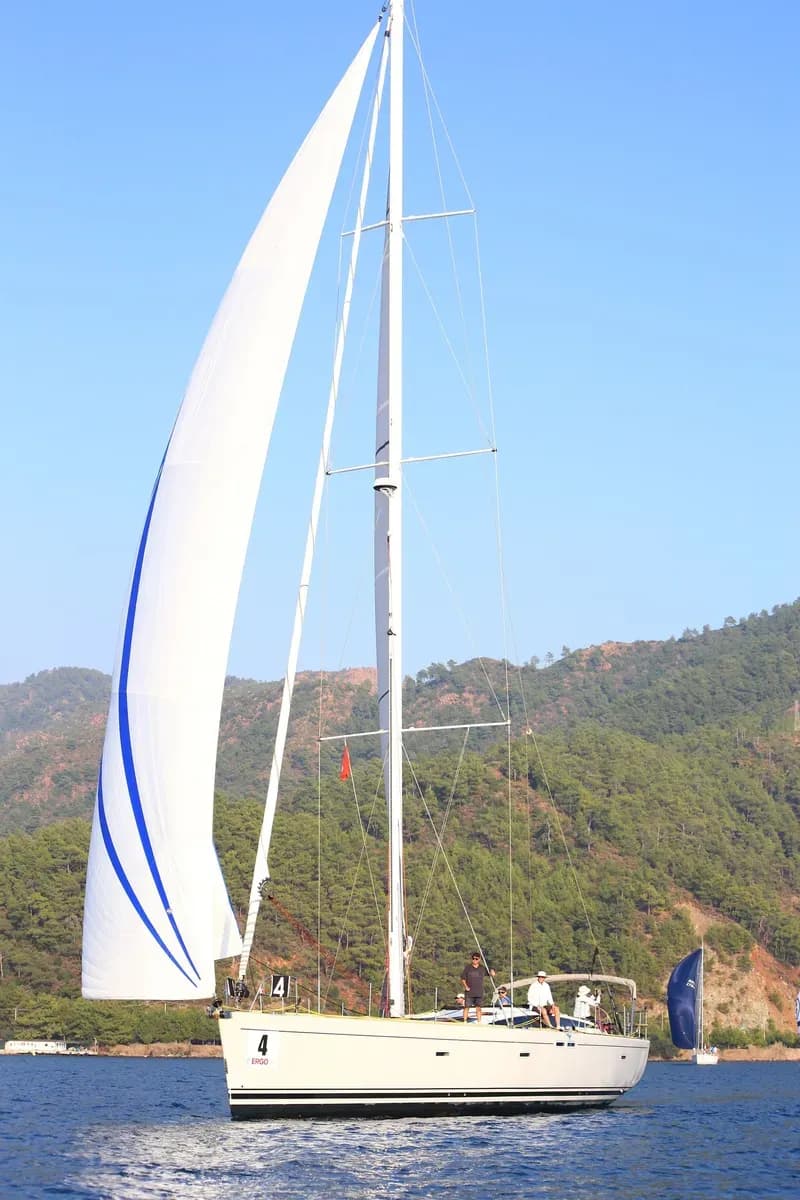
Add broad crimson stripes across the sails.
Commercial weights
Running FLUX 3 Image Klein in a product? A commercial license covers self-hosted deployment at scale. Reach out to us to learn more.
Start building with FLUX 3 Image Klein.
Download the weights, read the license, and run it on your own hardware.
Frequently asked questions
What is FLUX 3 Image Klein?
FLUX 3 Image Klein is the open-weights member of the FLUX 3 Image family. It generates images from text, edits them from an instruction and combines several references into one image, all in a single model you download and run on your own hardware.
How do I use it?
Download the weights from Hugging Face and run them in your own pipeline, or wire the model into ComfyUI or your own stack. The docs cover setup, prompting and layouts with bounding boxes. Read the docs
Can I place elements with bounding boxes?
Yes. Give each element a box and a description, and Klein renders it inside that box. The canvas is a 0 to 1000 grid on both axes, whatever the aspect ratio, and each box is written as [y_min, x_min, y_max, x_max].
Can I fine-tune it?
Yes. The weights are yours to fine-tune, distill and build on, within the terms of the license they come with.
What license are the weights under?
The open weights come with the license on their Hugging Face model card. Read it before you use them; the licensing page explains how our model licenses fit together. Licensing
Can I use FLUX 3 Image Klein in a commercial product?
Running Klein in a product needs a commercial license, which covers self-hosted deployment at scale. Talk to us about the terms. Contact sales