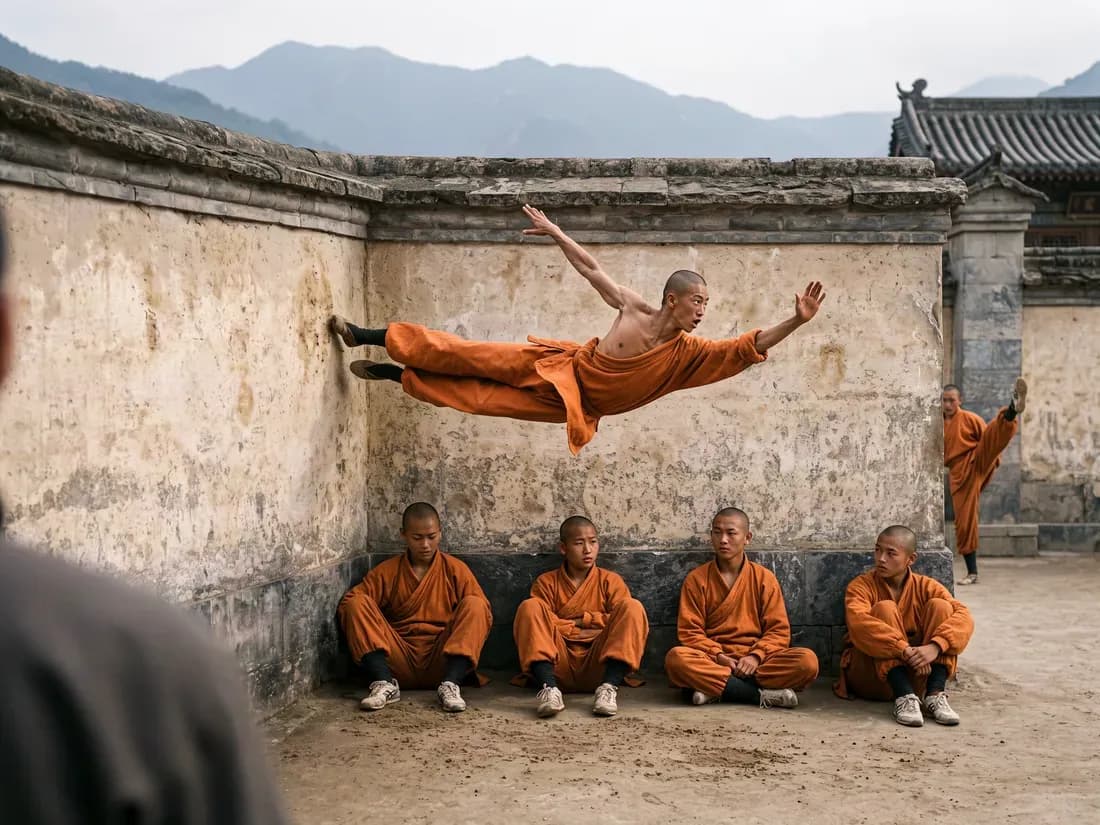
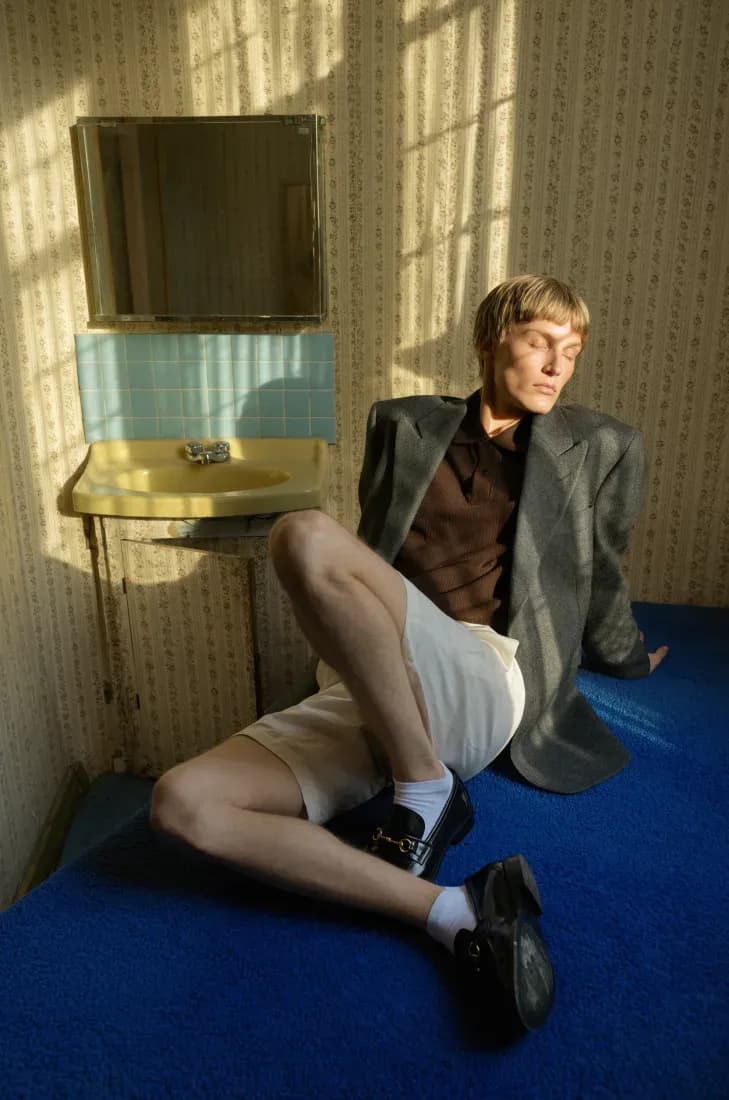
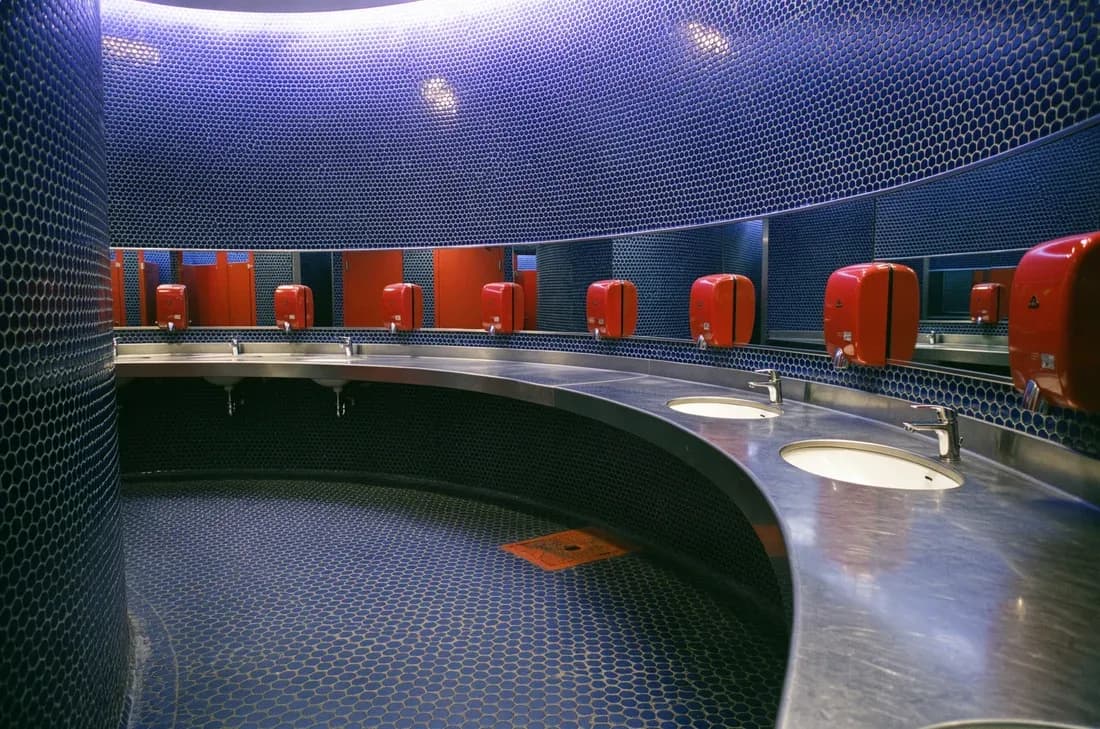
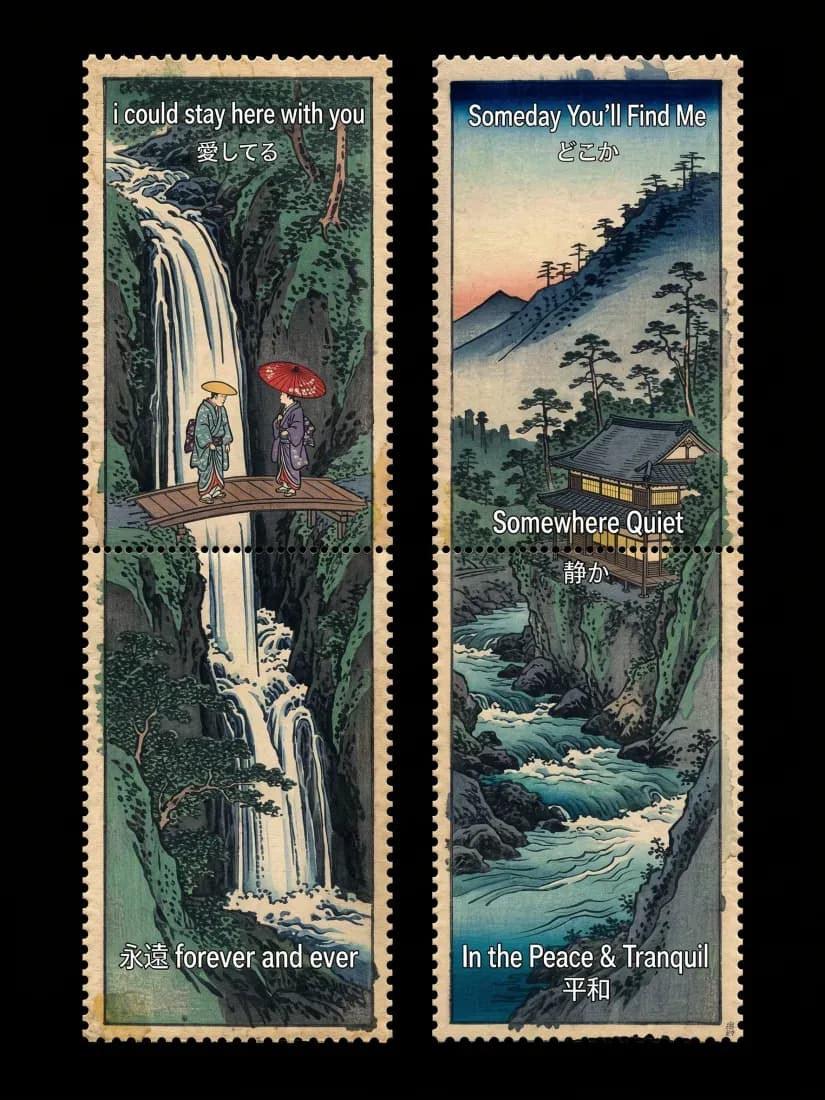
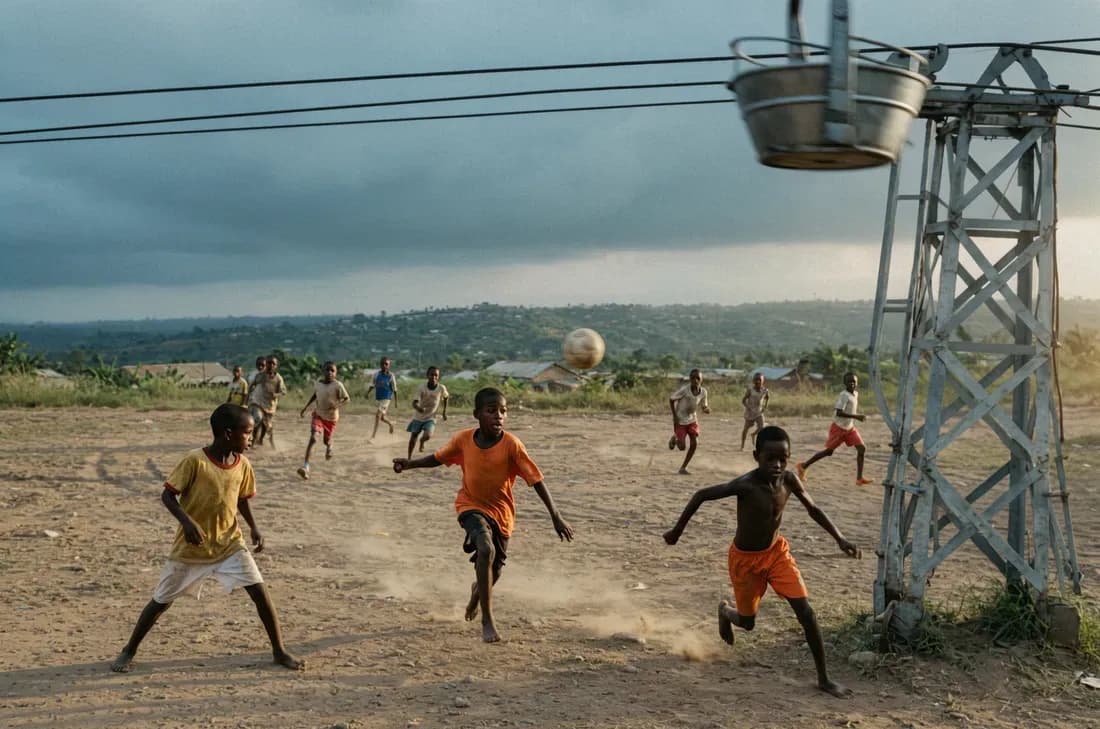
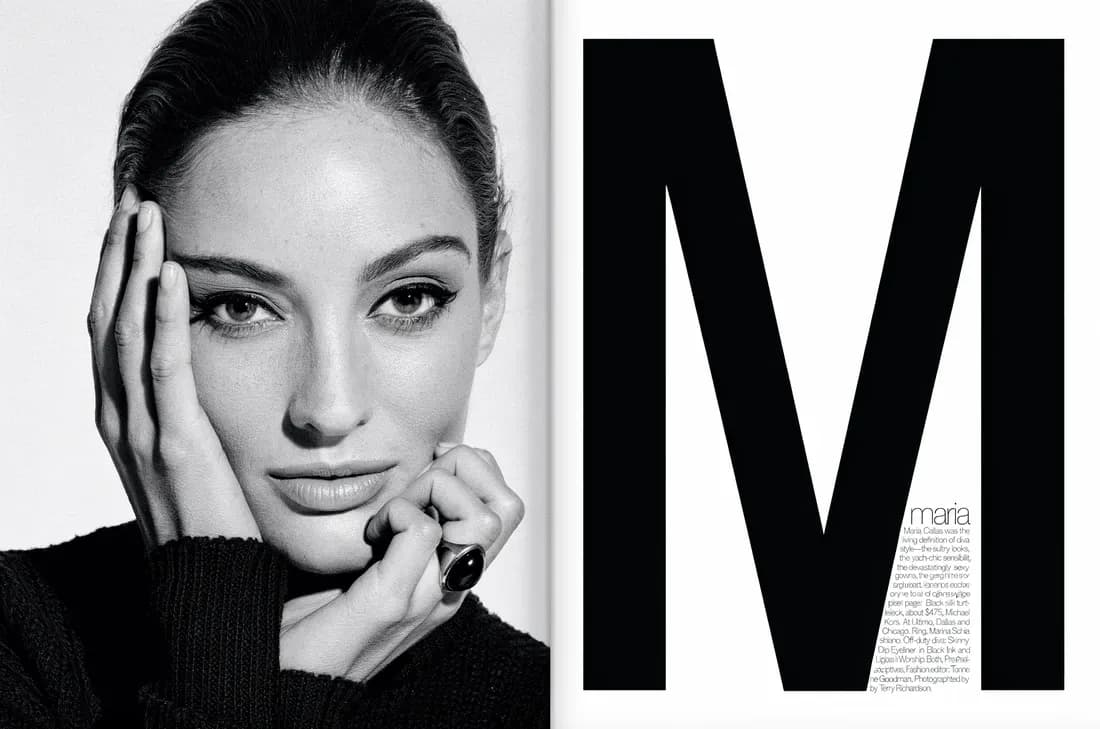
Compose images from scratch.
Lay out the image exactly how you want using bounding boxes.
Le Festival du Soleil, generated from bounding boxes and a scene prompt
View the element table5 rows
[
  { "id": "Fr_Text_1", "bbox": [10, 200, 170, 800], "desc": "\"LE FESTIVAL DU SOLEIL\" written in a thin, elegant, serif typeface in a light cream color" },
  { "id": "town_1", "bbox": [280, 700, 420, 1000], "desc": "faint lights and small buildings of a coastal town at the foot of the hills" },
  { "id": "dome_1", "bbox": [250, 150, 650, 850], "desc": "a massive, smooth parabolic dome of pale concrete" },
  { "id": "swimmers_1", "bbox": [580, 200, 720, 800], "desc": "dozens of small, silhouetted figures scattered in the dark water, wading" },
  { "id": "crowd_1", "bbox": [740, 0, 1000, 1000], "desc": "a large crowd of people seated on the beach in casual, light-colored summer attire" }
]
Or skip the boxes. Just write a prompt.
Text-to-image with strong prompt following and a native understanding of composition.
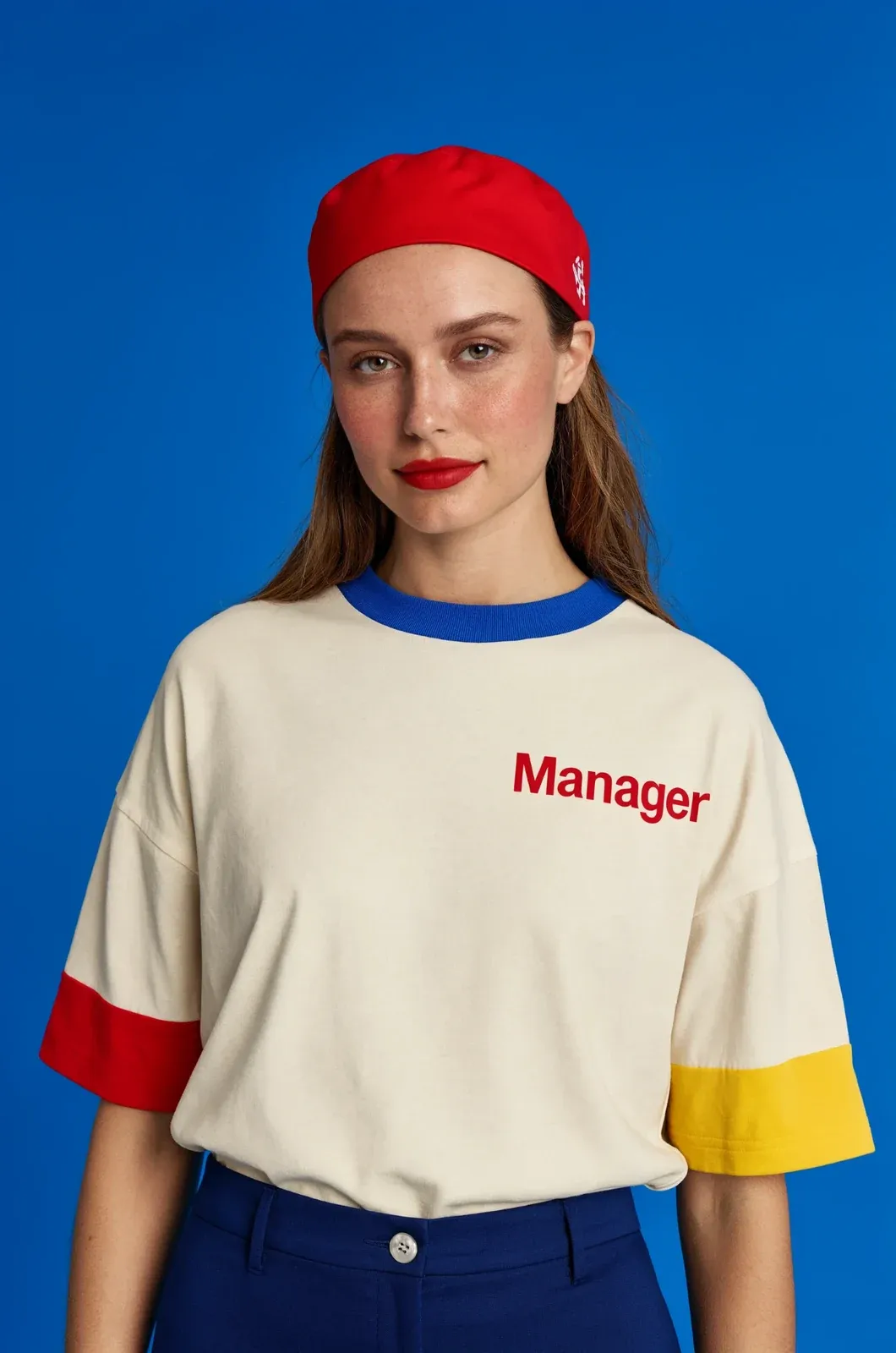
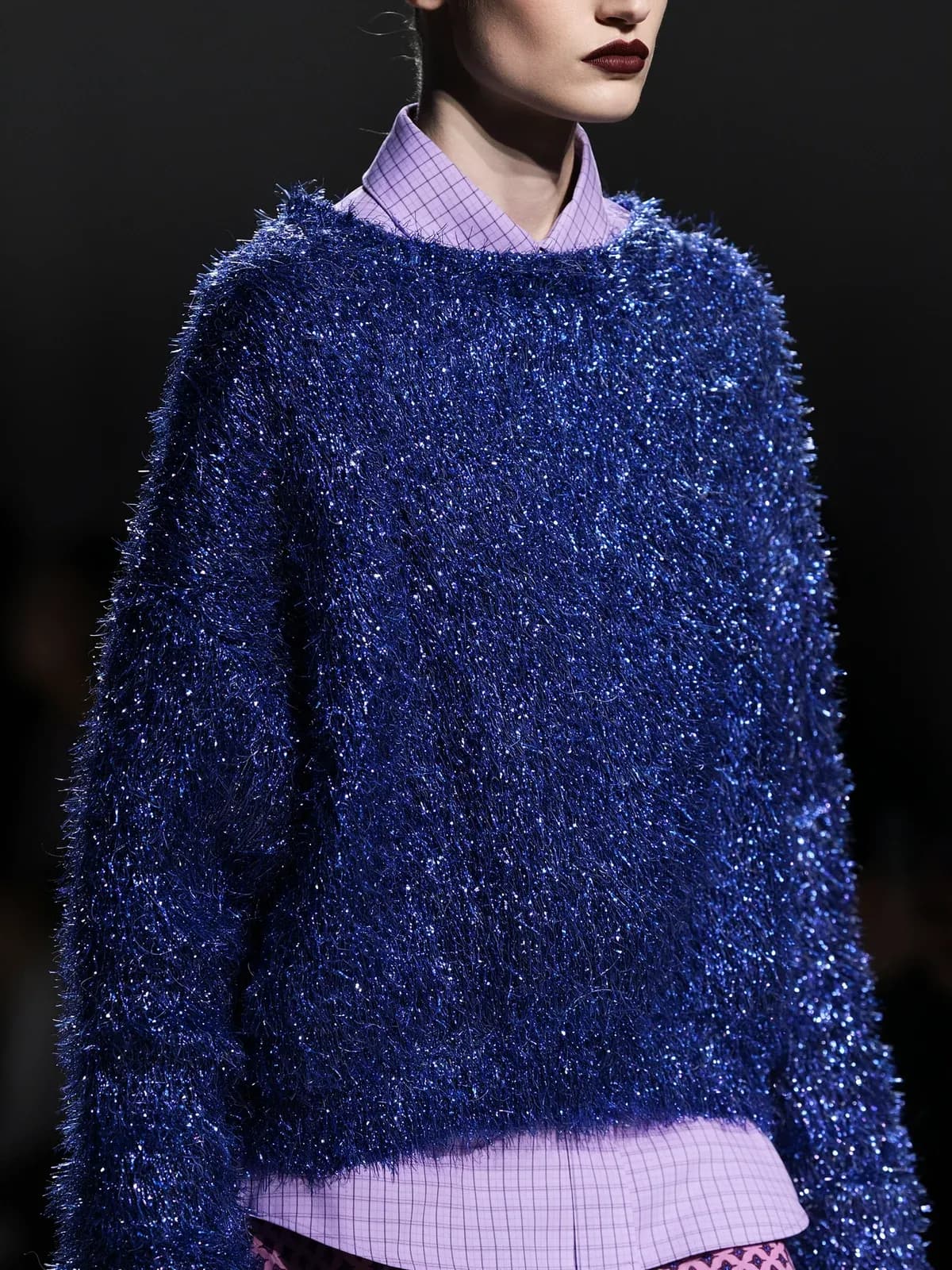
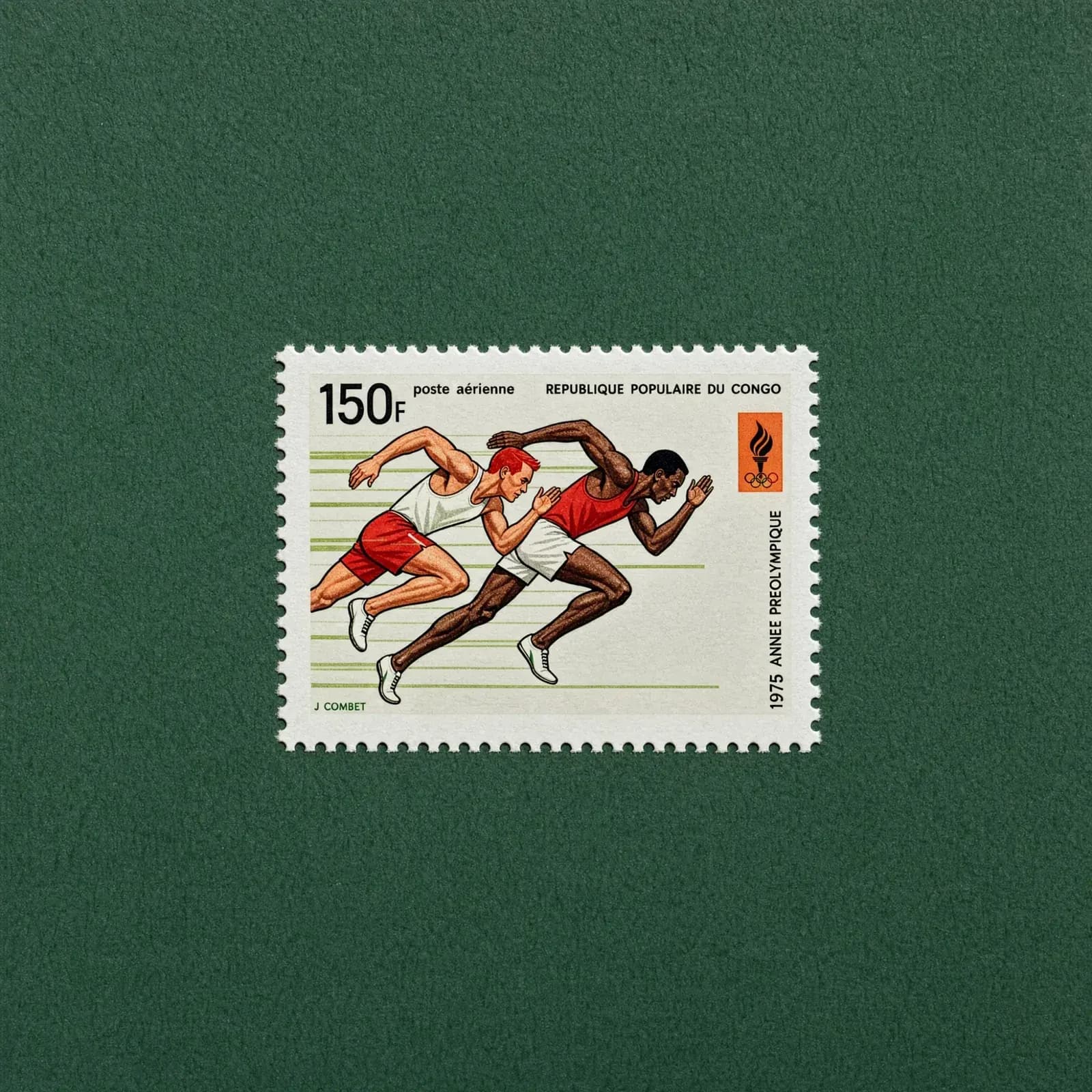
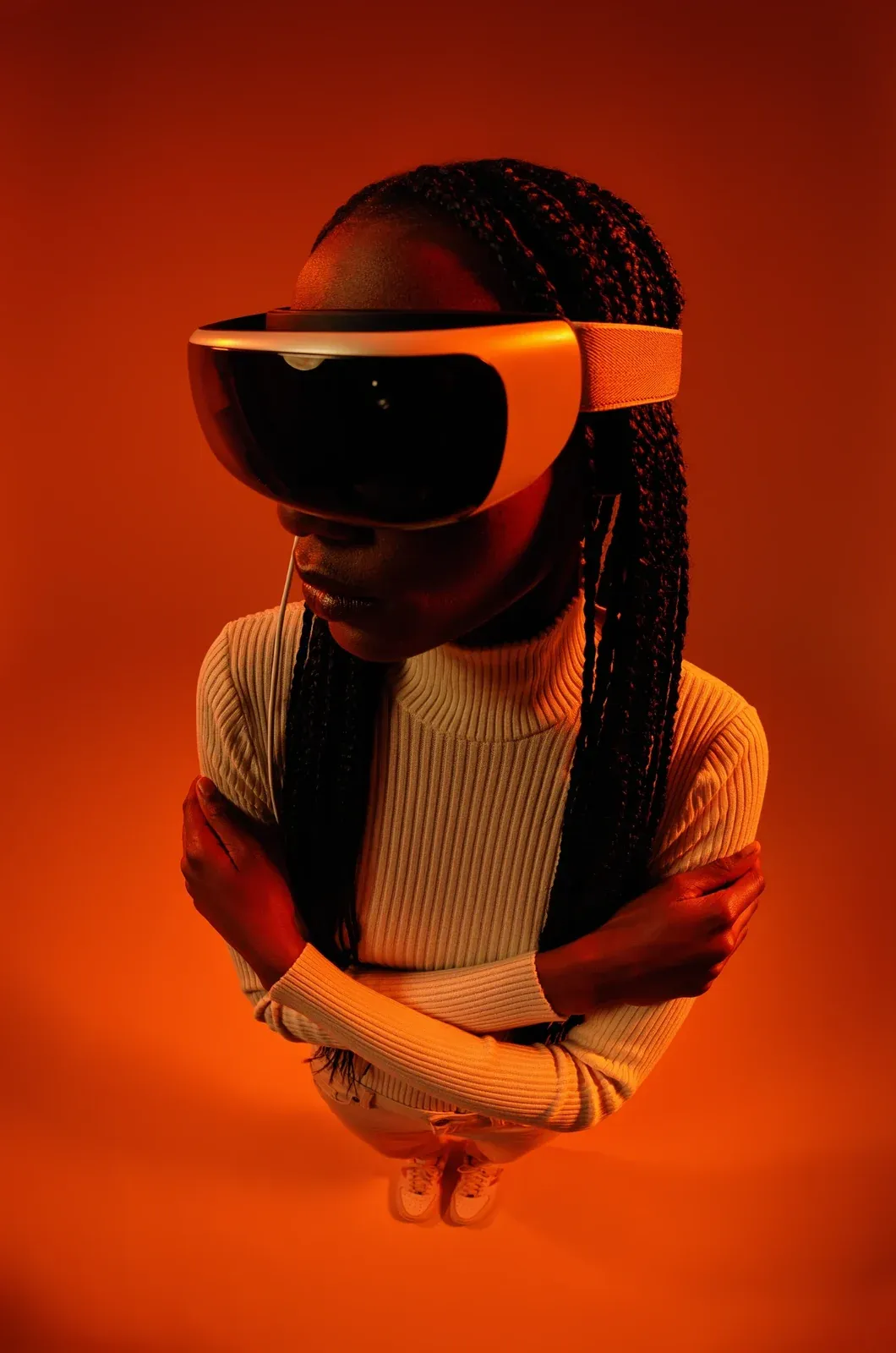

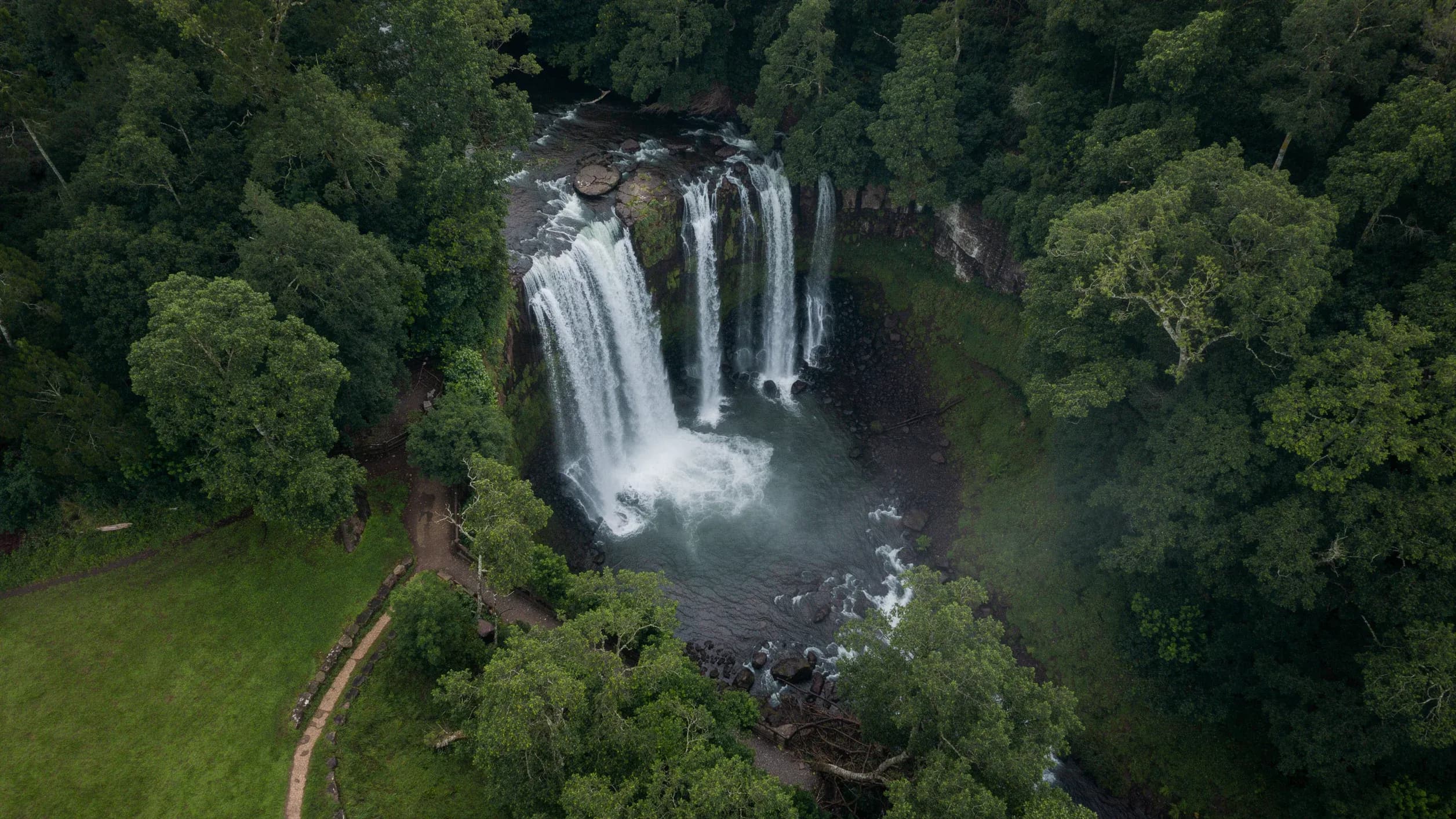
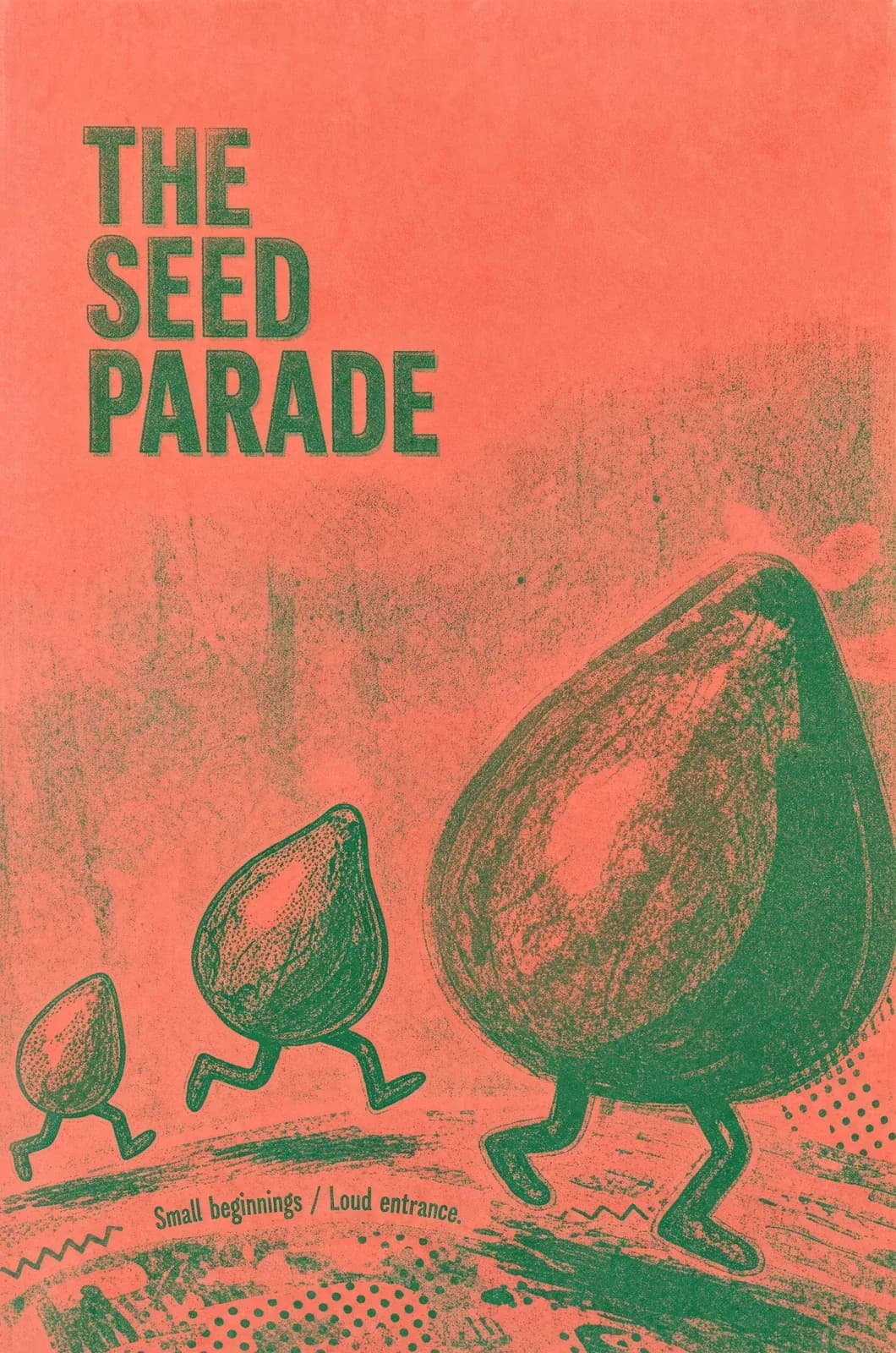


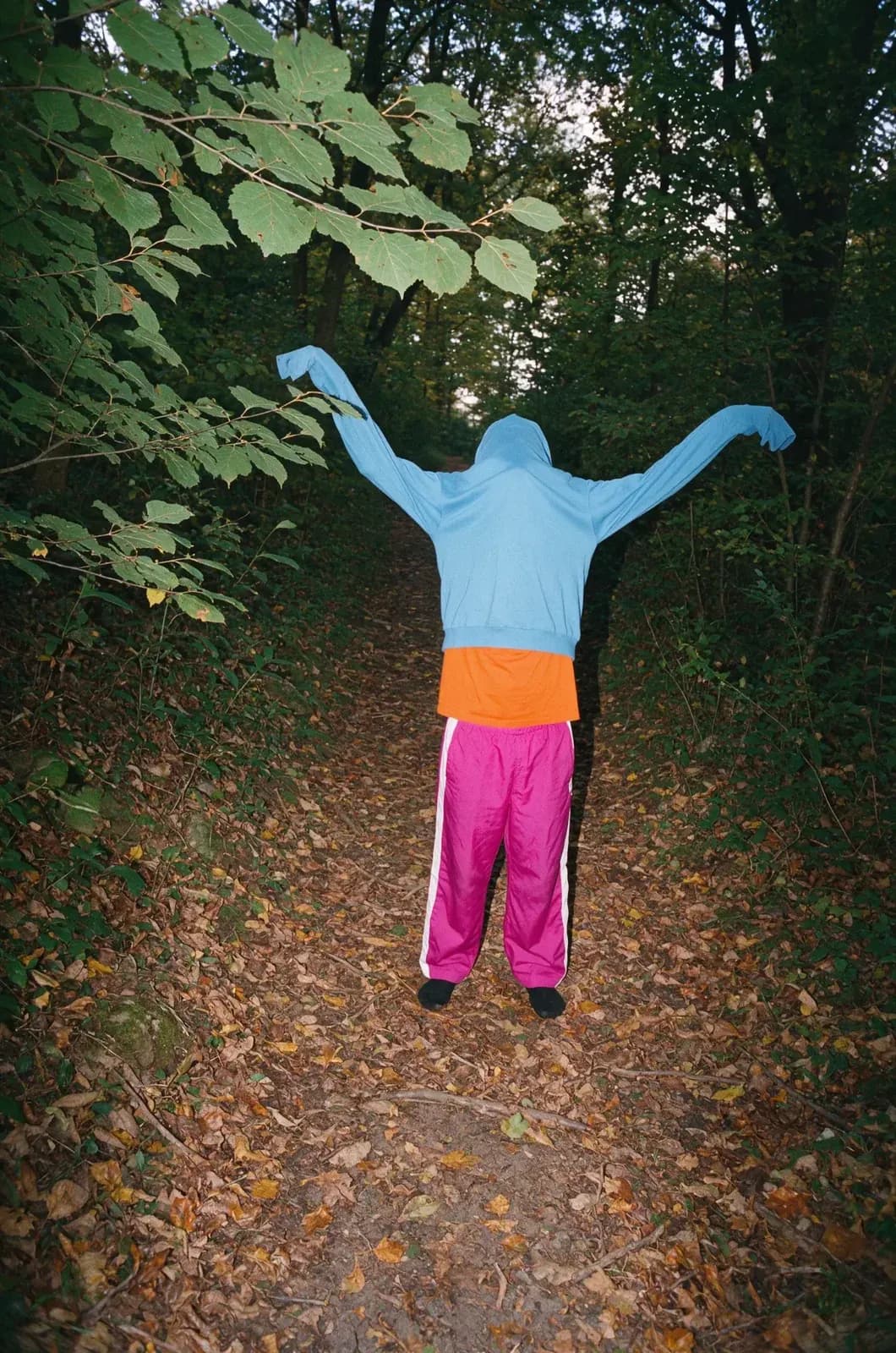
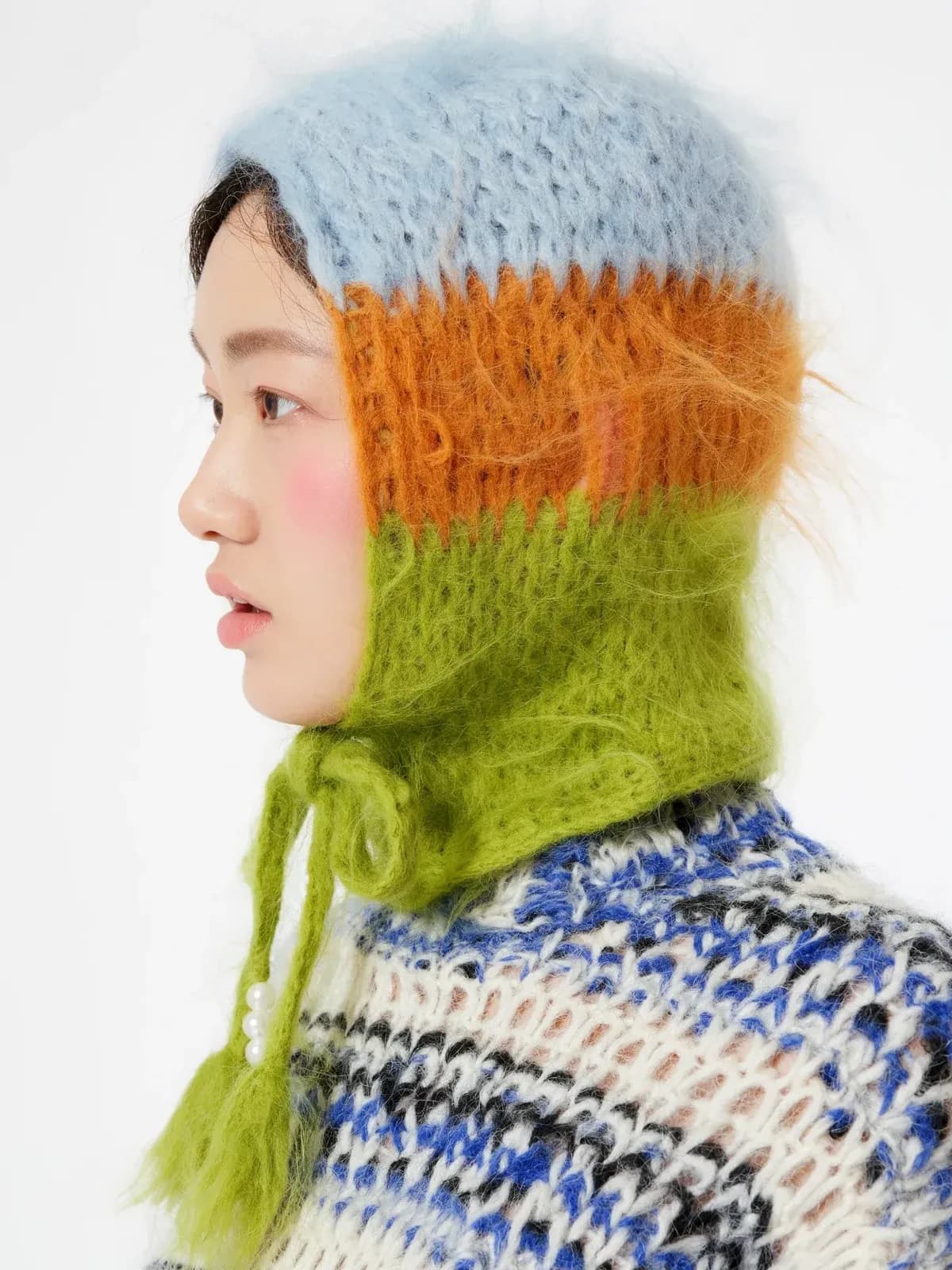
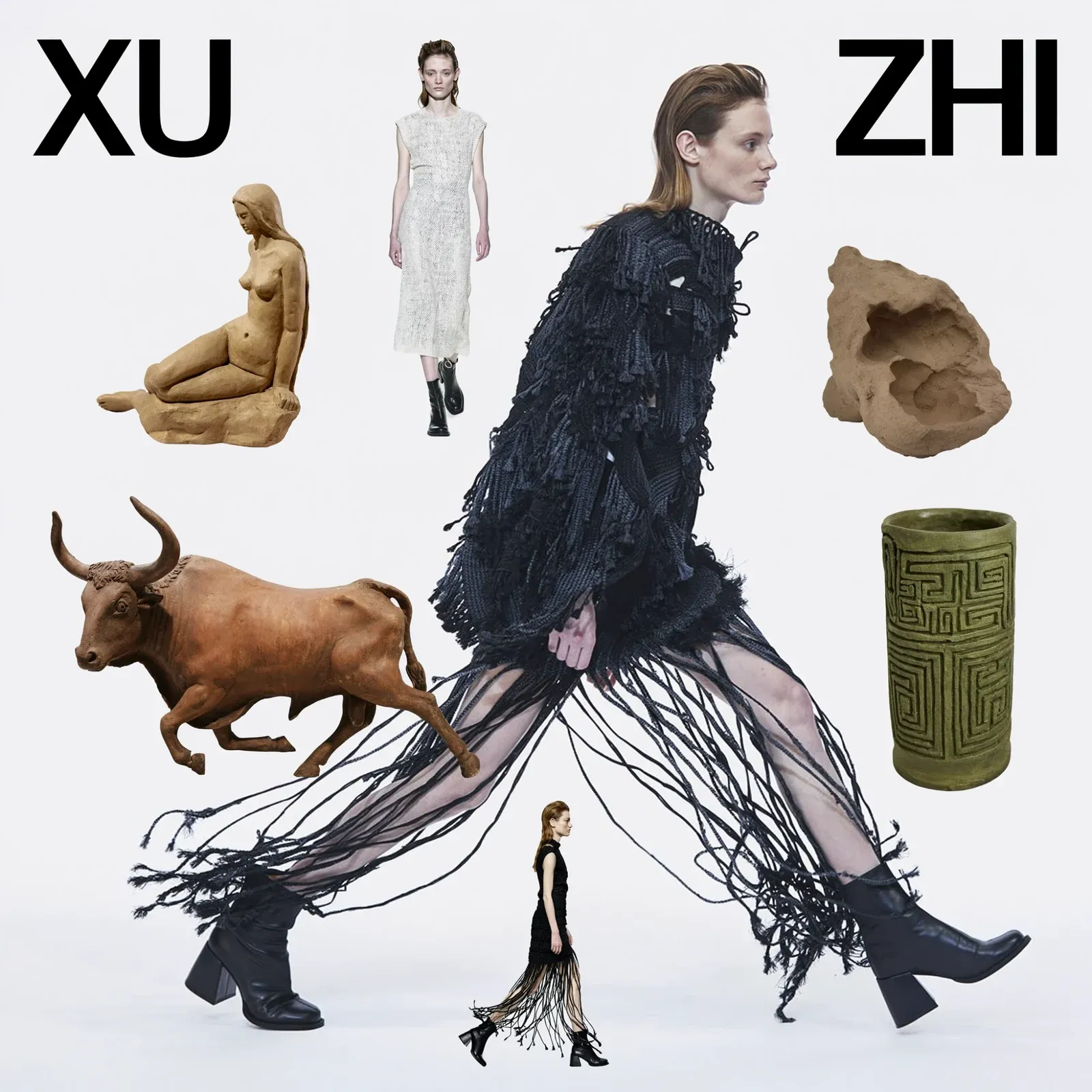
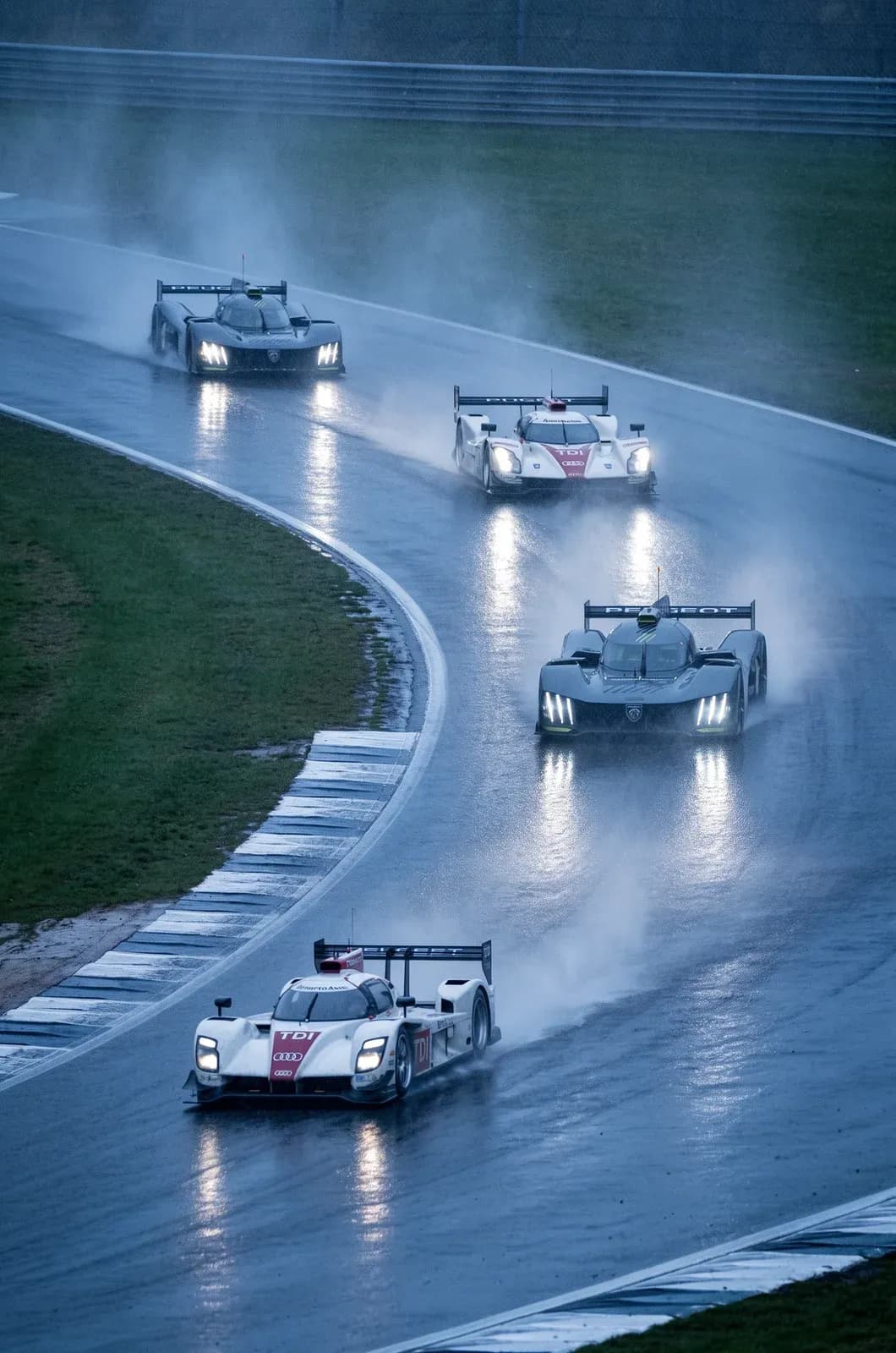
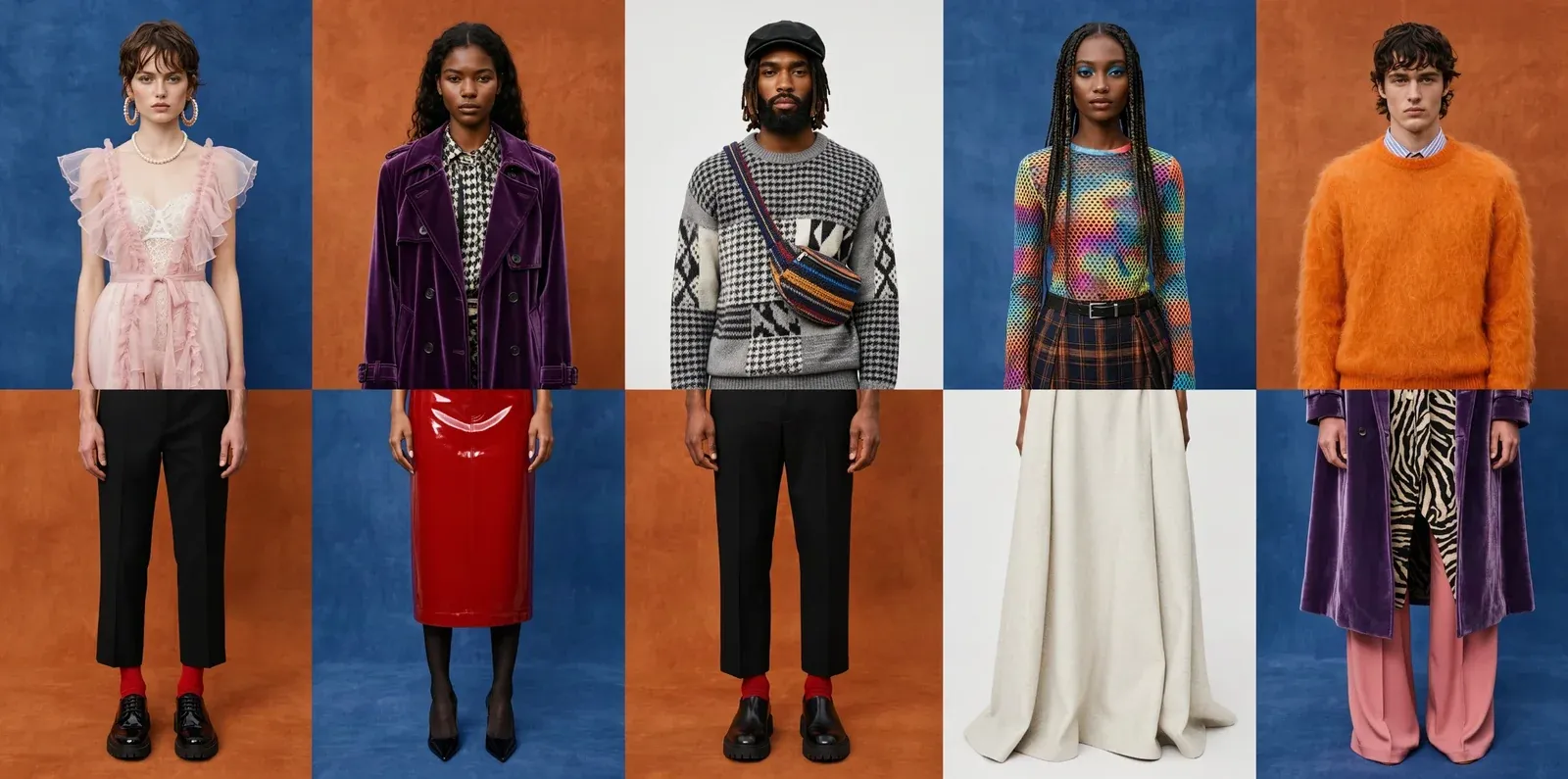
Make multiple edits at once without changing anything else.
Recolor wetsuit and board, edited box by box, with everything else unchanged
Turn multiple references into one well-composed image.
Use up to 10 references to create a thoughtfully designed image with less effort.
Generate in native 2K and 4K to preserve details.
Renders at full resolution so small details like textures, faces and colors are preserved.
Soba shop, 5456 × 3072 pixels, all from the model.
Pixel perfect editing lets you edit any part of an image while preserving the original.
Add two divers, before and after a pixel-perfect edit
Designed for agents.
FLUX 3 Image is natively trained to understand image layout and composition. An agent can use the model to easily create well-composed images with just a text prompt.
Swan Lake, from the wings, generated inside a layout the agent planned
Commercial weights
FLUX 3 Image is available under a commercial weights license for companies running image generation at scale. Fine-tune and deploy it on your own infrastructure. Reach out to us to learn more.
Make things with FLUX 3 Image.
Use bounding boxes to compose or edit images, render in native 4K, and make pixel-perfect edits.
Frequently asked questions
What is FLUX 3 Image?
FLUX 3 is Black Forest Labs' multimodal model for video, audio, images and actions. FLUX 3 Image is the part that generates and edits images. You place every element on a canvas with a bounding box, then edit the finished image one box at a time.
How do bounding boxes work?
Drag out a box for every element that matters and describe what goes in it. Then give the scene one line that ties the elements together, and FLUX 3 renders it with every element inside its box. Whatever aspect ratio you pick, the canvas is a 0 to 1000 grid on both axes, and each box is written as [y_min, x_min, y_max, x_max].
What does a layout prompt look like?
It has two parts. A global caption describes the whole image in one paragraph. An element table follows it, a JSON array with one row per element, and each row carries an id, a bounding box and a description. The caption cites every element by its id, like animal_1, where that element first appears.
Do I have to draw every box myself?
No. Give the agent one line and an aspect ratio, and an LLM plans the layout for you. It writes a caption and an element table, with a box and a semantic id for everything that matters. Every box stays editable, so move the ones you don't like and FLUX 3 generates inside the rest as the agent placed them.
Can I edit an image I already made?
Yes, and you can make several targeted edits at once. Each box can be re-described, replaced with something else or moved. Everything you didn't touch stays exactly where it was, so an image holds together across one round of edits after another.
Does FLUX 3 change the boxes I draw?
No. A prompt upsampler turns your short request into the dense caption FLUX 3 was trained on. It may write the caption around your boxes and suggest more elements, but every box you drew reaches the model verbatim, with the same id and the same coordinates. Anything the upsampler adds survives only if the caption refers to it.
What kinds of images suit bounding boxes?
Compositions with many parts in strict relationships. Type set around a photograph, collages and panel grids, editorial spreads, or a crowded scene where every face has its place.
How can I try FLUX 3 Image?
Draw the boxes by hand in the Playground, or send a layout prompt to FLUX 3 on the BFL API. Open the Playground