FLUX Virtual Try-On
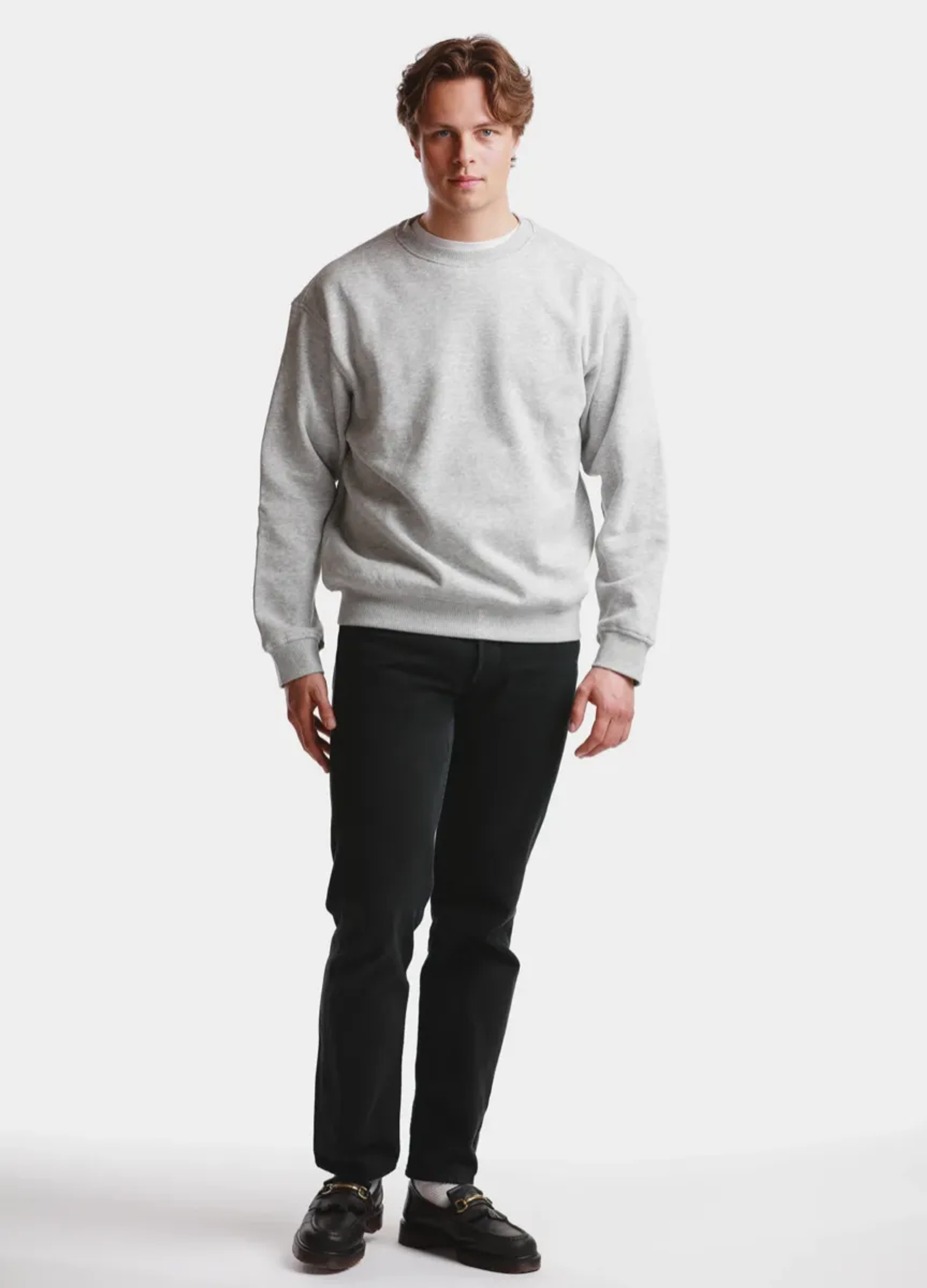
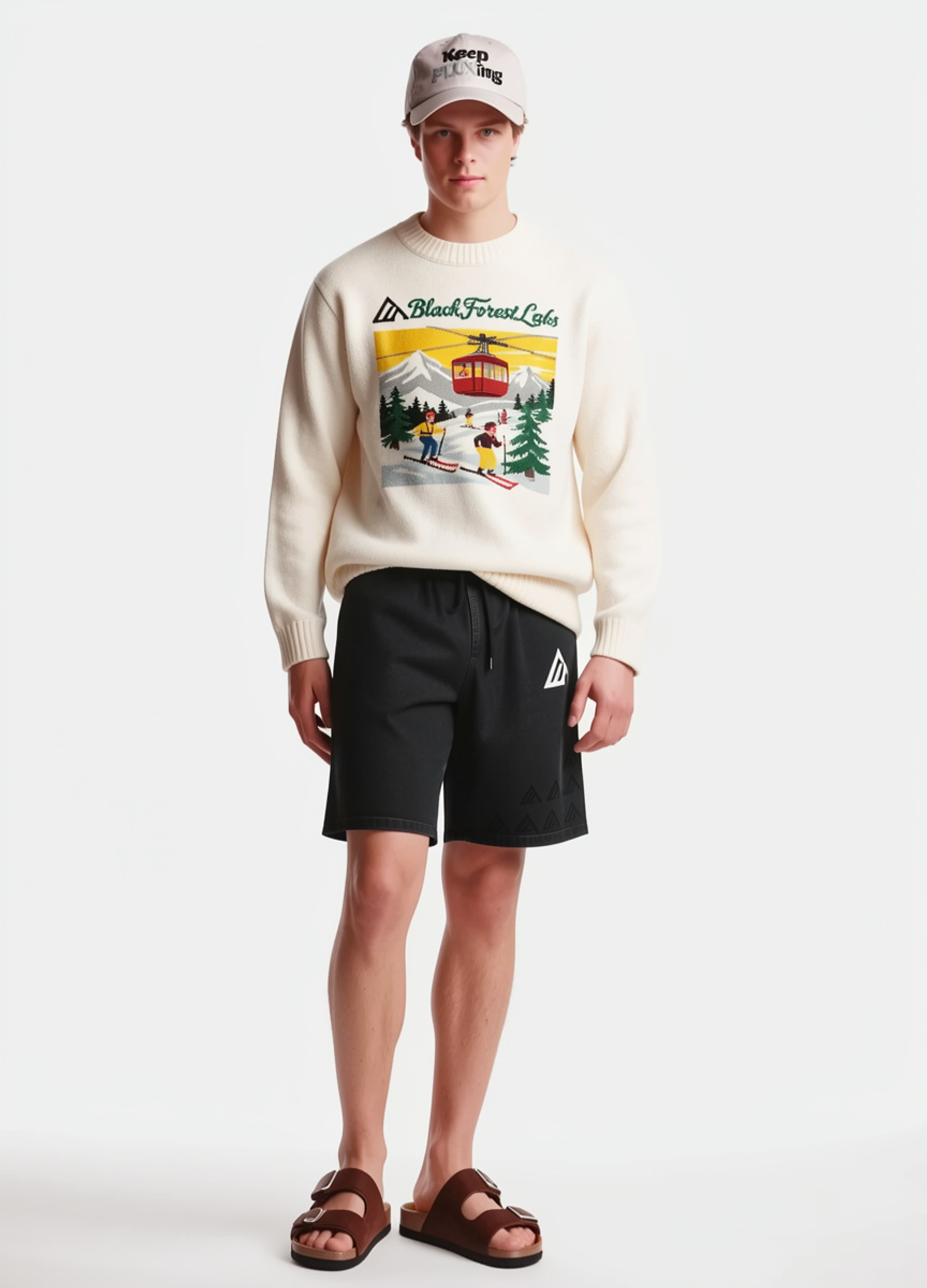
See any garment on any person in under four seconds. FLUX VTO keeps the person's face and pose, and keeps logos, prints, stitching and hardware intact, across a full catalog.
What is AI virtual try-on?
Virtual try-on shows a garment on a person who was never photographed wearing it. FLUX VTO takes a photo of a person and a garment reference and returns the person wearing it, fast enough for an interactive shopping flow.
Under four seconds
Generations complete in under four seconds, fast enough to feel interactive. Regional endpoints in the EU and US cut latency further.
Identity and garment fidelity
The person's face and pose are preserved, and garments come through with their logos, prints, stitching and hardware intact.
Full outfits and layering
Apply up to four garments to one model at once, transfer outfits between models, and layer pieces such as a shirt under a jacket.
Packshot or on-model references
Use a product packshot or a photo of the garment on another model. Packshots on a plain background give the best results.
What can you build with a virtual try-on API?
Try-on that is fast and faithful enough to run across thousands of SKUs, not a curated handful.
Try-on on product pages
Let shoppers see a garment on a model, or on themselves, across the whole catalog.
Virtual fitting rooms
Interactive fitting rooms and social media filters that respond in seconds.
Styling and outfit exploration
Combine pieces into full looks to explore styling, silhouette and overall fit.
Model-to-model transfer
Move an outfit from one model to another when you only have on-model imagery.
Is there a virtual try-on API?
Yes. FLUX VTO is an endpoint on the Black Forest Labs API and a tool in the FLUX MCP: send a person image, a garment image and a prompt, then poll for the result. To try on up to four garments, merge them into one garment image first. You can also try it in the free demo without code.
- Endpoint
- /v1/flux-tools/vto-v2
- Regional hosts
- api.eu.bfl.ai and api.us.bfl.ai
- Input
- A person image, a garment image and a prompt, as URL or base64
- Input size
- Up to 4 megapixels used as-is; around 1 megapixel recommended
- Output
- Follows the person image, up to 4 megapixels. JPEG (default), PNG or WebP.
- Speed
- Under four seconds per generation
- Billing
- Per megapixel
Frequently asked questions.
How fast is FLUX virtual try-on?
Generations complete in under four seconds. Using the regional endpoint closest to your users can save up to a second more.
Can I try on more than one garment at once?
Yes, up to four. Merge the garments into a single garment image and FLUX VTO applies them together, layering pieces such as a shirt under a jacket.
Can I use photos of a garment worn by another model?
Yes. Both packshots and on-model references work. Packshots on a plain background tend to give the best results.
What resolution is the try-on image?
The output follows the person image, up to 4 megapixels. Inputs up to 4 megapixels are used as-is; larger ones are downscaled to around 1 megapixel.
Does virtual try-on show exact sizing and fit?
Not yet. Precise body and garment sizing is still evolving, so treat results as visual styling guidance.
Whose photos can I use?
Only your own, or photos where you have explicit rights to use the person's likeness.
Are any garments not supported?
Swimwear and lingerie are not supported under the default moderation policy.
How much does FLUX VTO cost?
FLUX VTO is billed per megapixel. Current rates are on the pricing page.
See pricingIntegrate FLUX VTO into your workflow
Talk to our team about custom fine-tunes, dedicated infrastructure, and integration support for your product.