Your 3D render,
made photoreal.
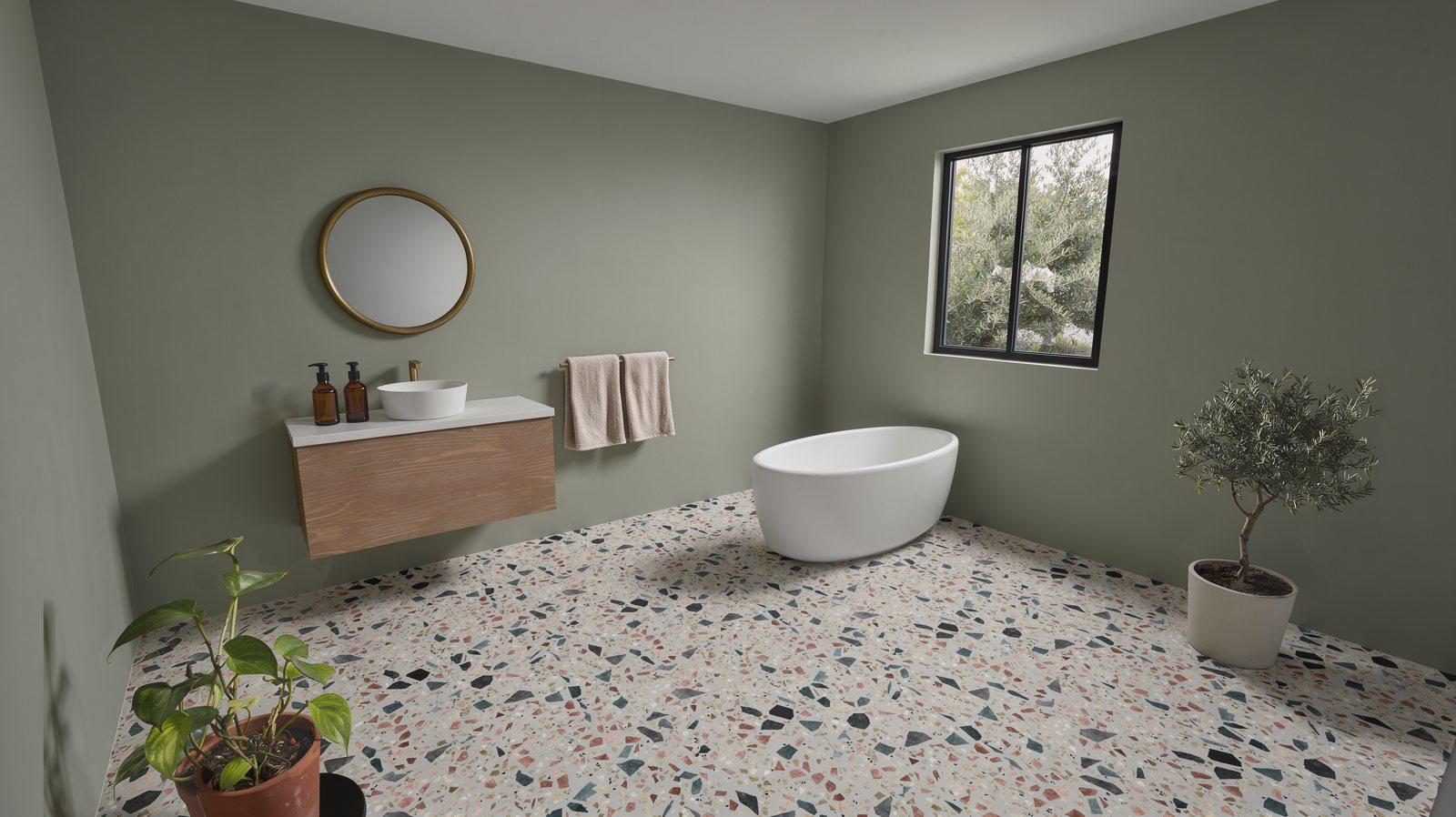
FLUX enhances the 3D scene from your planner or configurator into a photoreal image, without changing a single product, material or dimension.
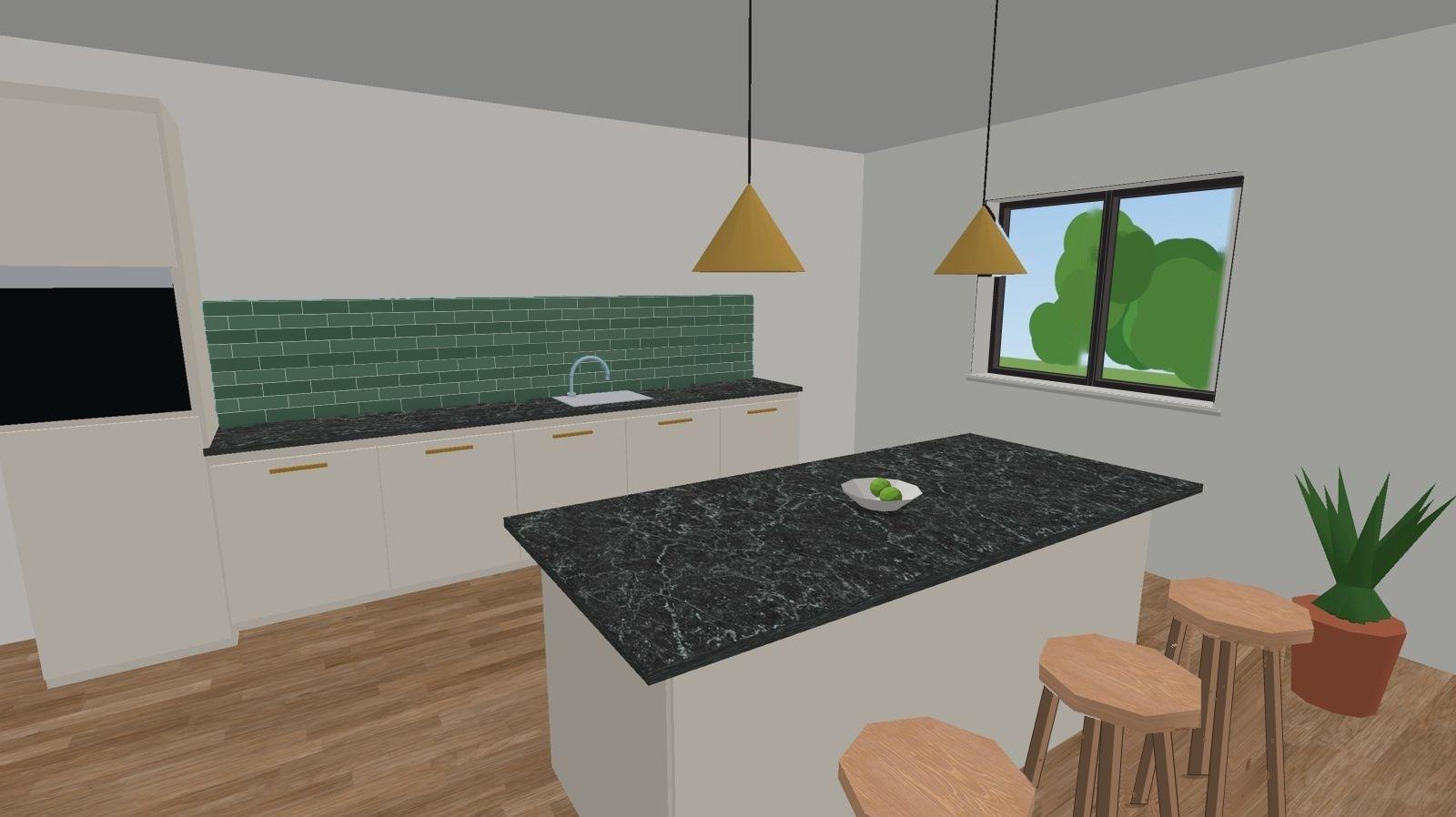
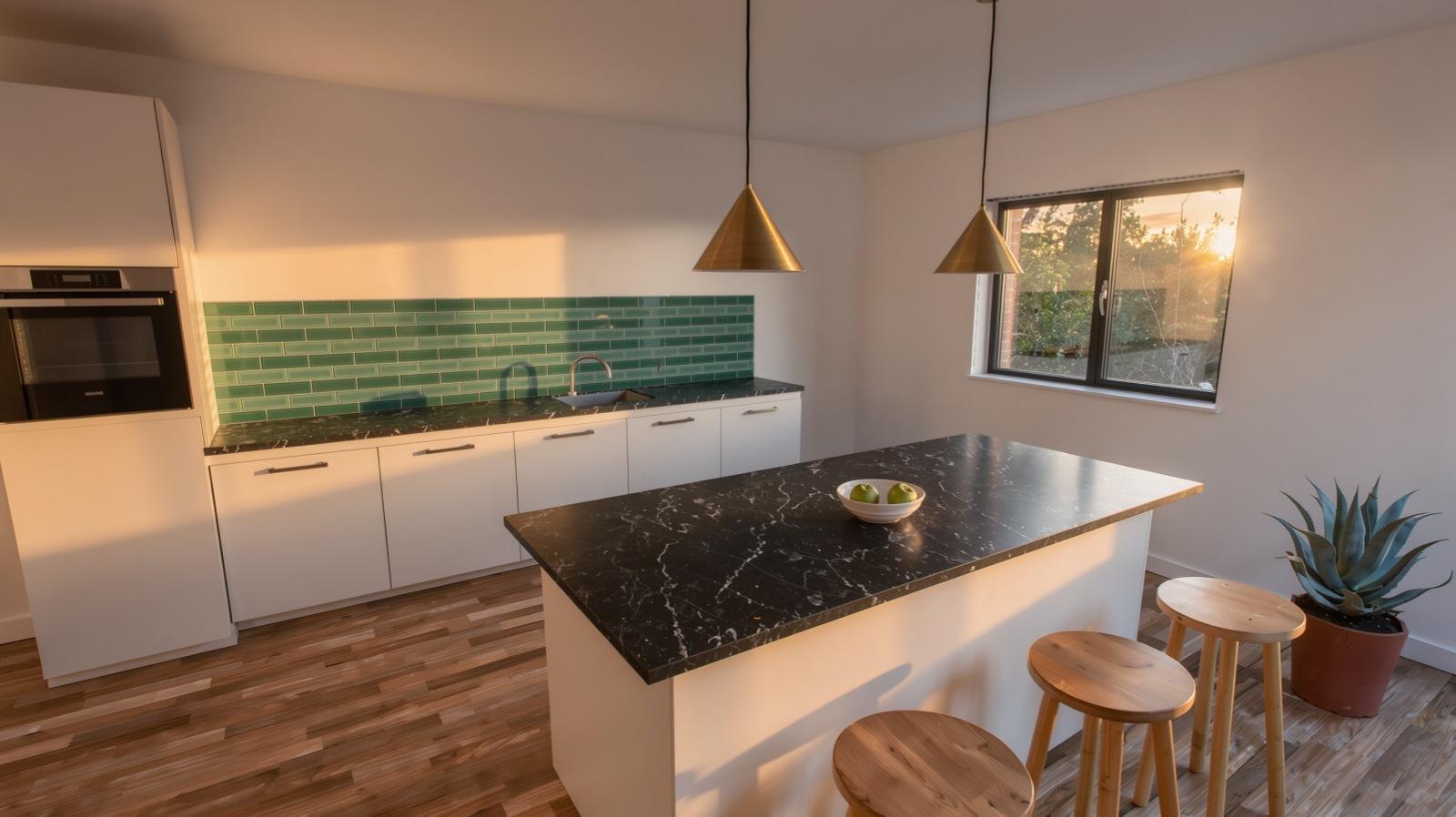 3D renderPhotoreal, golden hour
Four passes, each one checked against your render.
Each pass edits as little as it can, and every pass is checked against your render, so the camera, the layout and your products stay where you placed them.
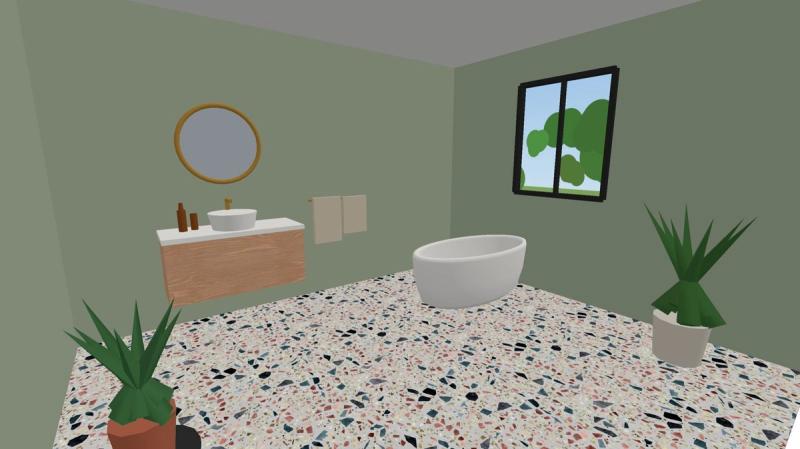
Your render
A 3D render from any engine, its Material ID pass and your material swatches.
- 01Photoreal
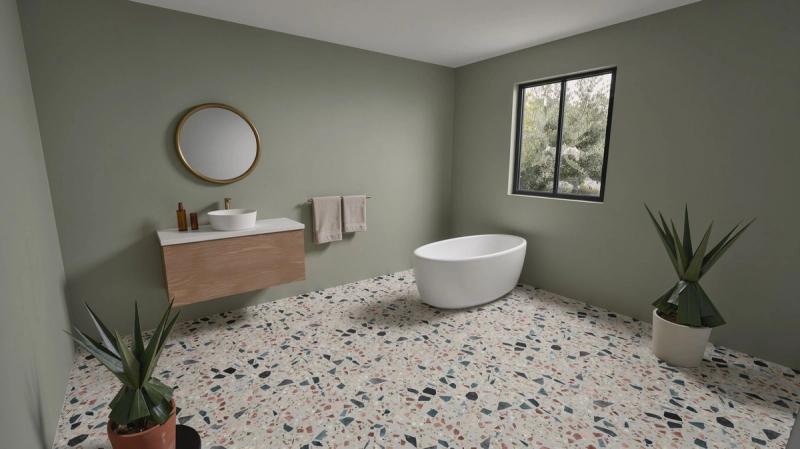
Photoreal pass
One pass over the whole frame. Your material swatches keep the terrazzo floor and the oak vanity true to your catalog.
- 02Props
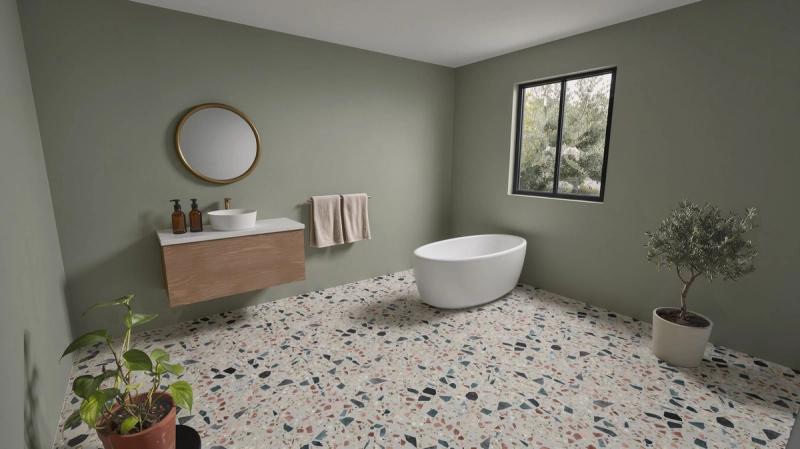
Props rebuilt one by one
Each low-poly plant, towel or bottle is redrawn on its own and checked against your render before it goes back in.
- 03Styled
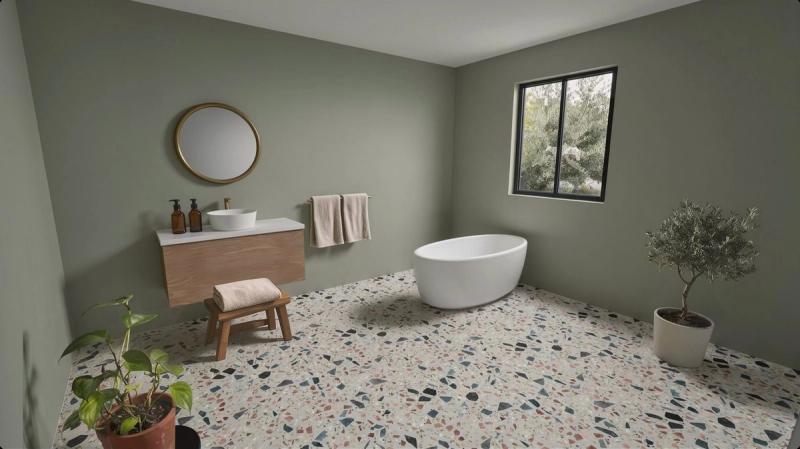
Styled
A folded towel on a stool. Only the new object is added, and the light stays as it was.
- 04Golden hour
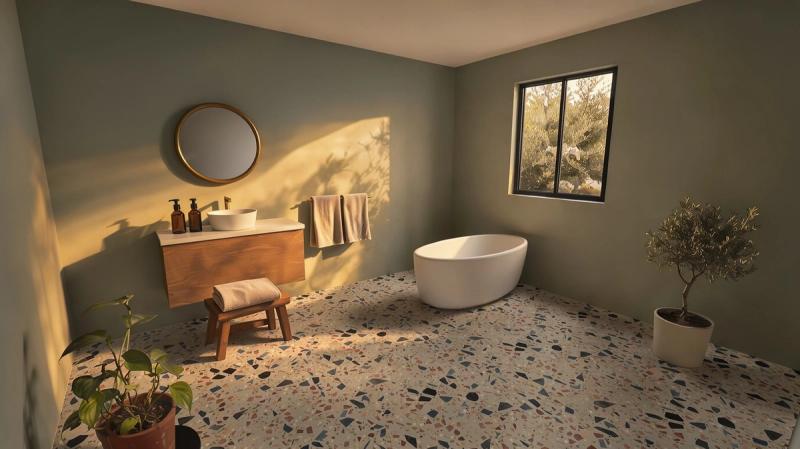
Golden hour
Late sun through the window as the only light. Nothing moves.
Your design stays yours. The photo is new.
A real-time 3D view is accurate but flat: gray light, plastic surfaces, low-poly props. FLUX keeps the accuracy and adds the realism.
Everything you designed
- Camera position, lens and framing
- Scene geometry, and every product’s position and size
- Colors, patterns and grain of your materials, matched to your swatches
- Cabinet fronts, handles, countertops and fixtures, with no added seams or details
Everything a photo adds
- Daylight, soft shadows and reflections that fit the room
- Real surface texture on plaster, wood, stone and fabric
- Plants, cushions and bedding rebuilt from low-poly props
- Optional styled and night versions of the same shot
Approve one shot. Show every option.
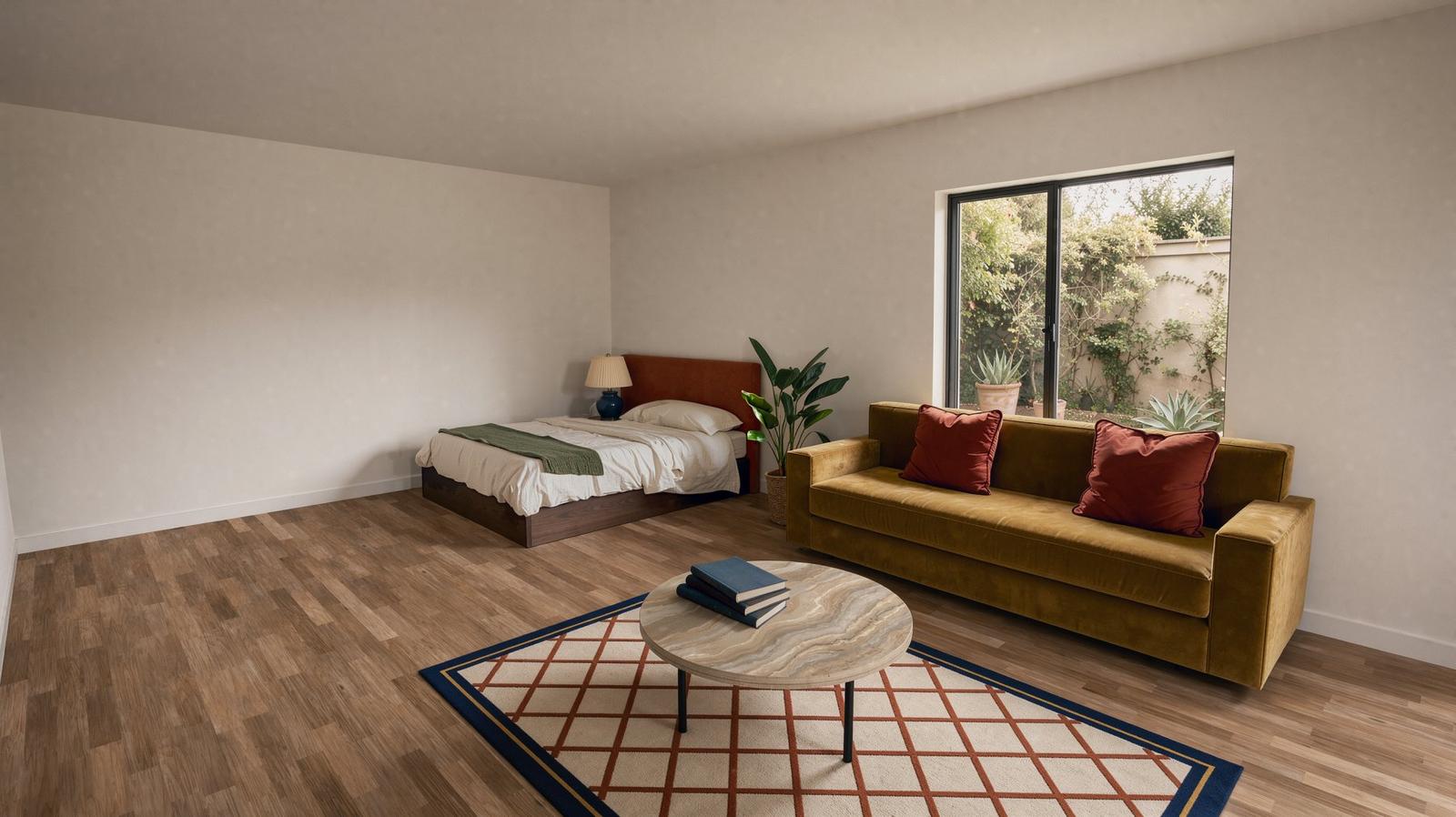
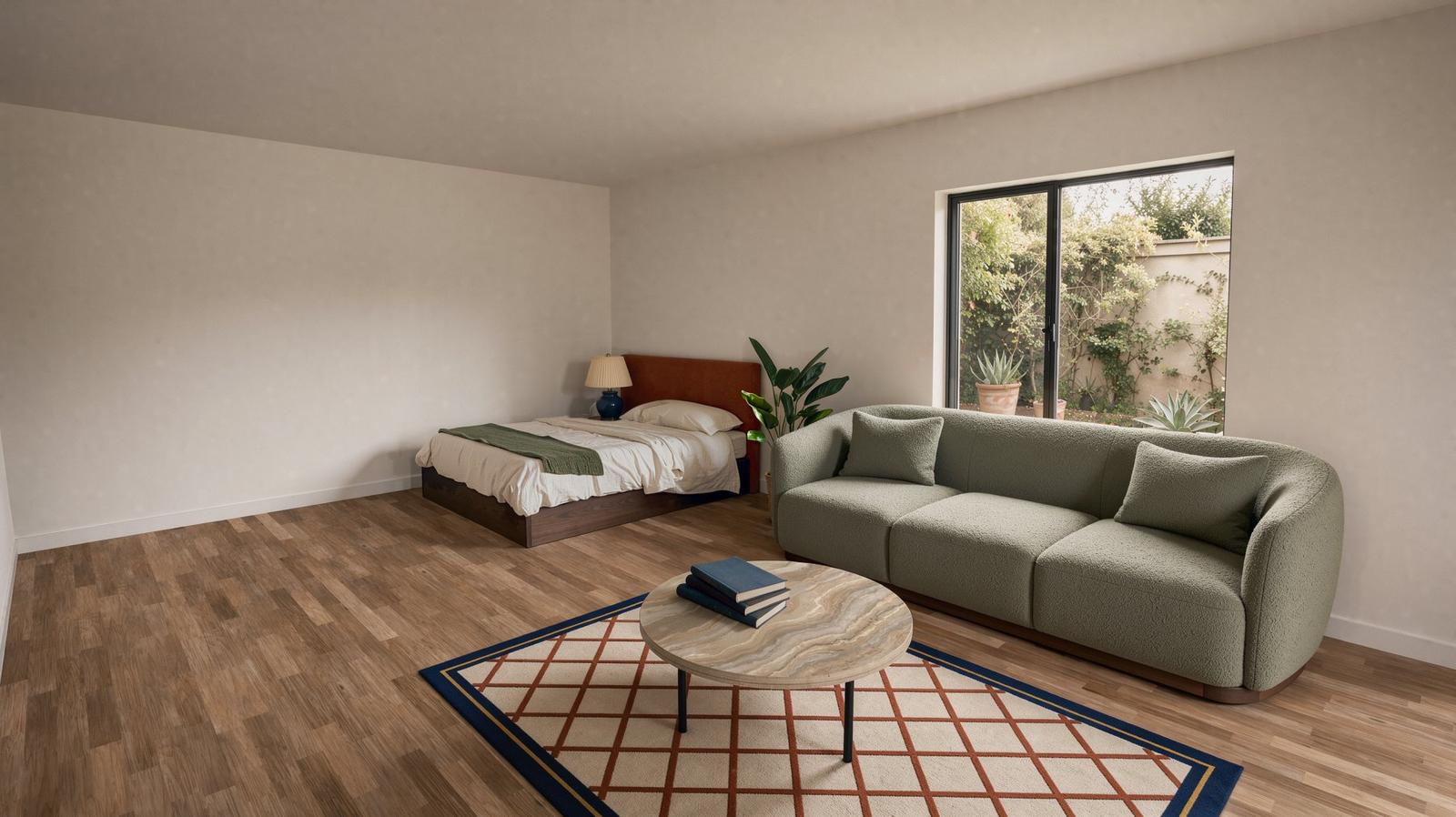
Once a shot is approved, each finish, product, layout or lighting option is an edit to that image, not a new photoreal pass. Only what you pick changes, and the swatches and products come from your catalog, so every option is still your design.
 Terrazzo
 ApprovedSwapped
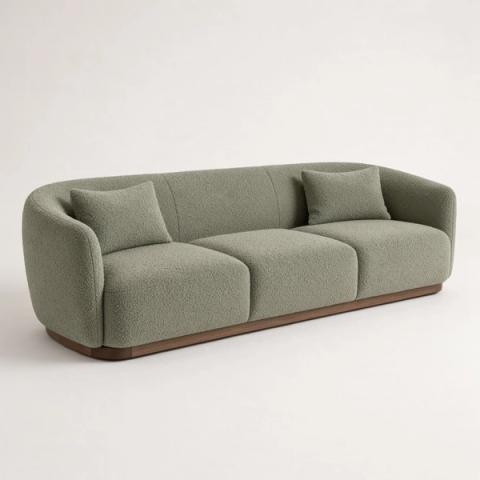
A mustard velvet sofa, swapped for a sage bouclé sofa.
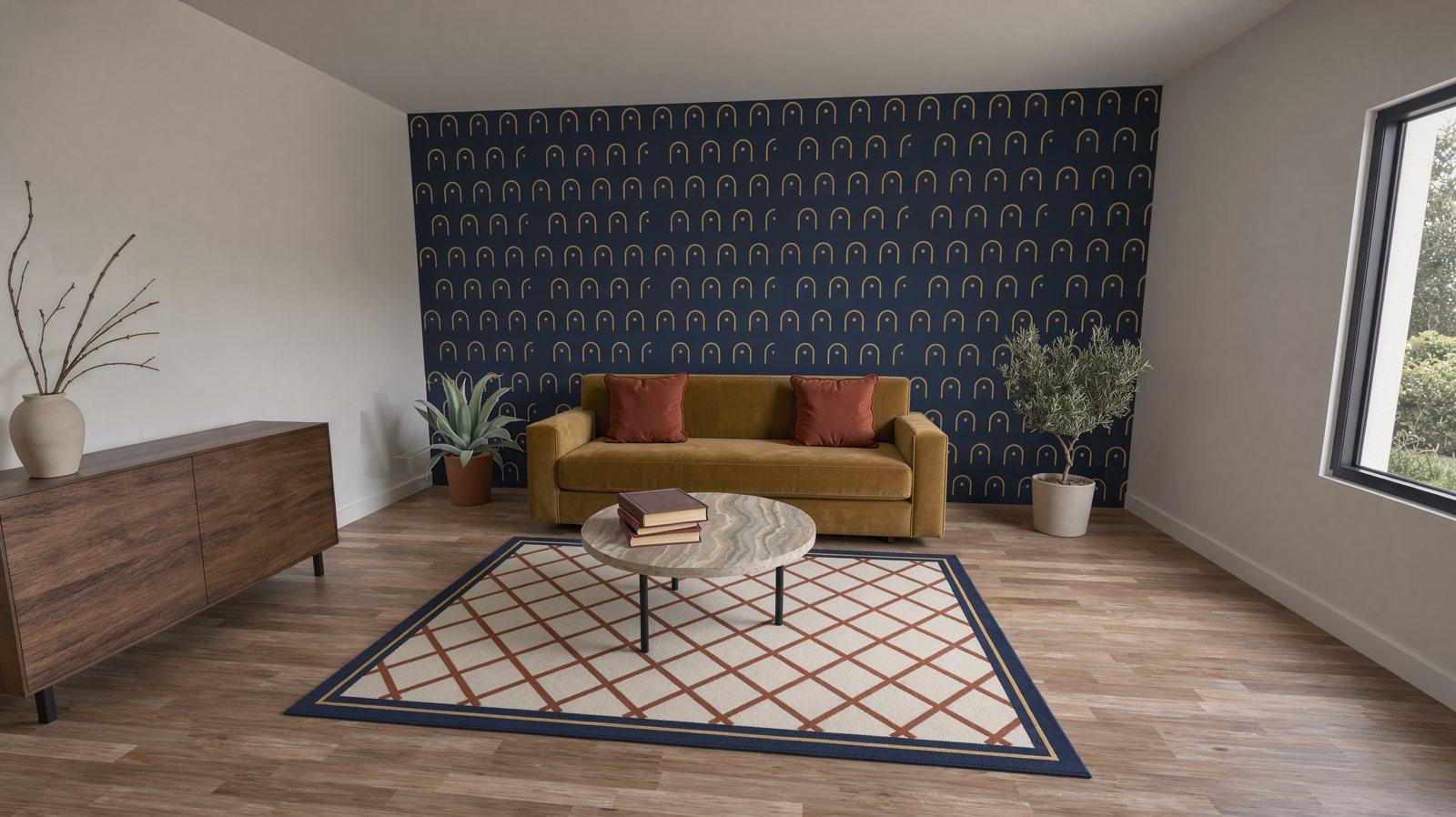
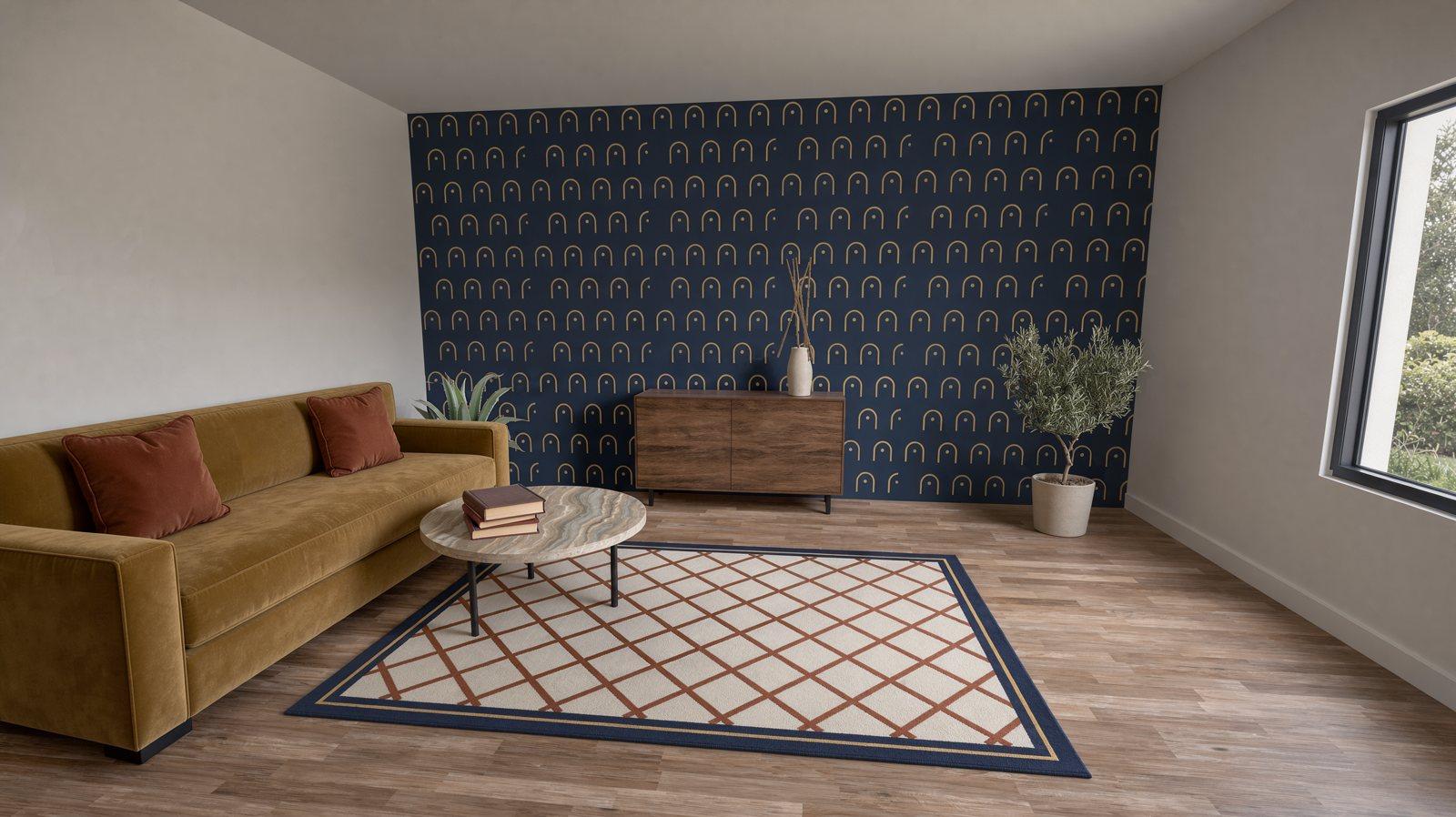 ApprovedRearranged
Move the furniture in your planner, and one FLUX 3 Image edit updates the approved image from the new 3D view.
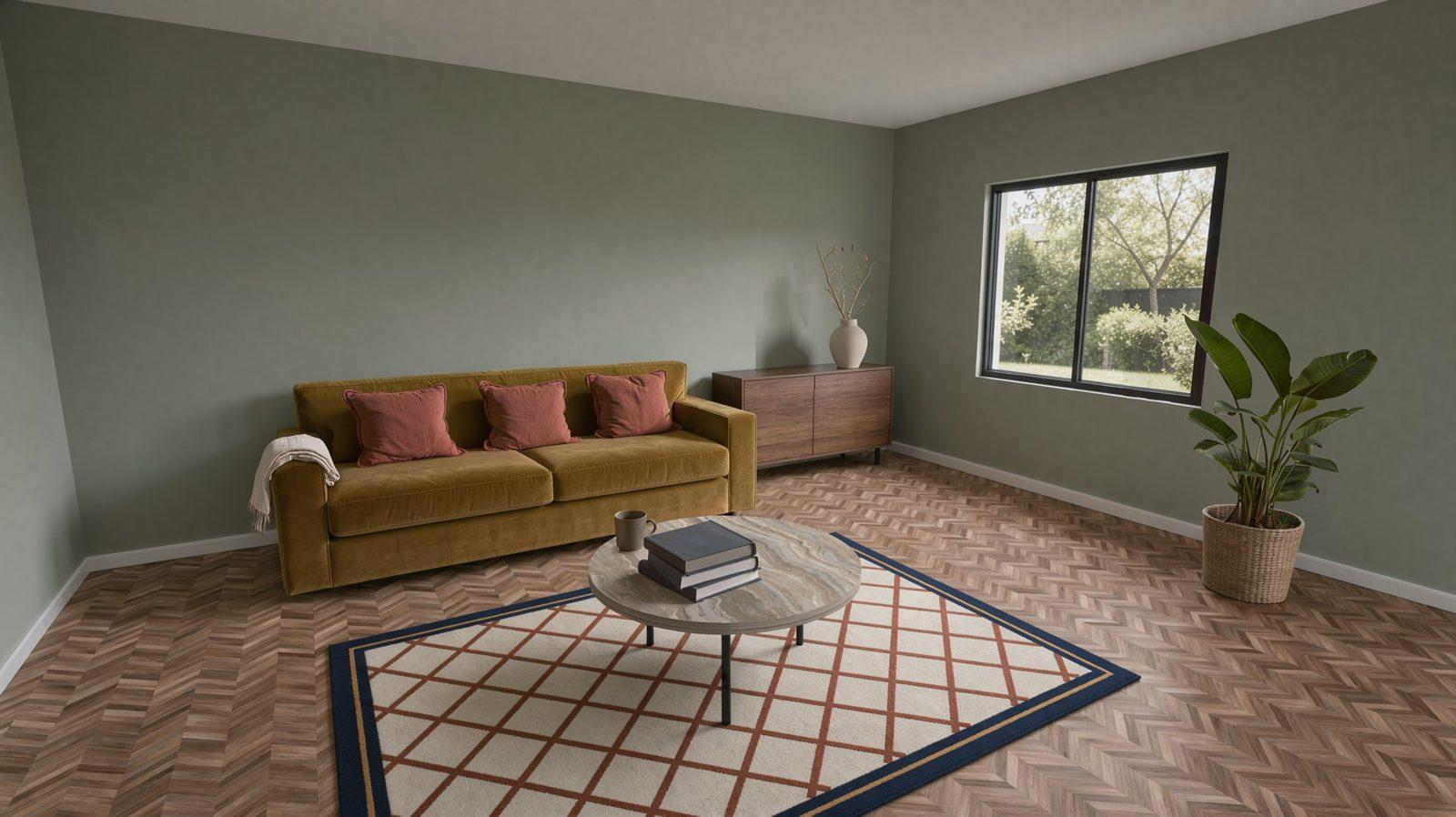
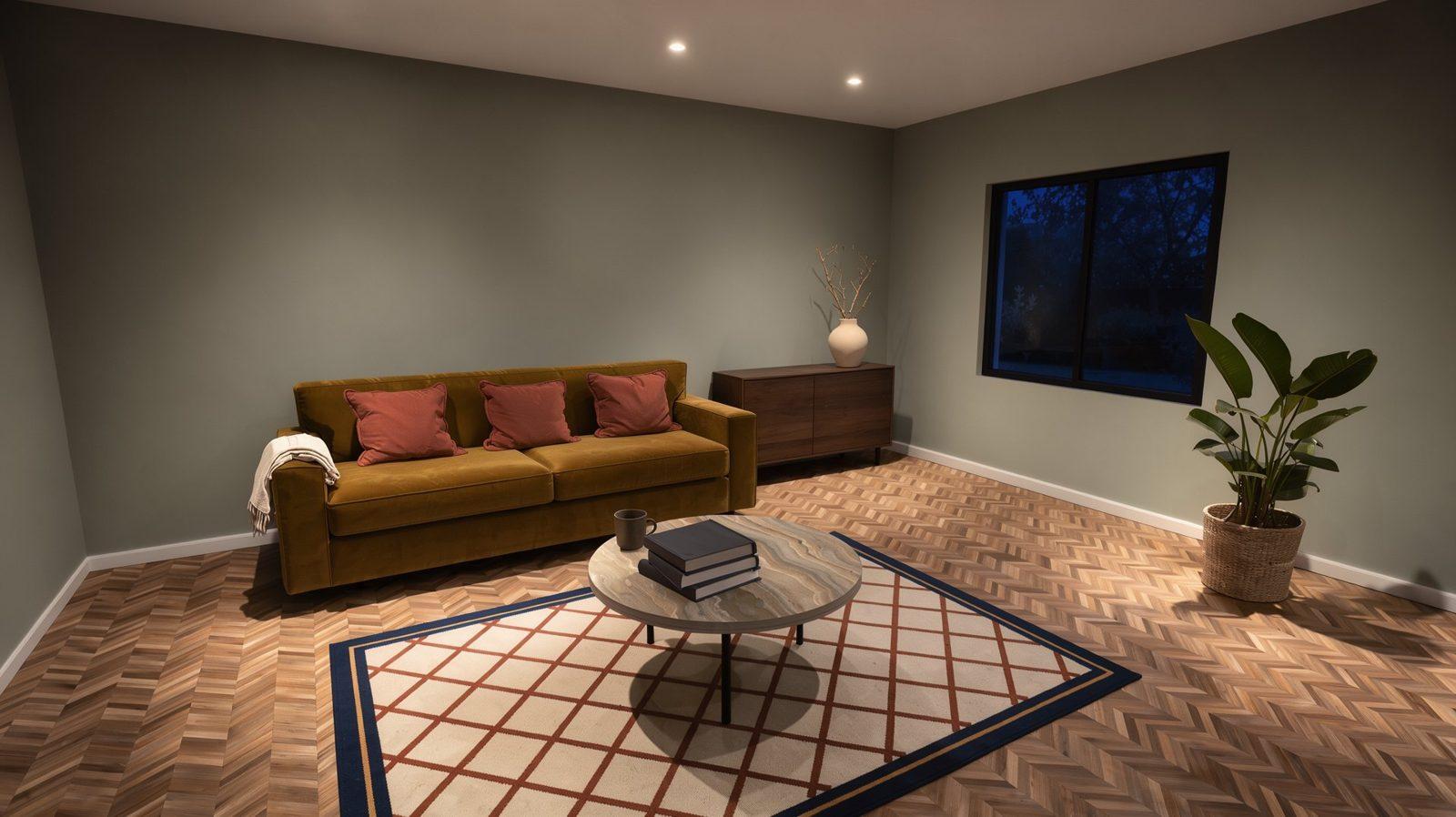 DayNight
The same shot at night, lit by the lights in your scene.
Rendering a whole catalog?
Tell us how many products and rooms you need and we’ll scope it with you.
Built for the teams that plan rooms.
- Space planning and configurator platformsOffer AI rendering inside your product, so customer projects end in a photoreal image.
- Kitchen and bath retailersGive every customer a photoreal image of their own design, in the showroom or online.
- Furniture brandsRoom sets and lifestyle imagery for every collection, without a photo shoot.
- Architecture and interior designDesign-stage visuals that keep the geometry and materials you specified.
Works with the 3D software you already use.
Kitchen studios, bathroom showrooms, furniture retailers and configurator teams already export these files. Nothing needs to be rebuilt in 3D.
What you send
- 3D renderThe planner or configurator view, from any engine. Low-poly props are fine.
- Material ID passThe same view with one flat color per material, so every surface can be checked.
- Material swatchesImages of the floor, wall, countertop or fabric, with their names from your catalog.
What you get back
- The imageThe same frame as your render, at up to 4K.
- VariantsClean, styled and night versions of the same shot.
- TimeMinutes per scene, not a render queue.
- ChecksEvery pass is checked against your render and your Material ID pass.
Bring one of your scenes.
Send a 3D render, its Material ID pass and your material swatches. We’ll send back the photoreal image, a styled version and the night.
Run it on our servers or yours.
FLUX 3 Image
The photoreal pass, product swaps and layout edits. Generates and edits from instructions with up to 10 reference images per request.
Your own capacity, hosted by us
We serve the pipeline on a dedicated endpoint sized for your volume and peaks, fine-tuned on your catalog if you need it. You never run a GPU.
FLUX 3 Image Klein
The props, styled and night passes. 5.6B open weights you can run on your own hardware; running it in a product needs a commercial license.
The whole pipeline in-house
License FLUX 3 Image as well and run every pass on your own infrastructure, so your customers’ designs never leave it.
Ready for security and legal review.
- SOC 2 Type IIAudited security, availability & confidentiality controls
- ISO 27001International standard for information security management
- GDPR CompliantGDPR-compliant data processing is standard.
- Zero data retentionDedicated instances with network isolation
- Commercial license termsClear rights to self-host and fine-tune the weights
- A model that stays putSelf-hosted weights don’t change until you update them
Frequently asked questions
Can AI rendering turn a 3D render into a photo without changing the design?
That is what the workflow is built for. FLUX edits as little as it can in each pass, every pass is checked against your render, and props are rebuilt one at a time. Test it on your own scenes: send us one and judge the result.
Does it work with renders from any 3D software?
Yes. FLUX works from the rendered image, so any planner, configurator or 3D engine works. Send the 3D view, its Material ID pass and your material swatches. Low-poly props are fine.
Can the image match the exact materials we sell?
Send swatches of your materials with the render as references. FLUX 3 Image carries their pattern scale, color and grain into the image, so a tile, floor or countertop looks like the one in your catalog.
What resolution are the images?
Output up to 4K.
Can we change the layout after an image is approved?
Yes. Rearrange the room in your planner, and one FLUX 3 Image edit moves the furniture in the approved image. The rest of the room, the light and the camera stay as they were, with no re-render.
Can we run it on our own infrastructure?
Yes. Running it in a product needs a commercial license.
How do we start?
Contact sales and send one of your scenes: a 3D render, its Material ID pass and your material swatches. We’ll send back the photoreal image, a styled version and the night, so you can judge the result on your own rooms.
Talk to sales
Tell us about your 3D software, your rooms and the renders you want made photoreal.